
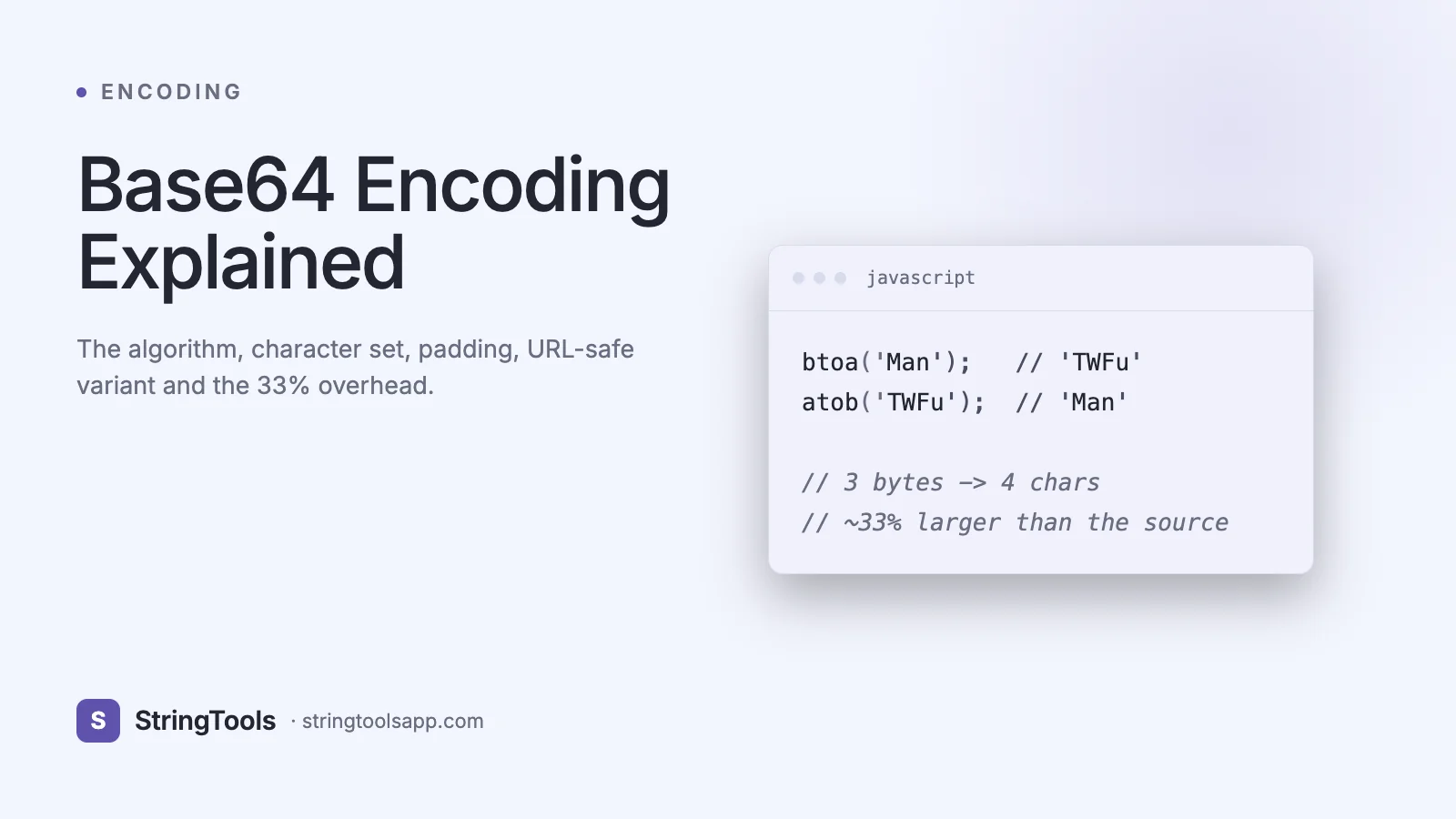
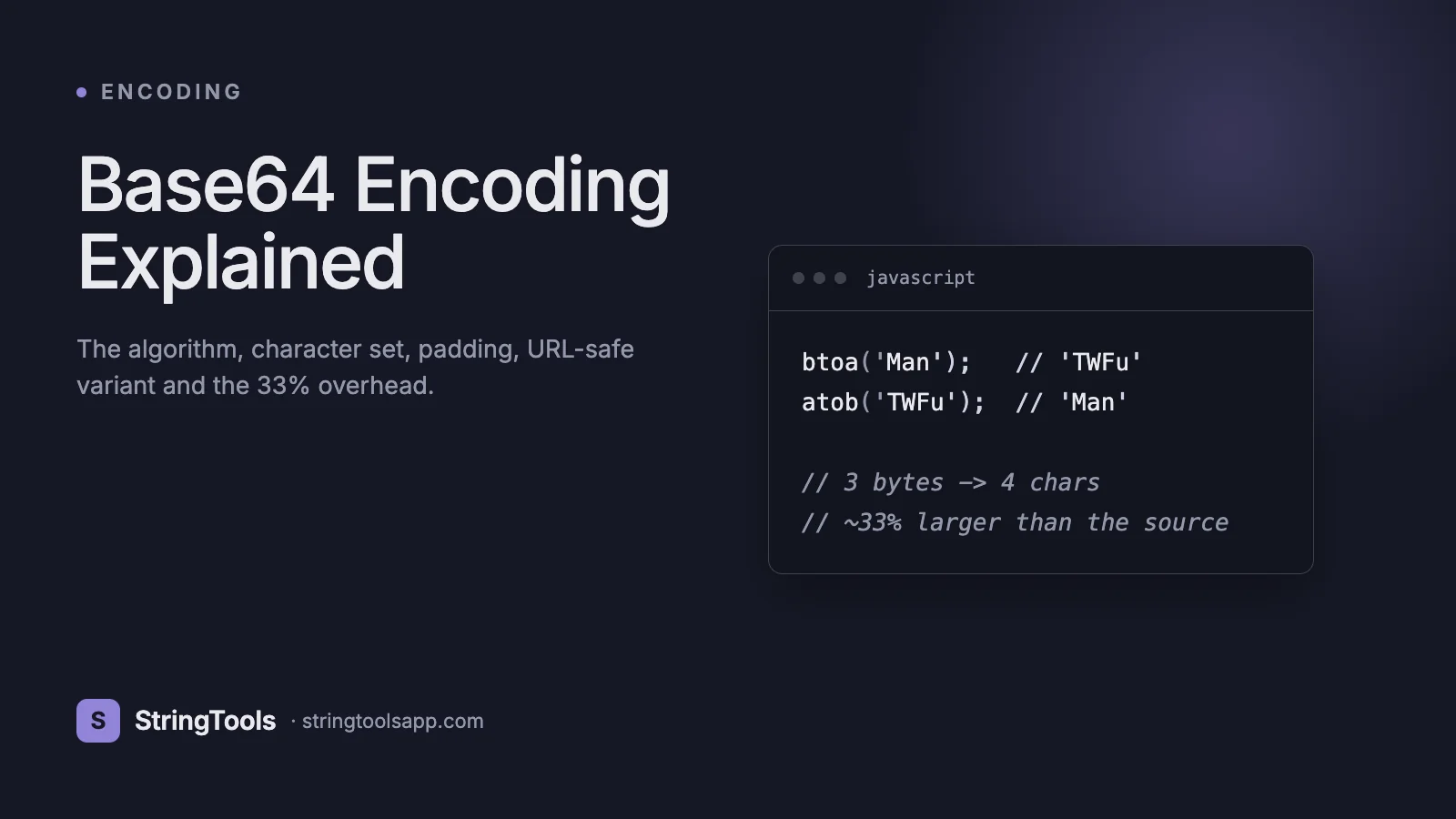
The Encoding Every Developer Thinks They Understand
Ask ten backend engineers what Base64 does and you'll get ten versions of the same half-right answer: "it turns binary into text." True, but that sentence hides the details that actually matter in production. Base64 is the reason your JWT tokens look like gibberish but work across every HTTP client on earth. It's why you can paste a PNG directly into a CSS file. It's also why naive engineers keep shipping 33%-larger payloads than they should, accidentally break URLs by using the wrong variant, and occasionally store "encrypted" passwords that a junior developer can decode with a single command.
Base64 is standardized in RFC 4648, published by the IETF in 2006. It defines three variants: standard Base64, URL-safe Base64, and Base32. The standard has been stable for two decades, which is why it appears in email (since RFC 2045 MIME), TLS certificates (PEM format), Basic Auth headers, Git pack files, Docker image layers, and nearly every REST API that carries binary data.
By the end of this guide, you'll know the exact bit-level algorithm, why the output is always a multiple of 4 characters, when to use the URL-safe variant, how to compute the exact size overhead for any input, and the specific situations where Base64 is the wrong answer. You'll also see working JavaScript and Python snippets you can paste into a REPL.
What Base64 Actually Is
Base64 is a binary-to-text encoding scheme that represents arbitrary binary data using 64 printable ASCII characters. The goal is to survive transport over systems that were designed for 7-bit text — email gateways, HTTP headers, URLs, JSON strings, XML — without modification by intermediaries that might strip high bits, normalize whitespace, or interpret control characters.
The character set is deliberately restricted to symbols that every ASCII-based system handles identically:
A-Z (26 characters, indices 0-25) a-z (26 characters, indices 26-51) 0-9 (10 characters, indices 52-61) + (index 62) / (index 63) = (padding, not a data character)
That gives 64 data symbols, hence "Base64" — you can represent any 6-bit value (0 to 63) as a single character. Since 6 is not a factor of 8 (bytes), the encoder works in groups: three input bytes (24 bits) produce exactly four output characters (24 bits spread across four 6-bit values). Remainders at the end are handled with padding, which is where the trailing = characters come from.
The Encoding Algorithm, Step by Step
Let's encode the three-byte ASCII string "Man" so you can see every bit.
Step 1. Write each byte as 8 bits.
M = 77 = 01001101 a = 97 = 01100001 n = 110 = 01101110
Step 2. Concatenate to 24 bits.
010011010110000101101110
Step 3. Split into four 6-bit groups.
010011 010110 000101 101110
Step 4. Interpret each group as an integer 0-63.
010011 = 19 010110 = 22 000101 = 5 101110 = 46
Step 5. Map each integer through the Base64 alphabet.
19 -> T 22 -> W 5 -> F 46 -> u
Result: "Man" encodes to "TWFu".
Padding. What if your input is not a multiple of three bytes? The encoder pads the final group with zero bits, encodes as usual, and replaces the positions that correspond to missing input bytes with the = character.
One byte of input produces four output characters with two = pads (e.g., "M" -> "TQ=="). Two bytes produces four output characters with one = pad (e.g., "Ma" -> "TWE="). Three bytes produces four output characters with zero pads.
That's why Base64 output is always a multiple of four characters in strict mode, and why you'll see 0, 1, or 2 trailing = signs but never 3.
Decoding reverses the process: map characters back to 6-bit integers, concatenate, and slice into 8-bit bytes, dropping any bits introduced by padding.
Code You Can Run Today
JavaScript (browser and Node 16+):
// Encode a string const encoded = btoa("Hello, World!"); // "SGVsbG8sIFdvcmxkIQ=="
// Decode const decoded = atob("SGVsbG8sIFdvcmxkIQ=="); // "Hello, World!"
// For Unicode strings, btoa throws. Use TextEncoder first. const enc = btoa(String.fromCharCode(...new TextEncoder().encode("héllo")));
// Node.js idiomatic approach const b64 = Buffer.from("héllo", "utf8").toString("base64"); const back = Buffer.from(b64, "base64").toString("utf8");
Python:
import base64
# Standard Base64 encoded = base64.b64encode(b"Hello, World!").decode("ascii") # 'SGVsbG8sIFdvcmxkIQ=='
decoded = base64.b64decode(encoded).decode("utf-8")
# URL-safe variant (substitutes - for + and _ for /) safe = base64.urlsafe_b64encode(b"\xff\xff\xff").decode("ascii") # '____' instead of '////'
Shell (macOS/Linux):
echo -n "Hello" | base64 # SGVsbG8=
echo "SGVsbG8=" | base64 --decode # Hello
All three implementations follow RFC 4648. Cross-language compatibility is a key reason Base64 has survived: the output is byte-identical regardless of which runtime produced it.
URL-Safe Base64 and Why It Exists
The + and / characters in standard Base64 have special meaning in URLs and filenames. + often decodes to a space in query strings, and / is a path separator. Embedding raw Base64 in a URL without encoding will silently corrupt the data.
RFC 4648 Section 5 defines the URL-safe variant:
+ is replaced with - (hyphen, index 62) / is replaced with _ (underscore, index 63) = padding is often omitted entirely (the decoder can infer padding from the length modulo 4)
This is the variant used by JWT (JSON Web Tokens, RFC 7519), WebPush keys, many OAuth 2.0 flows, and S3 pre-signed URLs. Mixing variants silently is a common bug: a library that emits standard Base64 will be decoded as garbage by a strict URL-safe decoder and vice versa, unless the decoder normalizes.
A helper in JavaScript to convert between them:
const toUrlSafe = s => s.replace(/\+/g, "-").replace(/\//g, "_").replace(/=+$/, ""); const fromUrlSafe = s => { const pad = s.length % 4 === 0 ? 0 : 4 - (s.length % 4); return s.replace(/-/g, "+").replace(/_/g, "/") + "=".repeat(pad); };
Real-World Use Cases
1. Email attachments (MIME). RFC 2045 mandates Base64 for binary attachments in email. SMTP is a 7-bit protocol — binary data would be mangled without encoding.
2. Data URIs in HTML and CSS. data:image/png;base64,iVBORw0KGgo... lets you inline small images directly in a stylesheet or HTML document. Useful for email templates and above-the-fold critical CSS, but counterproductive for images over ~4KB because it blocks parallel image downloads.
3. JWT tokens. The three segments of a JWT (header.payload.signature) are each URL-safe Base64 strings. The body is JSON; the signature is raw HMAC or RSA bytes.
4. PEM-encoded certificates and keys. TLS certificates, SSH keys, and PGP keys use Base64 wrapped between -----BEGIN and -----END markers.
5. Basic HTTP authentication. Authorization: Basic dXNlcjpwYXNz — the dXNlcjpwYXNz is username:password in Base64. Not encryption; the header must travel over HTTPS.
6. Git and Docker. Git stores binary diffs Base64-encoded in some transport paths; Docker image manifests Base64-encode layer digests.
7. Binary fields in JSON APIs. Since JSON strings cannot contain raw binary, APIs that need to transport images, signatures, or cryptographic bytes Base64-encode them into string fields.
The 33% Overhead Math
Base64 produces 4 output bytes for every 3 input bytes. The formula for the encoded size (with padding):
encoded_bytes = 4 * ceil(input_bytes / 3)
For an input of N bytes, overhead compared to raw is:
overhead = (4 * ceil(N/3) - N) / N
As N grows, this approaches exactly 33.33%. A 1MB binary file Base64-encodes to ~1.333MB. A 10KB image becomes ~13.4KB including padding.
On top of this, if you then put the Base64 string inside JSON and gzip the response, compression partially reclaims the overhead (Base64 output has enough redundancy that gzip typically recovers 10-15%), but you never get back to the original size. For large binary payloads, transmitting raw bytes via multipart/form-data or a binary protocol is meaningfully cheaper.
Rule of thumb: Base64 is fine for blobs under ~100KB. For larger assets, stream the raw bytes instead, or use a storage service (S3, Cloudflare R2) and pass a URL in your JSON.
Common Mistakes and Pitfalls
1. Treating Base64 as encryption. The single biggest misconception. Base64 is fully reversible by anyone — there is no key, no secret, no protection. If you've seen "encoded passwords" in a database, they are decodable in milliseconds.
2. Mixing standard and URL-safe variants. A token encoded with + and / will fail to decode in a URL-safe context. Normalize at the boundary.
3. Forgetting padding. Some libraries emit without padding ("TWFu" vs "TWFu=="); some decoders require it. Pad to a multiple of 4 with = before decoding, or use a library that tolerates missing padding.
4. Base64-encoding UTF-8 strings without declaring encoding. btoa("héllo") throws in the browser because the string contains bytes outside Latin-1. Always convert to UTF-8 bytes first via TextEncoder.
5. Using Base64 for large files in JSON. A 10MB image becomes 13.3MB and balloons memory on both ends. Use multipart uploads or signed URLs.
6. Assuming Base64 output is a valid identifier. The +, /, and = characters break URLs, filenames, and many query-string parsers. Use URL-safe Base64 for those contexts.
Security Misconceptions: Base64 Is Not Encryption
This needs its own section because the confusion causes real breaches.
Base64 obfuscates. Encryption protects. The distinction is not academic.
Encoding. Any input can be recovered from its output without a secret. This is a design property, not a flaw.
Encryption. Output cannot be recovered without a key. Modern algorithms like AES-GCM and ChaCha20-Poly1305 are the correct tools.
Hashing. A one-way function from which the input cannot be recovered at all. Use SHA-256 or bcrypt/argon2 for passwords.
Real-world failures that have hit production: storing API keys Base64-encoded in a client-side bundle and assuming they were hidden, logging Authorization: Basic headers to disk "because they looked encrypted," sending sensitive PII in Base64 query strings thinking it was opaque. All are trivially reversible by anyone who sees the string.
The only legitimate security use of Base64 is as an encoding layer wrapping data that is already encrypted or signed. JWT follows this pattern correctly: the signature is cryptographically strong; Base64 just makes it URL-safe.
Frequently Asked Questions
Why is Base64 output always a multiple of 4 characters?
Because the algorithm processes input in 3-byte (24-bit) blocks and emits 4 characters (4 x 6 = 24 bits) per block. If the final block has 1 or 2 leftover bytes, the encoder pads with = to reach a full 4-character group. This regularity lets decoders validate input length in O(1).
Can Base64 be used with non-ASCII text?
Base64 operates on bytes, not characters. To encode a Unicode string, first serialize it to UTF-8 bytes (TextEncoder in JavaScript, str.encode('utf-8') in Python), then encode those bytes. Decoding reverses: Base64-decode to bytes, then decode bytes as UTF-8.
Why does btoa throw on emoji?
The legacy browser btoa only accepts strings where every character code is under 256 (Latin-1). Modern UTF-8 text contains multi-byte sequences that overflow this range. Use TextEncoder -> btoa(String.fromCharCode(...bytes)) or switch to Buffer.from(str, 'utf8').toString('base64') in Node.
Is there a smaller encoding than Base64?
Base85 (used in Adobe PDF and git binary patches) achieves ~25% overhead instead of 33%, at the cost of using a broader character set. Base91 and Z85 push further. For transport, the extra complexity rarely pays off. For storage, binary formats beat any text encoding outright.
How do I detect whether a string is Base64?
There's no 100% reliable test because many plain strings happen to match the Base64 alphabet. Use a heuristic: length is a multiple of 4, only contains [A-Za-z0-9+/=], and decodes without error. Even then, false positives are possible. If you control both ends, include a type marker (a prefix byte or a content-type header).
Does Base64 impact performance?
Encoding and decoding are O(n) and extremely fast — GB/s on modern CPUs with SIMD-optimized libraries. The real performance cost is the 33% bandwidth overhead and increased memory use, not CPU.
What's the difference between Base64 and Base64url?
Base64url replaces + with -, / with _, and often omits padding. It is designed for contexts where the output must survive URLs, file names, and DNS labels without further escaping. Both are defined in RFC 4648.
Conclusion: Encode with Intent
Base64 is the quiet workhorse of the internet. It moves binary data through text-only pipes, survives decades-old mail servers, makes JWT tokens possible, and lets you inline assets into CSS. But it's not encryption, it's not compression, and it's not free — the 33% overhead is real, and using the wrong variant can silently corrupt URLs.
Use it when you need binary data to travel through a text transport. Pair it with real encryption when you need confidentiality. Switch to raw binary or streaming when payloads exceed a few hundred kilobytes. And always pick the URL-safe variant for anything that touches a URL or filename.
Try the StringTools Base64 Encoder and Decoder at https://stringtoolsapp.com — it runs entirely in your browser, supports both standard and URL-safe variants, and never transmits your data.