
The Error Every Frontend Developer Has Seen
It is 11 PM. Your frontend works locally. You deploy. The browser console lights up red:
Access to fetch at 'https://api.example.com/users' from origin 'https://app.example.com' has been blocked by CORS policy: No 'Access-Control-Allow-Origin' header is present on the requested resource.
If you have written JavaScript that calls an API, you have hit this. CORS is the single most common source of "it works locally but not in production" bugs, and the fixes copy-pasted from Stack Overflow often range from wrong to dangerously insecure.
CORS (Cross-Origin Resource Sharing) is the browser mechanism that lets a server at one origin tell the browser it is safe for a page at another origin to read its responses. It is not an obstacle to work around — it is a security feature protecting your users from cross-origin attacks. Understanding it deeply saves hours of debugging and keeps you from opening security holes in the name of "making CORS errors go away."
This guide covers the Same-Origin Policy, simple vs preflight requests, every CORS header in detail, credentialed requests and their wildcard restrictions, framework-specific setup (Express, Django, Flask), development workarounds, and the security implications of Access-Control-Allow-Origin: *.
What Is CORS?
CORS is an HTTP-header-based mechanism (defined in the Fetch Living Standard and historically in RFC 6454) that lets a server indicate which origins other than its own may load its resources. It relaxes the default browser restriction called the Same-Origin Policy.
An origin is the triple (scheme, host, port). https://app.example.com:443 is a different origin from http://app.example.com:80, from https://api.example.com:443, and from https://app.example.com:8080. Same scheme, same host, same port — or it is cross-origin.
By default, the browser lets a page load cross-origin images, scripts, stylesheets, and fonts (with caveats), and it lets the page send cross-origin requests via fetch or XHR. What it does not let is the page read the response of those cross-origin requests, unless CORS explicitly allows it.
That last distinction is the whole point. Without CORS, a malicious page at https://evil.com could use your logged-in browser to fetch https://bank.example.com/account and read your balance. With CORS, the bank never sends Access-Control-Allow-Origin: https://evil.com, so the browser blocks evil.com from reading the response — even though the request reached the server.
CORS is a browser mechanism. curl, Postman, your Node.js backend, and the StringTools API Client at /api-client are not bound by CORS — they do not have an origin to protect. That is why an API call works in curl but fails in the browser.
The Same-Origin Policy
The Same-Origin Policy (SOP) is the browser's foundational web security rule. It prevents scripts on one origin from reading data from another origin. It was introduced in Netscape Navigator 2.0 in 1995 and now governs every modern browser.
What SOP blocks:
- Reading responses from cross-origin fetch/XHR (without CORS).
- Reading DOM of cross-origin iframes (without postMessage).
- Reading cross-origin canvas image data (without CORS).
- Reading cookies of another origin.
What SOP allows freely:
- Loading cross-origin scripts via <script src>.
- Loading cross-origin images via <img>.
- Loading cross-origin stylesheets via <link rel="stylesheet">.
- Submitting forms cross-origin.
That asymmetry explains several historical attack classes. Cross-Site Request Forgery (CSRF) abuses the freedom to submit cross-origin forms. Clickjacking abuses framing. JSONP abused the freedom to load cross-origin scripts. CORS exists to safely open the one hole — reading cross-origin responses — that SOP closes.
Think of SOP as the default deny, and CORS as the opt-in allow. The server decides which origins can read its data; the browser enforces it.
Simple Requests vs Preflight Requests
CORS distinguishes two kinds of cross-origin requests.
A simple request meets all of these criteria:
- Method is GET, HEAD, or POST.
- Only CORS-safelisted headers (Accept, Accept-Language, Content-Language, Content-Type with limits) plus automatic headers.
- Content-Type (if set) is application/x-www-form-urlencoded, multipart/form-data, or text/plain.
- No ReadableStream in body, no event listeners on XHR.upload.
Simple requests are sent directly. The browser adds an Origin header; if the server responds with Access-Control-Allow-Origin matching that origin, the browser lets the page read the response.
GET /users HTTP/1.1 Host: api.example.com Origin: https://app.example.com
HTTP/1.1 200 OK Access-Control-Allow-Origin: https://app.example.com Content-Type: application/json
[{"id":1,"name":"Alice"}]
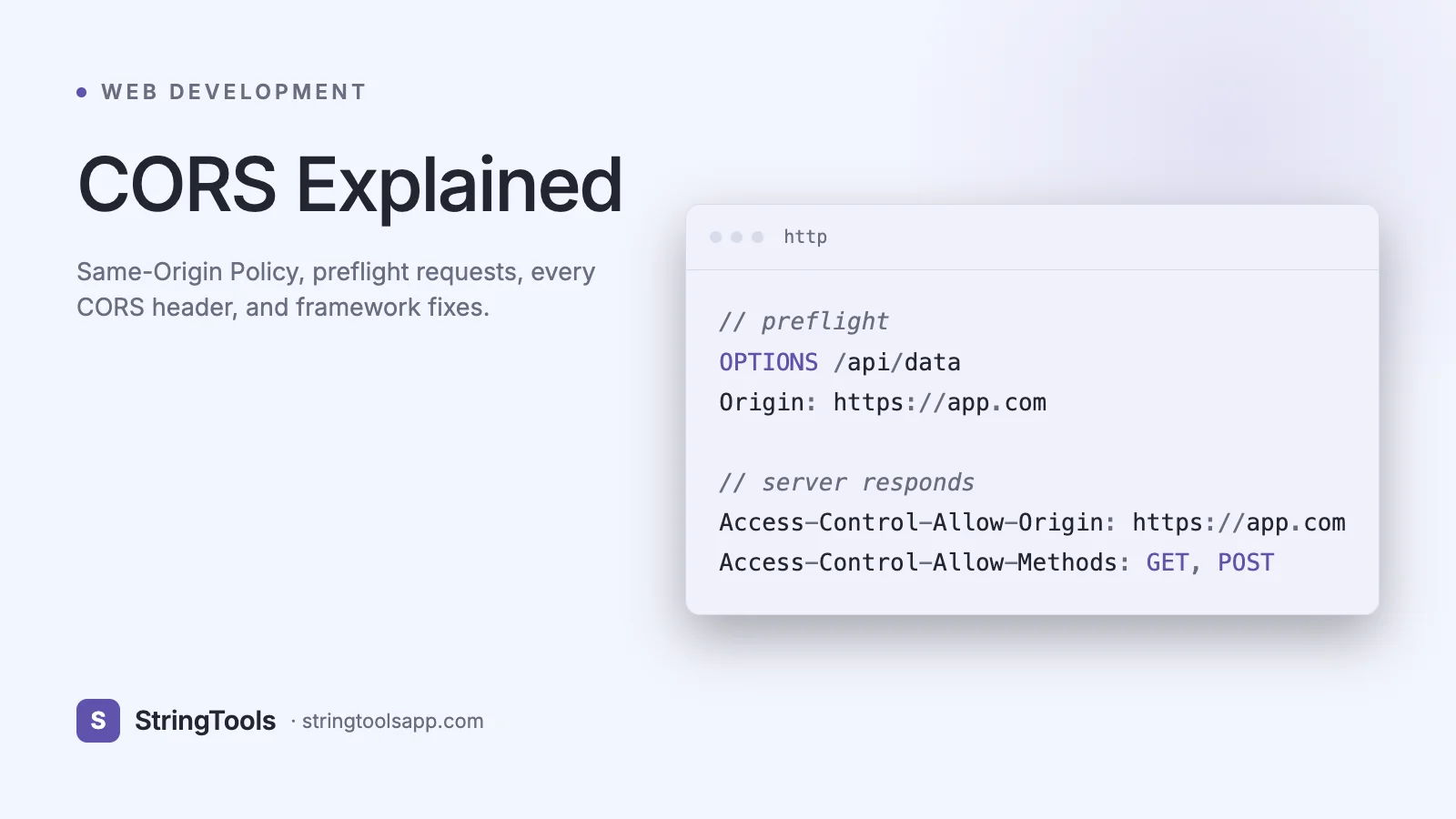
A preflight request is an OPTIONS request the browser sends before the actual request when the request is not simple — for example, a PUT, a DELETE, a POST with Content-Type: application/json, or any request with a custom header like Authorization or X-API-Key.
The preflight flow:
OPTIONS /users/42 HTTP/1.1 Host: api.example.com Origin: https://app.example.com Access-Control-Request-Method: PUT Access-Control-Request-Headers: Content-Type, Authorization
HTTP/1.1 204 No Content Access-Control-Allow-Origin: https://app.example.com Access-Control-Allow-Methods: GET, POST, PUT, DELETE Access-Control-Allow-Headers: Content-Type, Authorization Access-Control-Max-Age: 86400
Only after the preflight succeeds does the browser send the actual PUT. This round-trip is why "CORS adds latency" — though Access-Control-Max-Age caches the preflight for up to 86400 seconds (24 hours) in Chrome (lower in Firefox/Safari).
Every CORS Header Explained
Response headers (sent by the server):
Access-Control-Allow-Origin — the single most important CORS header. Values: a specific origin (https://app.example.com), a wildcard (*), or null. The wildcard cannot be used with credentials. Echo the Origin header back if you need to support multiple origins, but validate it against an allowlist first.
Access-Control-Allow-Methods — preflight only. Comma-separated list of allowed methods. Example: GET, POST, PUT, DELETE, PATCH, OPTIONS.
Access-Control-Allow-Headers — preflight only. Comma-separated list of allowed request headers. Must include every non-safelisted header the client will send (Authorization, X-API-Key, Content-Type when JSON, etc.).
Access-Control-Allow-Credentials — boolean. When true, the browser includes cookies, HTTP auth, and TLS client certificates, and allows the page to read them. Requires Access-Control-Allow-Origin to be a specific origin (not *).
Access-Control-Expose-Headers — response only. By default, only a short list of headers (Cache-Control, Content-Language, Content-Length, Content-Type, Expires, Last-Modified, Pragma) are readable by the page. To expose X-RateLimit-Remaining or X-Request-ID, list them here.
Access-Control-Max-Age — preflight only. Seconds the browser may cache the preflight. Chrome caps at 86400 (24 hours), Firefox at 86400, Safari at 600 (10 minutes).
Request headers (sent by the browser):
Origin — sent on all cross-origin requests. The server decides whether to allow it.
Access-Control-Request-Method — preflight only. The method the actual request will use.
Access-Control-Request-Headers — preflight only. Headers the actual request will include.
Credentialed Requests and Wildcard Restrictions
By default, fetch() and XMLHttpRequest do not send cookies or HTTP auth headers on cross-origin requests. To include them, set credentials: 'include' on fetch (or withCredentials = true on XHR):
fetch("https://api.example.com/me", { credentials: "include" });
For the browser to allow this, the server must:
1. Set Access-Control-Allow-Credentials: true. 2. Set Access-Control-Allow-Origin to a specific origin — not *. 3. Set Access-Control-Allow-Headers to specific headers — not *. 4. Set Access-Control-Allow-Methods to specific methods — not *.
The wildcard restriction exists because cookies tie requests to user identity. Letting any origin read the authenticated response would be catastrophic.
To support multiple specific origins, echo the request Origin header after validating it:
const allowed = new Set(["https://app.example.com", "https://admin.example.com"]); if (allowed.has(req.headers.origin)) { res.setHeader("Access-Control-Allow-Origin", req.headers.origin); res.setHeader("Vary", "Origin"); res.setHeader("Access-Control-Allow-Credentials", "true"); }
The Vary: Origin header is critical — without it, caches may serve a response with origin A's CORS headers to a request from origin B.
Common CORS Errors and Fixes
"No 'Access-Control-Allow-Origin' header is present" — the server did not send the header at all. Fix: add CORS middleware to your server. Curl the URL with -H "Origin: https://app.example.com" -i to see what headers actually come back.
"The value of the 'Access-Control-Allow-Origin' header in the response must not be the wildcard '' when the request's credentials mode is 'include'" — you set credentials: 'include' but the server returns Allow-Origin: . Fix: echo the specific origin and add Allow-Credentials: true.
"Request header field X-API-Key is not allowed by Access-Control-Allow-Headers in preflight response" — you are sending a custom header but the server did not list it. Fix: add it to Access-Control-Allow-Headers.
"Method PUT is not allowed by Access-Control-Allow-Methods" — the preflight listed only GET/POST. Fix: include PUT in Access-Control-Allow-Methods.
"Redirect from 'http://api.example.com' to 'https://api.example.com' has been blocked by CORS policy" — browsers do not follow cross-origin redirects with credentials safely. Fix: point the client at the final HTTPS URL directly.
"has been blocked by CORS policy: Response to preflight request doesn't pass access control check" — the OPTIONS handler returned a non-2xx or failed to set CORS headers. Fix: ensure your router handles OPTIONS before auth middleware. Authentication middleware that 401s on OPTIONS will break every preflight.
CORS in Popular Frameworks
Express (Node.js) with the cors package:
const cors = require("cors"); app.use(cors({ origin: ["https://app.example.com", "https://admin.example.com"], credentials: true, allowedHeaders: ["Content-Type", "Authorization"], exposedHeaders: ["X-Request-ID"], maxAge: 86400, }));
Django with django-cors-headers:
# settings.py INSTALLED_APPS = [..., "corsheaders"] MIDDLEWARE = ["corsheaders.middleware.CorsMiddleware", ...] CORS_ALLOWED_ORIGINS = ["https://app.example.com"] CORS_ALLOW_CREDENTIALS = True
Flask with flask-cors:
from flask_cors import CORS CORS(app, resources={r"/api/*": {"origins": ["https://app.example.com"]}}, supports_credentials=True)
Spring Boot:
@CrossOrigin(origins = "https://app.example.com", allowCredentials = "true") @RestController class UserController { ... }
Next.js API routes — set headers in next.config.js via the headers() function, or on a per-route basis in middleware.
Nginx (reverse proxy):
add_header Access-Control-Allow-Origin "https://app.example.com" always; add_header Access-Control-Allow-Credentials "true" always; if ($request_method = OPTIONS) { return 204; }
Place CORS middleware before authentication in your middleware chain so OPTIONS requests do not get rejected with 401.
Development Workarounds
During local development, three patterns make CORS painless without weakening production security.
1. Proxy through the dev server. Create React App, Vite, Next.js, and Angular CLI all support a proxy config:
// vite.config.js export default { server: { proxy: { "/api": "https://api.example.com" }}}
The browser hits http://localhost:5173/api/users (same-origin); the dev server proxies to https://api.example.com/users. No CORS involved.
2. Run backend and frontend on the same origin. Serve your SPA from the same Express/Django server that serves your API. Production-like, no CORS.
3. Disable browser security (last resort, development only). Chrome with --disable-web-security --user-data-dir=/tmp/chrome-insecure lets you bypass CORS locally. Never use this browser for anything else; it is a security hole.
Do not hit production APIs from browser extensions or Electron apps expecting CORS to be disabled. Extensions bypass CORS under specific manifest permissions, but that does not extend to your web pages.
For manual testing without CORS at all, use the StringTools API Client at /api-client — it is a browser-based tool that runs requests through an environment where CORS does not apply to your target API.
Security Implications of Access-Control-Allow-Origin: *
The wildcard is safe — but only for public, unauthenticated endpoints. It tells every origin on the internet: "anyone can read my responses."
Safe uses of *:
- Public CDN assets (fonts, images, public JSON).
- Fully public APIs that require no auth and return no user-specific data.
- Open data APIs.
Dangerous uses of *:
- Any endpoint that relies on cookies or Authorization headers — browsers refuse to send credentials with * anyway, but developers often "fix" this by whitelisting their frontend and accidentally expose internal APIs.
- Internal admin APIs behind a VPN (malicious pages in any employee's browser could read them).
- Anything on http://localhost (internal services on developer machines).
The subtler risk is setting Access-Control-Allow-Origin dynamically without validation:
res.setHeader("Access-Control-Allow-Origin", req.headers.origin); // DANGEROUS res.setHeader("Access-Control-Allow-Credentials", "true");
This effectively allows every origin with credentials — equivalent to leaking every user's authenticated data to any malicious site. Always check against an allowlist. For more on API hardening see /blog/api-security-best-practices.
Final rule: CORS is not a replacement for authentication or CSRF protection. It restricts who can read responses in browsers; it does not stop requests from reaching the server.
Frequently Asked Questions
Why does my API work in Postman but not in the browser? Postman, curl, and server-to-server clients do not enforce CORS — they have no Origin to protect. CORS is a browser-only policy. If a request works everywhere except the browser, the fix is on the server (add CORS headers), not the client.
Do I need CORS for same-origin requests? No. CORS only applies to cross-origin requests. If your frontend at https://app.example.com calls https://app.example.com/api/users, the browser does not apply CORS. Same scheme, host, and port — no CORS headers needed.
Why does OPTIONS come before my POST? That is a preflight request. Browsers send it automatically before any non-simple cross-origin request (POST with JSON body, any PUT/PATCH/DELETE, requests with custom headers like Authorization). Your server must handle OPTIONS and return CORS headers with a 2xx status.
Can I use CORS with cookies for authentication? Yes, but carefully. Set credentials: 'include' on fetch; the server must set Access-Control-Allow-Credentials: true and a specific origin (not *). Combine with SameSite=None; Secure cookies. Chrome blocks cross-site cookies without SameSite=None.
Does Access-Control-Max-Age eliminate preflight? It caches the preflight response in the browser. Chrome caps at 86400 seconds (24 hours), Firefox at the same, Safari at 600. Within that window, the browser skips preflight for identical method+URL+headers. Setting Max-Age: 86400 is a common performance win.
Is CORS a replacement for CSRF protection? No. CORS controls which origins can read responses. CSRF attacks rely on the browser sending credentials on requests the user did not intend — the attacker often does not need to read the response. Use SameSite cookies and CSRF tokens for CSRF; use CORS for read protection.
Why does my fetch work with credentials: 'omit' but not with credentials: 'include'? Credentials require a specific (non-wildcard) Access-Control-Allow-Origin and Access-Control-Allow-Credentials: true. If the server is returning * for origin, credentialed requests fail. Echo the specific origin after validating.
Conclusion
CORS is not the enemy. It is the feature that lets your users safely browse the web with an open bank tab. Learn it once, implement it correctly, and never fight another "has been blocked by CORS policy" error again.
Test cross-origin behavior live with the StringTools API Client at /api-client — it lets you send requests with arbitrary origins, inspect preflight responses, and experiment with Access-Control-* headers. Pair this guide with /blog/api-security-best-practices and /blog/http-methods-explained for the full picture.
Configure CORS deliberately. Never ship Access-Control-Allow-Origin: * on an authenticated endpoint. Your users will never see you do it right — and that is the point.