
Your Password Is the Front Door — And It's Probably Weak
In 2024, the "RockYou2024" leak dumped nearly 10 billion plaintext passwords onto hacker forums. Have I Been Pwned now indexes more than 13 billion compromised credentials. If you reuse even one password across accounts, there is a statistically high chance it is already in an attacker's wordlist — waiting to be sprayed against your email, bank, and cloud accounts the next time a breach hits.
Most breaches do not involve zero-day exploits or nation-state actors. They involve credential stuffing: automated bots trying leaked username/password pairs against thousands of sites per second. Verizon's 2024 Data Breach Investigations Report attributes 77% of web application attacks to stolen or weak credentials.
This guide goes beyond "use 8 characters and a symbol." We will walk through the actual math of password entropy, the current NIST SP 800-63B guidelines (revised 2024), how modern crackers work, the passphrase vs. password debate, a comparison of password managers, and the roadmap to passkeys. By the end, you will know exactly what a strong password looks like in 2026 — and why most of what you learned about passwords a decade ago is now officially wrong.
What Actually Makes a Password Strong?
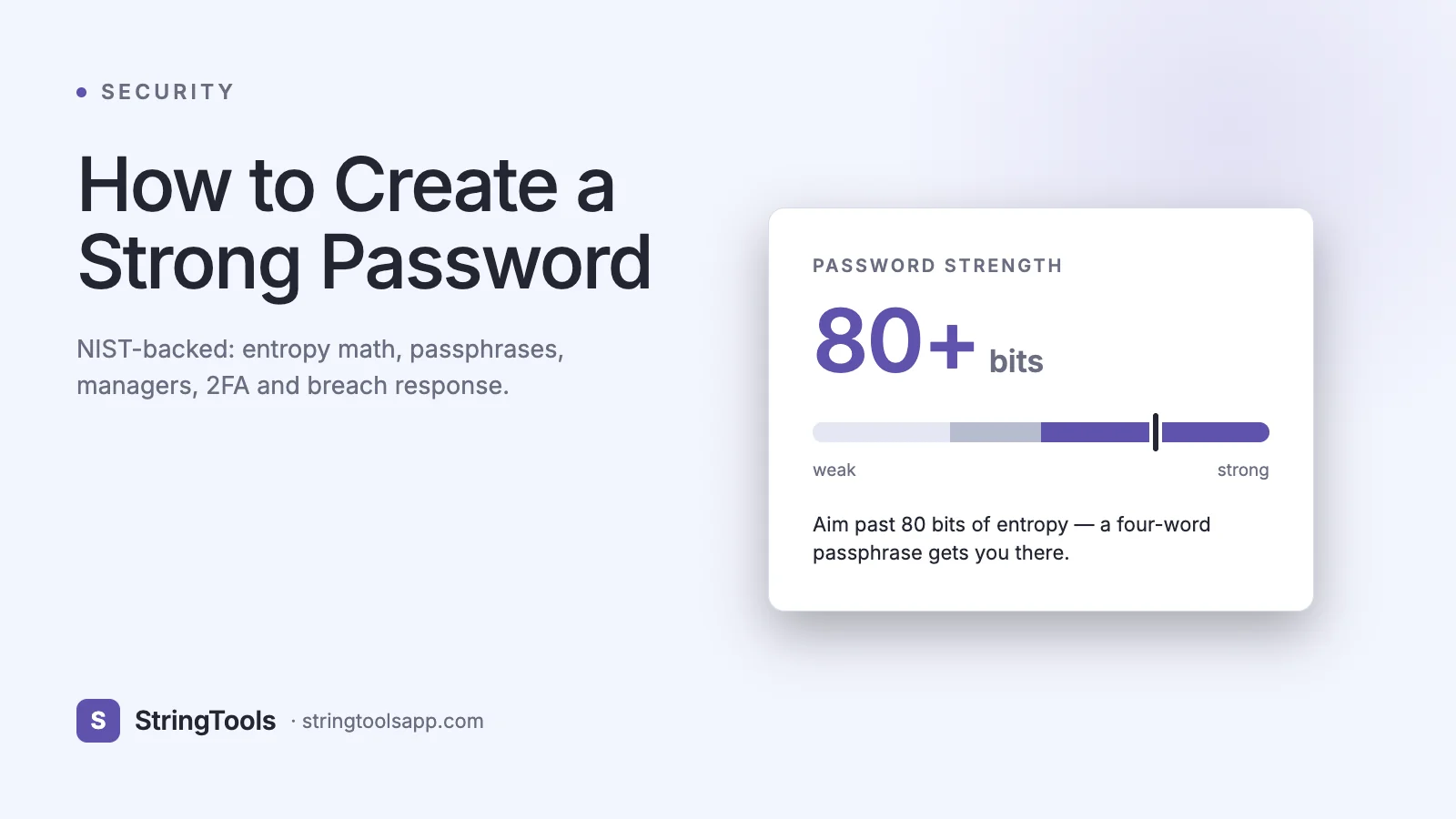
A strong password is one that cannot be guessed or brute-forced within a useful timeframe, even if the attacker has the hashed password database. Strength is measured in bits of entropy — the log base 2 of the number of possible passwords.
The formula is straightforward:
entropy = log2(charset_size ^ length)
A 12-character password drawn randomly from the 95 printable ASCII characters yields:
log2(95^12) = 78.8 bits of entropy
By NIST standards, anything above 75 bits is considered resistant to offline attacks for the foreseeable future. For comparison, an 8-character password from the same charset gives only 52.6 bits — crackable by a modern GPU rig in under a day.
Concrete example. Take the password Tr0ub4dor&3 (the classic XKCD example). It looks complex but has roughly 28 bits of entropy because the substitutions are predictable to cracking dictionaries. The passphrase correct horse battery staple — four random common words — has about 44 bits, making it substantially stronger despite being all lowercase letters.
The four properties of a strong password:
- Length: minimum 12 characters, ideally 16+
- Randomness: generated by a CSPRNG, not chosen by a human
- Uniqueness: never reused across accounts
- Secrecy: never written in plaintext in insecure locations
How Password Cracking Actually Works
Understanding attacks is the fastest way to understand defenses. In 2026, attackers use five primary techniques:
1. Brute force. Try every possible combination. A modern 8x RTX 4090 rig can compute roughly 200 billion MD5 hashes per second or 30 billion SHA-256 hashes per second. For an unsalted MD5 8-character password, that is under an hour. For a bcrypt-hashed password with work factor 12, it is centuries — which is why the hashing algorithm matters as much as the password itself.
2. Dictionary attack. Use a wordlist (rockyou.txt, weakpass.com, the HIBP Pwned Passwords v8 list with 850M+ entries) and try each entry plus common mutations (Password1, password!, P@ssw0rd).
3. Rainbow table. Precomputed hash to plaintext lookups. Defeated entirely by proper salting, which is why every modern framework salts password hashes.
4. Credential stuffing. Take leaked email/password pairs from Breach A and replay them against Service B. This is why uniqueness matters more than complexity.
5. Phishing and social engineering. The attacker does not crack your password — they ask for it, nicely, via a spoofed login page. Even a 40-character password dies to a phishing link.
Here is the approximate crack time for a random password at 100 billion guesses/second against a fast unsalted hash:
Length — 8 chars: ~1 hour • 10 chars: ~1 month • 12 chars: ~800 years • 14 chars: ~7 million years • 16 chars: essentially forever.
For salted bcrypt or Argon2, add roughly 6-8 orders of magnitude to every number above. This is why websites that store passwords using bcrypt/Argon2 provide meaningful protection even if their database leaks.
Real-World Scenarios Where Password Strength Matters
Developer GitHub account. A compromised GitHub account with write access to npm-published packages is a supply-chain disaster. The 2022 ua-parser-js incident started with a developer's reused password.
Email as account recovery root. Your email is the root of trust for almost every other account. Lose the email password, lose everything. Treat your email password like a master key.
AWS/cloud root account. A leaked AWS root credential has been observed racking up $50,000+ in crypto-mining charges within hours. Enable MFA on the root account and never use it day to day.
Corporate SSO. In enterprise environments, a single phished Okta/Azure AD password grants access to dozens of downstream SaaS apps. This is exactly how the 2023 Okta support-system breach propagated.
Financial and healthcare accounts. These combine monetary loss with identity theft. Use unique, long passwords plus hardware 2FA.
Personal device unlock. The password/PIN that unlocks your laptop protects your browser-stored sessions, SSH keys, and saved passwords. A 4-digit PIN on a work laptop is a liability, not a security control.
Step-by-Step: Build a Password System That Actually Works
You do not need to memorize 200 passwords. You need a system.
1. Install a password manager. Pick one: Bitwarden (free, open source), 1Password (best UX, $3/mo), KeePassXC (offline, free). Set it up on every device.
2. Generate one strong master password. Use the Diceware method: roll a die five times, look up the word in the EFF long wordlist, repeat until you have six words. Example: correct horse battery staple mountain river. Six Diceware words give ~77 bits of entropy and are memorizable.
3. Enable the manager's biometric unlock. On phone and laptop, you unlock the vault with Face ID / Touch ID / Windows Hello instead of typing the master password every time.
4. Let the manager generate every other password. Set the default to 20 characters, random, full charset. You will never see or type these.
5. Audit existing passwords. Every major manager has a "watchtower" / "security audit" / "health check" feature that flags reused, weak, and breached passwords. Fix the red ones first — especially email, banking, and cloud accounts.
6. Turn on 2FA on your critical 10 accounts. Email, bank, cloud, GitHub, domain registrar, social, and anything holding payment info.
7. Back up your 2FA recovery codes in the password manager vault. Losing your phone should not lock you out.
8. Subscribe to haveibeenpwned.com breach notifications for your email addresses. You will be notified within days of a new breach so you can rotate affected passwords.
Common Password Mistakes (and How to Fix Them)
Mistake 1: Treating complexity as a substitute for length. P@ss1! is not stronger than correcthorsebatterystaple. Fix: prioritize length.
Mistake 2: Rotating passwords every 90 days. NIST SP 800-63B explicitly dropped periodic password expiration in 2017 and reaffirmed in 2024 — forced rotation leads to weaker passwords (P@ss1, P@ss2, P@ss3). Fix: rotate only on evidence of compromise.
Mistake 3: Using SMS for 2FA on high-value accounts. SIM-swap attacks are rampant (the 2019 Jack Dorsey Twitter takeover is the canonical case). Fix: use TOTP apps (Aegis, Raivo, 1Password, Authy) or hardware keys.
Mistake 4: Storing passwords in browser without a master password. A laptop thief has all your logins. Fix: set a strong OS password and a browser/manager master password.
Mistake 5: Writing passwords in a Notes app synced to iCloud/Google unencrypted. Fix: use an actual password manager with end-to-end encryption.
Mistake 6: Reusing a "throwaway" password. Breach sites chain together — the throwaway password you used on a forum in 2014 may leak alongside the email you still use. Fix: every account gets a unique generated password, even the ones you do not care about.
Advanced: Passkeys, Hardware Keys, and the Post-Password Future
Passkeys (WebAuthn / FIDO2) are now supported by Apple, Google, Microsoft, GitHub, and over 250 major services. A passkey is a public/private keypair stored in your device's secure enclave. There is no password for the attacker to phish, steal, or brute-force. In 2026, Google reports passkey sign-ins are 4x faster and have a 20% higher success rate than passwords.
Hardware security keys (YubiKey 5 series, Google Titan, SoloKeys) provide the strongest 2FA. The private key never leaves the device, and the challenge-response is phishing-resistant because it is bound to the origin domain. For developers, admins, and anyone protecting a high-value account, a $50 YubiKey is the single highest-ROI security investment available.
Practical advanced posture:
- Primary auth: passkey where available, strong unique password otherwise
- 2FA: hardware key (YubiKey) as primary, TOTP as backup
- Master password: 6+ word Diceware passphrase, never typed outside your password manager
- Recovery: printed codes in a fireproof safe, second YubiKey as backup token
Password Manager Comparison (2026)
Choosing the right manager matters more than any individual password. Quick comparison of the four most widely used options:
Bitwarden — Price: Free / $10/yr premium • Open source: Yes • Self-host: Yes • Passkey support: Yes • Best for: budget-conscious, privacy-focused users
1Password — Price: $36/yr • Open source: No • Self-host: No • Passkey support: Yes • Best for: teams, families, best-in-class UX
KeePassXC — Price: Free • Open source: Yes • Self-host: Yes (offline) • Passkey support: Partial • Best for: offline / air-gapped environments
Dashlane — Price: $40/yr • Open source: No • Self-host: No • Passkey support: Yes • Best for: built-in VPN and dark-web monitoring
Browser-built-in (Chrome/Safari/Firefox) — Price: Free • Open source: Partial • Cross-browser: Limited • Passkey support: Yes • Best for: casual users already locked into one ecosystem
Avoid: LastPass. Its 2022 breach exposed encrypted vaults alongside master-password hints, and migration is now the recommended posture per multiple security researchers.
Frequently Asked Questions
How long should my password actually be?
Minimum 12 characters for anything you care about, 16+ for email and password manager master password, 20+ for machine-generated passwords stored in the manager. Length beats complexity: a 16-character lowercase-only random string (75 bits) is stronger than a 10-character password with all symbol classes (65 bits).
Should I change my password every 90 days?
No. NIST SP 800-63B-3 removed this requirement in 2017 and reaffirmed the position in the 2024 revision. Mandatory rotation causes users to pick weaker, incrementing passwords. Rotate only when there is evidence of compromise — a breach notification, suspicious activity, or a device loss.
Is a passphrase actually stronger than a complex password?
Yes, when length is sufficient. Four random Diceware words give ~51 bits, six words give ~77 bits — comparable to or stronger than a 12-character random password with symbols. The key word is random: choosing "my dog eats bacon" is not random and provides roughly 20 bits.
Are password managers safe? What if they get breached?
Reputable managers use zero-knowledge encryption — your master password never leaves your device, and vault data is encrypted with a key derived from it using PBKDF2/Argon2. Even if the server is breached, attackers get encrypted blobs. The 2022 LastPass breach was severe because of specific implementation weaknesses (low iteration counts on older accounts, leaked URLs in plaintext) — modern managers have significantly better defaults.
Should I use SMS 2FA?
Only if nothing else is available. SMS is vulnerable to SIM swapping and SS7 attacks. Prefer, in order: hardware keys (YubiKey) > passkeys > TOTP apps > push notifications > SMS.
What do I do after a breach notification?
One: change the password on the breached site immediately. Two: change the password on every site where you reused that password. Three: enable 2FA if not already. Four: monitor the associated email for phishing and credential-stuffing follow-ups over the next 30 days.
Can quantum computers break my password?
Not the passwords themselves — Grover's algorithm only halves the effective bit-length of a symmetric hash, so a 256-bit hash becomes 128-bit-equivalent (still secure). Quantum threats target asymmetric crypto (RSA, ECDSA) used for TLS, not password hashing.
Summary and Next Steps
Strong passwords in 2026 are long, random, unique, and managed by software rather than memory. The single highest-impact action you can take right now is installing a password manager, generating a Diceware master password, and rotating your top 10 critical accounts to 20-character generated passwords with hardware-key or passkey 2FA.
Need to generate one right now? Use our browser-based password generator — fully client-side, no data transmitted, with configurable length, charset, and passphrase mode:
https://stringtoolsapp.com/password-generator