
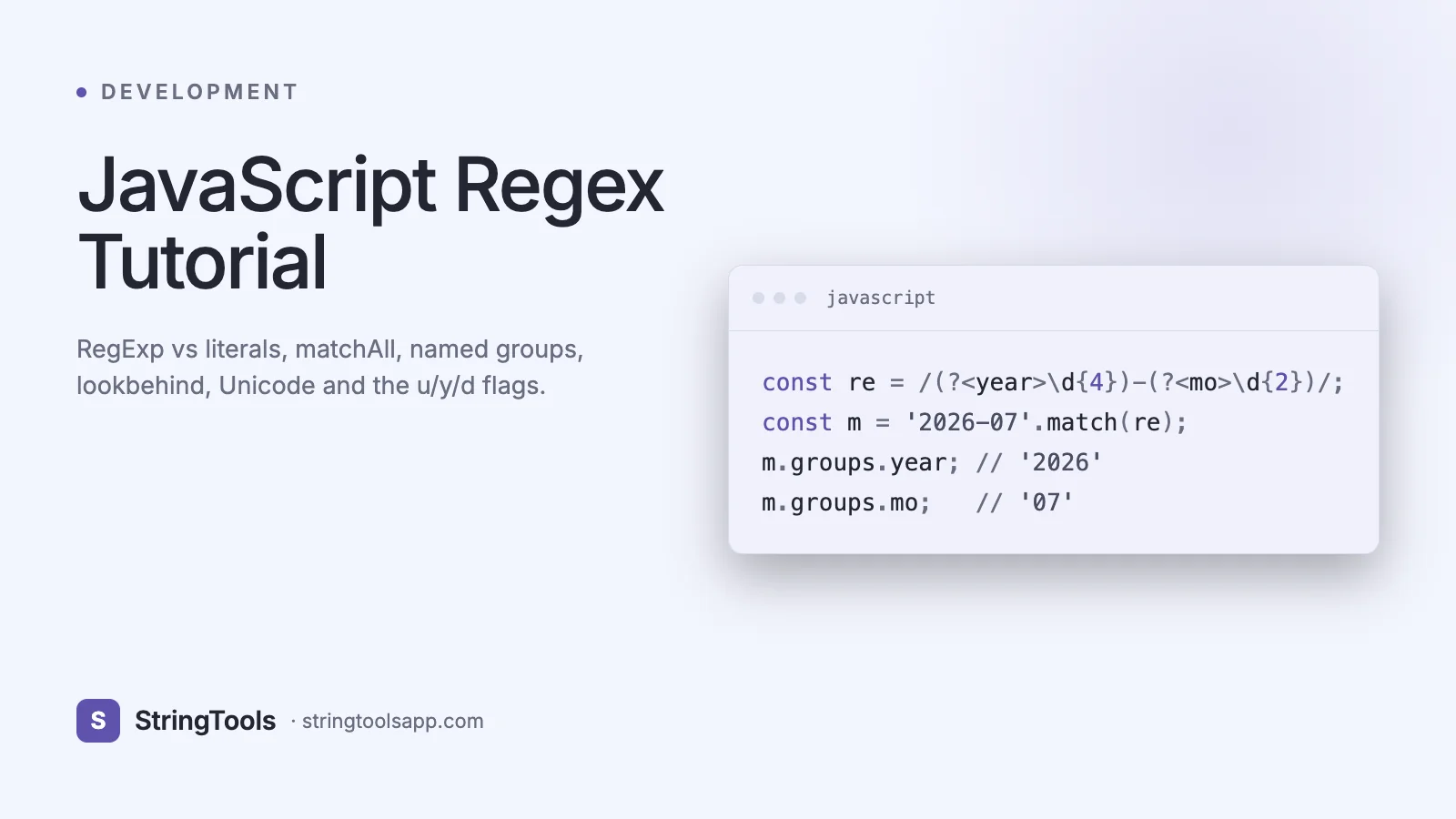
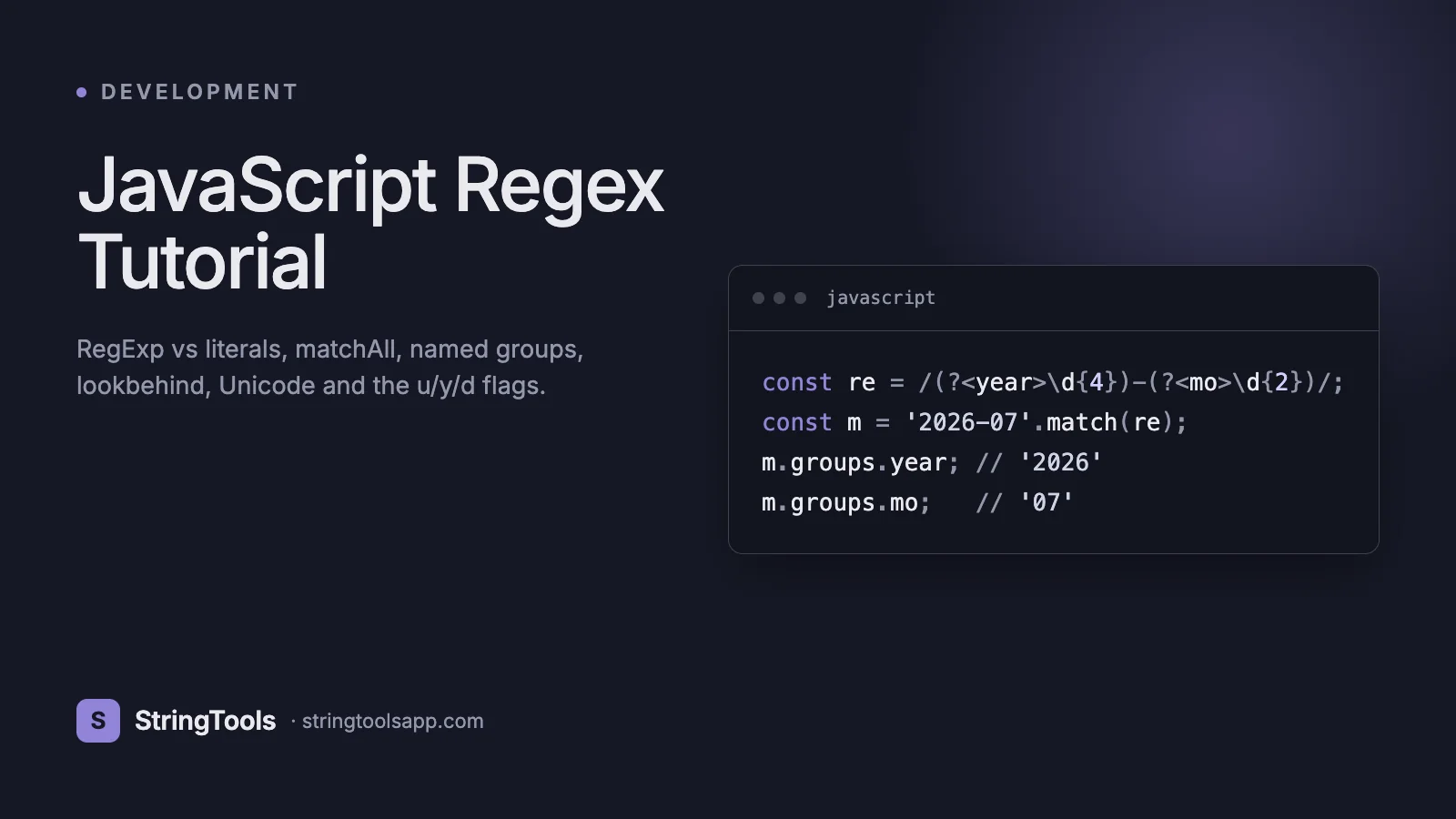
Why JavaScript Regex Is More Powerful Than You Think
Most tutorials stop at /hello/i.test(str). That was the full JavaScript regex feature set in 2014. Since then, six ECMAScript editions have transformed it into one of the most capable regex engines in any mainstream language.
ES2018 added named capture groups, lookbehind assertions, the s (dotall) flag, and Unicode property escapes. ES2020 added matchAll() and made the engine more robust against many ReDoS patterns. ES2022 added the d flag for match indices. Modern V8 even JIT-compiles hot regex patterns for near-native speed.
If you are still writing JavaScript regex like it is 2014, you are missing half the toolkit. This guide walks through everything a working JavaScript developer needs in 2026: RegExp object versus literal, every method on both RegExp and String, all seven flags, named groups, lookbehind, Unicode mode, sticky mode, TypeScript integration, performance characteristics in V8, and the bugs that ship to production because developers did not know about them.
If you want the fundamentals of what regex is, read the StringToolsApp regex-for-beginners guide first. This article assumes you know the basics and focuses on JavaScript-specific behavior.
RegExp Literals vs RegExp Objects
JavaScript gives you two ways to create a regex. They are functionally equivalent but have different ergonomics.
Literal syntax:
const re = /\d{3}-\d{4}/;
The pattern is parsed at compile time. Typos are caught before the script runs. Backslashes only need to be escaped once.
Object syntax:
const re = new RegExp("\\d{3}-\\d{4}");
The pattern is a string, parsed at runtime. Backslashes must be doubled because the string parser consumes one level. Use this form when your pattern is dynamic:
const userInput = "alice";
const re = new RegExp(^${userInput}@, "i");
Important: when building patterns from user input, escape regex metacharacters first. Otherwise a user could send .* and match everything. A common helper:
function escapeRegex(str) { return str.replace(/[.*+?^${}()|[\]\\]/g, "\\$&"); }
Flags can be passed as a second argument to the RegExp constructor or appended after the closing slash in literal form: /pattern/gimsuy.
The Seven Flags You Need to Know
JavaScript regex has seven flags. Memorize what they do.
g (global) — without it, match() and exec() return only the first match. With it, replace() replaces all occurrences and matchAll() iterates every hit. Causes the stateful lastIndex bug — see pitfalls section.
i (ignoreCase) — /hello/i matches HELLO, Hello, hELLo.
m (multiline) — makes ^ and $ match at line breaks, not just start/end of input.
s (dotall, ES2018) — makes . match newline characters. Essential for matching across multi-line HTML or log blocks.
u (unicode, ES2015) — enables Unicode-aware matching. \w still only matches ASCII, but \p{L} (any letter in any script) becomes available. Also treats surrogate pairs as single characters.
y (sticky, ES2015) — anchors the match at lastIndex. Used by high-performance tokenizers and parsers.
d (hasIndices, ES2022) — match results include start/end indices for every capture group. Useful for syntax highlighters.
You can combine them: /pattern/gimsu is valid. The order does not matter. Browser compatibility: g, i, m ship everywhere. s, u, y work in Chrome 62+, Firefox 78+, Safari 11.1+. d requires Chrome 90+, Firefox 88+, Safari 16.4+.
RegExp Methods and String Methods: The Full API
JavaScript splits regex operations across two APIs.
RegExp prototype methods:
re.test(str) — returns true/false. Fast, use for validation.
re.exec(str) — returns match array or null. With the g flag, advances lastIndex on each call, so you can loop:
const re = /\d+/g; let match; while ((match = re.exec(text)) !== null) { console.log(match[0], match.index); }
String methods that accept regex:
str.match(re) — without g flag, returns full match plus capture groups. With g flag, returns array of all matches but without capture groups. Confusing — prefer matchAll.
str.matchAll(re) (ES2020) — returns an iterator of all matches including capture groups. The modern way:
for (const match of text.matchAll(/(\w+)=(\w+)/g)) { console.log(match[1], match[2]); }
str.replace(re, replacement) — replaces first match (or all, with g). Replacement can be a string with $1, $2, $<name> references or a function receiving each match.
str.replaceAll(re, replacement) (ES2021) — requires the g flag on the regex. Makes intent explicit.
str.split(re) — splits string on every match. Capture groups in the pattern are preserved in the output array.
str.search(re) — returns index of first match or -1. Like indexOf but pattern-based.
Rule of thumb: use test() for booleans, matchAll() for extraction, replace/replaceAll() for transformation, split() for tokenization.
Named Capture Groups and Backreferences
Before ES2018, you extracted captures by position. Now you name them:
const re = /^(?<year>\d{4})-(?<month>\d{2})-(?<day>\d{2})$/; const { groups } = "2026-04-22".match(re); console.log(groups.year, groups.month, groups.day);
In replacements, reference named groups with $<name>:
"2026-04-22".replace( /(?<year>\d{4})-(?<month>\d{2})-(?<day>\d{2})/, "$<day>/$<month>/$<year>" ); // "22/04/2026"
In TypeScript 4.9+, named groups get proper type inference via template literal types — your IDE will autocomplete group names.
Backreferences let you match the same text twice. \1 references the first capture group, or \k<name> references a named group:
const dupWord = /\b(\w+)\s+\1\b/; // matches "the the" or "bug bug" const sameTag = /<(?<tag>\w+)>.*?<\/\k<tag>>/; // matches balanced <b>text</b>
These are powerful for validation (confirming passwords match their confirmation) and parsing (matching balanced HTML tags, though parsing HTML with regex is still discouraged for complex cases).
Lookbehind, Unicode Mode, and Advanced Assertions
Lookbehind assertions — (?<=...) positive and (?<!...) negative — match only if the preceding text fits the pattern, without consuming it. Extract prices after a dollar sign:
"Total: $42.99".match(/(?<=\$)\d+\.\d{2}/); // ["42.99"]
Chrome 62+ and Firefox 78+ support variable-length lookbehind, which most regex engines do not. This is one area where JavaScript is more capable than Python re.
Unicode mode (the u flag) enables full Unicode property escapes:
/\p{L}/u any letter in any script (Latin, Cyrillic, CJK, etc.) /\p{N}/u any numeric character /\p{Emoji}/u any emoji /\p{Script=Greek}/u letters from the Greek script
Without u, \w only matches [A-Za-z0-9_]. The French word café matches /\w+/ only as caf. With u and /\p{L}+/u, it matches correctly.
Sticky mode (the y flag) anchors matching at the current lastIndex. It is useful for tokenizers that must not skip characters:
const re = /\s+|\d+|\w+/y; re.lastIndex = 5; const next = re.exec(input); // only matches at position 5, not later
This is how babel, postcss, and other parsers achieve their speed.
Real-World Validation Patterns Used in Production
Eight patterns you will reuse. Test each one in a regex tester against your expected inputs.
Email (practical, not RFC-complete):
const EMAIL = /^[^\s@]+@[^\s@]+\.[^\s@]+$/;
URL (with optional protocol):
const URL_RE = /^(?:https?:\/\/)?(?:[\w-]+\.)+[\w-]{2,}(?:\/[^\s]*)?$/;
Strong password (12+ chars, mixed case, digit, symbol):
const STRONG_PW = /^(?=.[a-z])(?=.[A-Z])(?=.\d)(?=.[!@#$%^&*]).{12,}$/;
UUID v4:
const UUID = /^[0-9a-f]{8}-[0-9a-f]{4}-4[0-9a-f]{3}-[89ab][0-9a-f]{3}-[0-9a-f]{12}$/i;
ISO 8601 date:
const ISO_DATE = /^\d{4}-\d{2}-\d{2}(?:T\d{2}:\d{2}:\d{2}(?:\.\d+)?(?:Z|[+-]\d{2}:?\d{2})?)?$/;
Semantic version (from semver spec):
const SEMVER = /^(\d+)\.(\d+)\.(\d+)(?:-([0-9A-Za-z-.]+))?(?:\+([0-9A-Za-z-.]+))?$/;
IPv4:
const IPV4 = /^((25[0-5]|2[0-4]\d|[01]?\d\d?)\.){3}(25[0-5]|2[0-4]\d|[01]?\d\d?)$/;
Hex color:
const HEX = /^#(?:[0-9a-f]{3}){1,2}$/i;
Use these as a starting point. Always validate against the actual RFC or spec for anything security-sensitive (email for login flows should use a battle-tested library like validator.js, not a DIY regex).
V8 Performance: What Makes JavaScript Regex Fast or Slow
V8 uses a hybrid regex engine. Simple patterns run through Irregexp, a compiled state machine. Complex patterns (with lookbehinds, backreferences) fall back to a NFA-based interpreter. You can inspect which path your regex takes with the --print-regexp-bytecode flag in Node.
Three performance rules that matter in production:
1. Compile once, reuse forever. Declaring /pattern/ inside a hot loop re-creates the regex object on every iteration. Hoist it to module scope.
2. Avoid catastrophic backtracking. Patterns like (a+)+b against aaaaaaaaaaaaaaaaaaaaaaaaaaaaX take exponential time. Rewrite nested quantifiers. Common offender: email validators with nested optional groups. Use a library like safe-regex2 to detect dangerous patterns before shipping.
3. Prefer character classes over alternation. [abc] is faster than (a|b|c) because V8 compiles the class into a lookup table. For fixed sets of characters, always use a class.
Benchmarks from real-world V8 builds: a simple test() on a 1 KB string runs in under 5 microseconds. matchAll() over 1 MB of text averages 2-4 milliseconds. A catastrophically-backtracking pattern on 100 characters can take 30+ seconds and freeze the event loop — which is how ReDoS DoS attacks work.
When you cannot fix a slow pattern, run it in a Web Worker or use AbortSignal.timeout() on the surrounding logic to prevent it from hanging the main thread.
Six JavaScript-Specific Regex Bugs That Ship to Production
1. The lastIndex bug. A regex with the g flag maintains state between calls. Reusing it across different inputs produces wrong results:
const re = /\d+/g; re.test("abc 123"); // true re.test("abc 456"); // false! lastIndex is 7, past the end
Fix: use matchAll() or reset re.lastIndex = 0, or drop the g flag for test().
2. Missing escape in dynamic patterns. new RegExp(userInput) lets a user like "." match everything. Always escape dynamic segments.
3. Forgetting the u flag with \p. /\p{L}/ without u is a syntax error in strict mode and silently matches literal p in loose mode.
4. String.replace with special characters in replacement. Replacing with a user-supplied string that contains $ causes unintended backreferences. Use a function callback: str.replace(re, () => userReplacement).
5. Anchors with multiline flag. /^error/ vs /^error/m behave very differently on multi-line logs. Always pass the m flag when matching line-by-line.
6. Regex equality. /a/ === /a/ is false. Two regex literals create two different objects. Do not use regex in Map keys or Set members unless you want reference equality.
TypeScript Integration and Type-Safe Regex
TypeScript 4.9 added type inference for named capture groups. Given a regex literal with named groups, the groups object is typed with the corresponding keys:
const re = /(?<year>\d{4})-(?<month>\d{2})/; const result = "2026-04".match(re); if (result?.groups) { // result.groups.year and result.groups.month are typed as string }
This catches typos at compile time. Combined with template literal types, you can write domain-specific validators that return narrowly-typed results.
Third-party libraries push this further. zod has a regex validator that integrates with its schema inference. io-ts provides RegExp-based codecs. For dead-simple string parsing, the ts-pattern library lets you match on regex patterns with full exhaustiveness checking.
Common pitfall: when using new RegExp(str), TypeScript cannot infer the groups because str is just a string. Named group typing only works with regex literals. Prefer literals when possible.
Frequently Asked Questions
Should I use match or matchAll?
Use matchAll() in all modern code. match() has confusing behavior (with the g flag it strips capture groups; without it, it does not iterate). matchAll() is consistent, returns an iterator, and supports named groups. It requires ES2020 — if you are targeting older browsers, polyfill it with core-js.
Is JavaScript regex slower than PCRE or RE2?
For simple patterns, V8 is competitive with PCRE. For complex patterns with backreferences, both V8 and PCRE are slower than Go RE2 which uses a linear-time algorithm. Google Chrome is experimenting with a RE2-style path for simple patterns. In practice, for typical validation workloads, all three are fast enough.
Can I use regex in JSX?
Yes, but beware of greedy matches over JSX trees — use HTML parsers instead. In attribute values and children, regex literals work normally.
Does regex work in Web Workers?
Yes, fully. RegExp is part of the core JavaScript spec, not the DOM, so it is available in every JS environment including Workers, Service Workers, Node.js, Deno, and Bun.
How do I debug a regex that almost works?
Use a live tester like StringToolsApp Regex Tester. It highlights matches, shows captured groups, and explains each token. For deep debugging, regex101.com shows the step-by-step execution trace including backtracks.
What is the difference between / and // in regex literals?
A single slash is not a valid regex start. You must use /pattern/flags. An empty regex literal // is technically valid but almost never useful — it matches the empty string at every position.
Is it safe to use regex from user input?
Only with careful escaping. Unescaped user input lets an attacker supply a malicious pattern that triggers catastrophic backtracking (ReDoS). Either escape the input with an escape helper, or use the safe-regex2 library to reject dangerous patterns, or switch to literal string matching with indexOf.
Key Takeaways
JavaScript regex in 2026 is dramatically more powerful than the version most tutorials still teach. Named capture groups, lookbehind, Unicode property escapes, matchAll(), and match indices together make V8 regex competitive with Python re and PCRE for most tasks.
The habits that separate juniors from seniors: always escape dynamic patterns, never declare regex inside hot loops, prefer matchAll() over match() with the g flag, and test every production pattern against both valid and adversarial inputs.
Ready to practice? Open the StringToolsApp Regex Tester at https://stringtoolsapp.com/regex-tester and paste any pattern from this guide. It runs entirely in the browser, supports every JavaScript flag including u, s, y, and d, and highlights matches in real time. Try it with your own validation rules and you will retain the material far faster than reading alone.