
A 20-Year Rivalry That Still Shapes Your Architecture
In 2001, if you proposed building a web service with anything other than XML, you'd have been laughed out of the architecture review. SOAP, WSDL, XSD, XSLT, XPath — the entire enterprise integration stack assumed angle brackets. By 2011, Douglas Crockford's JSON had quietly become the default for REST APIs. Today, in 2026, over 85% of public APIs on ProgrammableWeb ship JSON, yet XML still moves trillions of dollars a year through SWIFT banking, HL7 healthcare exchanges, SAML identity federation, and government tax filing systems.
Choosing between them is not a trend-following exercise — it's an engineering decision with measurable consequences for payload size, parsing CPU, security posture, tooling support, and long-term maintenance. Picking the wrong format can add 40-60% bandwidth overhead, expose you to XXE injection vulnerabilities, or force your team to learn XSLT just to reshape responses.
This guide is a side-by-side, evidence-based comparison of JSON and XML. You'll see real syntax examples, parse-speed numbers from published benchmarks, payload-size calculations, a walkthrough of the XXE attack that still breaks production systems, a comparison of JSON Schema and XSD, and clear guidance on when each format is still the right call in 2026.
Origins and Design Philosophy
XML (eXtensible Markup Language) was standardized by the W3C in 1998 as a simplified subset of SGML, the same lineage that produced HTML. Its design target was document markup: mixed content (text with inline tags), namespaces for combining vocabularies, and a rich metadata model via attributes. The W3C layered XSD (schema), XSLT (transformation), XPath (querying), and SOAP (RPC) on top. Everything about XML assumes human- and machine-authored documents of arbitrary complexity.
JSON (JavaScript Object Notation) was extracted by Douglas Crockford in 2001 from a subset of JavaScript's object literal syntax and standardized in 2006 as RFC 4627, then RFC 8259 and ECMA-404. Its design target was the opposite: the minimum viable format for exchanging structured data between programs. Four primitives (string, number, boolean, null) and two containers (object, array). No namespaces, no attributes, no DTD, no processing instructions.
That philosophical gap explains every downstream difference. XML is a document format used for data. JSON is a data format that looks nothing like a document.
Syntax Side by Side
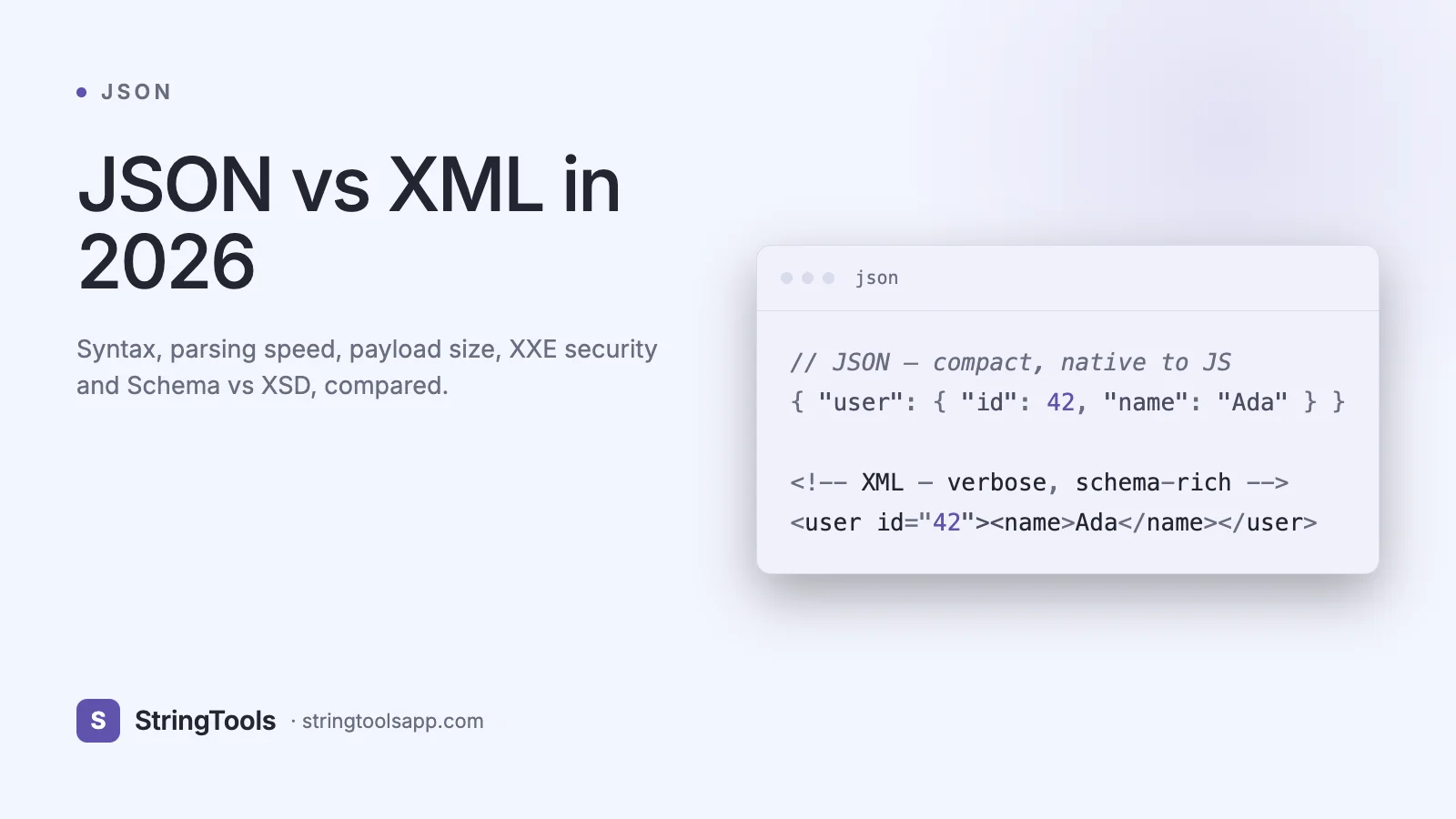
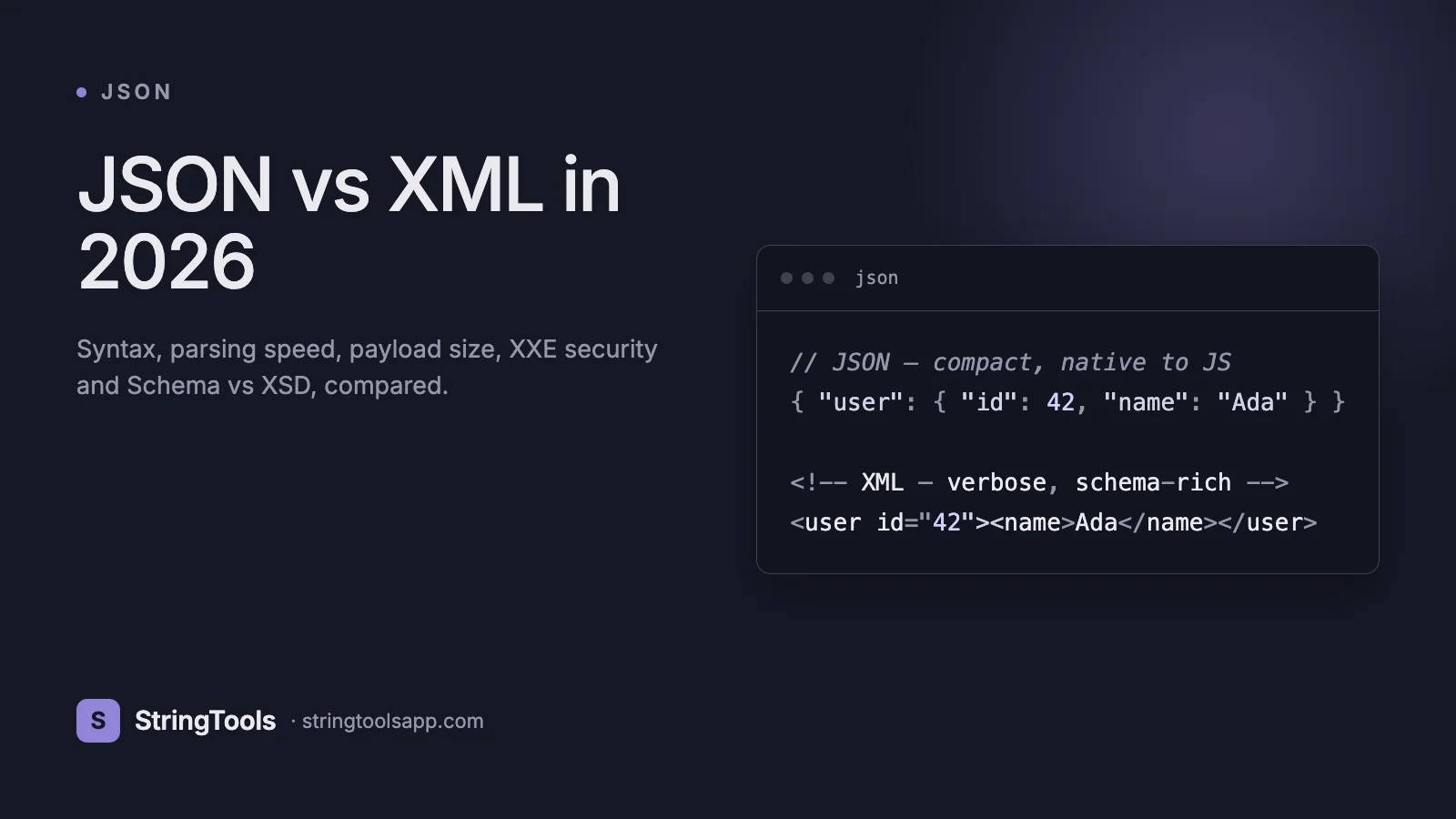
The same user record expressed in both formats:
JSON (127 bytes):
{ "id": 42, "name": "Ada Lovelace", "email": "ada@example.com", "roles": ["admin", "owner"], "active": true }
XML (215 bytes, ~69% larger):
<?xml version="1.0" encoding="UTF-8"?> <user> <id>42</id> <name>Ada Lovelace</name> <email>ada@example.com</email> <roles> <role>admin</role> <role>owner</role> </roles> <active>true</active> </user>
Key syntactic differences:
1. Types. JSON has native number, boolean, and null. XML is all strings — "42" and "true" are indistinguishable from any other text until a schema gives them semantic type.
2. Arrays. JSON uses []. XML has no native array — you emit repeated child elements and hope the parser groups them.
3. Attributes. XML has element content and attributes (<user id="42">); JSON has only key-value pairs.
4. Closing verbosity. XML closing tags repeat the element name, inflating payload size.
5. Metadata. XML supports declarations, DOCTYPE, processing instructions, and namespaces. JSON has none of these and typically ships metadata inline via convention (e.g., $type).
Performance: Parsing Speed and Payload Size
Published benchmarks from 2023-2025 consistently show JSON parsing 2-5x faster than XML across runtimes. A representative snapshot from the simdjson, RapidJSON, and libxml2 benchmark suites on a 1MB sample document:
JSON.parse (V8, Node 20) — ~450 MB/s simdjson (C++) — ~2.5 GB/s Jackson (Java) — ~380 MB/s libxml2 SAX — ~180 MB/s DOM XML (browser) — ~90 MB/s
Three reasons XML is slower: (1) tag-name matching requires string comparison on both open and close, (2) namespace resolution adds indirection, (3) entity expansion forces multiple passes.
Payload size matters even more on mobile networks. For a typical REST response with 50 records, XML is usually 40-60% larger than equivalent JSON. Gzip narrows the gap to 10-20% because both formats compress well, but Content-Encoding: gzip costs CPU on both ends.
Binary variants exist for both: MessagePack, CBOR, BSON, and Protobuf for JSON-adjacent use cases; EXI (Efficient XML Interchange) for XML. Protobuf typically beats everything on the wire but sacrifices human-readability.
Bandwidth math on an API serving 100 million requests/day: switching a 2KB XML response to 1.2KB JSON saves 80GB/day of egress, which is real money at AWS bandwidth pricing.
Real-World Use Cases Where Each Wins
JSON wins decisively for:
1. REST APIs. Every major public API — Stripe, Twilio, GitHub, Slack, AWS's newer services — defaults to JSON.
2. Browser-to-server. Native JSON.parse avoids bringing in a parsing library.
3. NoSQL storage. MongoDB, DynamoDB, Firestore, CouchDB all store documents as JSON-like BSON/variant structures.
4. Configuration. package.json, tsconfig.json, composer.json, most cloud-native config uses JSON or YAML (a JSON superset).
5. Logs and events. Structured logging (Datadog, Elastic, CloudWatch) and event streams (Kafka, Kinesis) use JSON-over-the-wire for observability.
XML still wins for:
1. SOAP-based enterprise integration. SWIFT, HL7 FHIR's XML profile, ISO 20022, government filing (IRS e-file, UK HMRC) all mandate XML.
2. Document-centric data. OOXML (.docx), ODF, SVG, XAML, and RSS/Atom are fundamentally markup — mixed content with inline tags — which JSON cannot represent naturally.
3. SAML SSO. Enterprise identity federation still runs on SAML 2.0 assertions, which are XML-signed.
4. Publishing and content pipelines. DITA, DocBook, JATS (scientific journals) need XSLT transformations that have no JSON equivalent.
5. Regulated industries where XSD-based validation is legally required.
The XXE Attack: XML's Biggest Security Liability
XML External Entity (XXE) injection remains on the OWASP API Security Top 10. It exploits XML's legacy DOCTYPE feature, which allows a document to declare external entities that parsers fetch at parse time.
Example malicious payload:
<?xml version="1.0"?> <!DOCTYPE foo [ <!ENTITY xxe SYSTEM "file:///etc/passwd"> ]> <user><name>&xxe;</name></user>
A naive XML parser with external entity resolution enabled will read /etc/passwd off the server disk and embed its contents into the parsed document. Variants can hit internal metadata endpoints (AWS IMDS at 169.254.169.254), trigger SSRF against internal services, or cause denial of service via billion-laughs expansion.
Mitigation requires explicitly disabling DTDs and external entity resolution in every parser you use. In Java: setFeature("http://apache.org/xml/features/disallow-doctype-decl", true). In Python: use defusedxml instead of lxml/xml.etree. In .NET: XmlReaderSettings.DtdProcessing = DtdProcessing.Prohibit.
JSON has no equivalent vulnerability because it has no entity mechanism — there is nothing in the grammar for an attacker to exploit. The closest JSON-world issues are prototype pollution (in JavaScript) and deeply nested payloads causing stack overflow, both of which are orders of magnitude easier to defend against.
Schema Validation: JSON Schema vs XSD
Both ecosystems provide strong schema validation, but the developer experience differs significantly.
Feature — JSON Schema: draft 2020-12 • XSD: 1.1 Learning curve — JSON Schema: Moderate • XSD: Steep Verbosity — JSON Schema: Compact • XSD: Verbose Tooling — JSON Schema: ajv, OpenAPI, vast ecosystem • XSD: Xerces, mature but niche Conditional logic — JSON Schema: if/then/else, oneOf • XSD: assertions (1.1 only) IDE support — JSON Schema: Excellent in VS Code via $schema • XSD: Good in XML-focused IDEs Code generation — JSON Schema: quicktype, datamodel-codegen • XSD: xjc, JAXB, mature
JSON Schema has become the standard for API contracts via OpenAPI 3.1 (which adopted JSON Schema 2020-12 directly). XSD remains dominant where regulatory standards mandate it — banking, government, healthcare document exchange.
A practical tip: if you're writing a new API and considering XSD, use JSON Schema instead unless an external party's contract forces your hand. The tooling is better, the documentation is clearer, and onboarding new engineers is faster.
Migration Strategies: From XML to JSON
If you're modernizing a SOAP service, migrate incrementally rather than big-bang. The proven approach:
1. Stand up a JSON facade. Build a REST gateway that accepts JSON, translates to SOAP internally, and returns JSON. Consumers migrate at their own pace.
2. Map XML to JSON carefully. Watch out for attributes (usually mapped to keys prefixed with @), mixed content (prefer a separate #text key), and single-vs-array collapsing (always emit arrays, never collapse to scalars — this bug has broken more migrations than any other).
3. Preserve numeric precision. XSD xs:decimal can exceed JavaScript's Number.MAX_SAFE_INTEGER. Serialize as strings if precision matters (currency, IDs).
4. Regenerate schemas. Convert XSD to JSON Schema using tools like oxygenxml's converter or hand-port for cleanliness. Reviewing manually usually finds schema bugs hiding for years.
5. Retire XML endpoints on a published timeline. Six months notice is the industry norm. Communicate via Sunset headers (RFC 8594).
For the reverse direction — JSON clients talking to an XML backend — Jackson's XmlMapper and Go's encoding/xml both support the conversion automatically when struct tags are set.
Frequently Asked Questions
Is JSON always faster than XML?
For parsing and payload size, yes — typically 2-5x faster to parse and 40-60% smaller uncompressed. After gzip the wire-size gap narrows to 10-20% but parse CPU remains a clear JSON win. The only exception is when XML's attribute model lets you omit redundant wrapping that a naive JSON design would include.
Why does XML still exist in 2026?
Because regulated industries move on 20-year timelines, not Hacker News timelines. SWIFT, SAML, HL7, tax filing, invoicing (UBL, Peppol), scientific publishing, and publishing pipelines all have massive installed bases with irreplaceable tooling, signed documents, and auditing requirements. Migration costs would exceed benefits, so XML persists — correctly.
Can JSON handle mixed content like XML?
Not naturally. A paragraph with inline <b> and <i> tags maps poorly to JSON. You end up with awkward arrays of alternating strings and objects, which is exactly the structure XML was designed for. If your data is truly document-like, XML (or a dedicated rich-text JSON model like ProseMirror's) is a better fit.
What about YAML, TOML, and Protobuf?
YAML is a strict JSON superset good for human-edited config. TOML is simpler than YAML and favored by Rust and Python packaging. Protobuf is a binary schema-first format preferred for high-throughput RPC (gRPC). All three overlap with JSON's niche but rarely with XML's document-centric niche.
Is SOAP dead?
Not for existing integrations, but no serious greenfield project chooses SOAP in 2026. REST with OpenAPI, or gRPC for internal services, is the default. SOAP remains supported for interop with banks, governments, and legacy ERPs.
How do I convert XML to JSON safely?
Use a library that disables external entity resolution by default (defusedxml in Python, a hardened DocumentBuilderFactory in Java). Preserve attribute namespaces, always emit arrays for repeated elements, and write tests for edge cases like empty elements vs null.
Which format does GraphQL use?
GraphQL ships JSON over HTTP by convention. The query language itself is neither — it's a bespoke syntax — but responses are JSON. This is a major contributor to JSON's continued dominance in new API design.
Conclusion: Choose by Constraint, Not by Fashion
For new web APIs, mobile backends, microservices, and data pipelines: use JSON. The tooling, performance, and developer experience are all better, and the security model is narrower. For document-centric data, regulated integrations, SAML SSO, and existing SOAP services: XML is still the correct tool — migration would cost more than it saves.
The best engineers pick the format that fits the constraint, not the one that trends on social media. Both formats will still be in production 20 years from now.
When you're ready to inspect JSON payloads, try the StringTools JSON Formatter at https://stringtoolsapp.com/json-formatter — it runs entirely in your browser so production data never leaves your machine.