
Why Every Developer Hits a Regex Wall (and How to Break Through It)
You've seen it in a pull request. A coworker commits something like ^(?=.[A-Z])(?=.\d)(?=.[!@#$%^&]).{12,}$ and moves on. Meanwhile, you stare at the screen and wonder how anyone reads this. That feeling is universal — GitHub public code search shows over 40 million files containing regular expressions, and Stack Overflow has more than 250,000 questions tagged [regex]. It is one of the most-used and most-avoided features in modern programming.
This guide is different from the usual cheat sheets. Instead of dumping metacharacters at you, we will build your mental model from the ground up: what the engine actually does, why each symbol exists, and how to write patterns that are fast, readable, and correct.
By the end of this article, you will be able to:
- Read any regex pattern without panicking
- Write patterns for emails, URLs, phone numbers, dates, and passwords
- Avoid catastrophic backtracking that freezes production servers
- Pick the right regex flavor (PCRE, POSIX, JavaScript) for your job
- Debug regex using a live tester instead of guessing
Whether you use JavaScript, Python, Go, or shell scripts, the fundamentals are the same. Let's get started.
What Is a Regular Expression? A Practical Definition
A regular expression (regex or regexp) is a sequence of characters that defines a search pattern. Instead of searching for a literal string, you describe the shape of what you want, and the regex engine finds every piece of text that matches that shape.
The concept comes from Stephen Kleene, a mathematician who formalized regular languages in 1951. Ken Thompson added regex to the Unix editor ed in 1968, and from there it spread to grep, awk, sed, Perl (which popularized the modern syntax), and eventually every major programming language. Today, the PCRE (Perl Compatible Regular Expressions) library powers everything from Apache HTTP Server to PHP, while JavaScript, Python, and .NET each ship their own slightly different engines.
Here is the simplest possible example. Given the text:
Order 1234 shipped on 2026-03-28 for $49.99
The pattern \d+ will match six separate strings: 1234, 2026, 03, 28, 49, and 99. The engine walks left to right, and every time it finds one or more digits, it reports a match. That is regex in one sentence: describe a shape, match every occurrence.
Core Building Blocks: Literals, Metacharacters, and Escaping
Every regex is made of two kinds of characters. Literals match themselves — the pattern cat matches the exact letters c, a, t. Metacharacters have special meaning and change how matching works. There are twelve of them you must memorize:
. ^ $ * + ? { } [ ] \ | ( )
If you want to match one of these literally, you escape it with a backslash. To match a literal period in a version number, write \. not . — because . on its own matches any single character except a newline.
Character classes let you match one character out of a set. Write them in square brackets:
[aeiou] matches any vowel [a-z] matches any lowercase ASCII letter [0-9] matches any digit [^0-9] matches any character that is NOT a digit (the ^ inside [] means negation) [A-Za-z0-9_] matches word characters
Because these are so common, regex gives you shortcuts. These are the shorthand classes every developer must know:
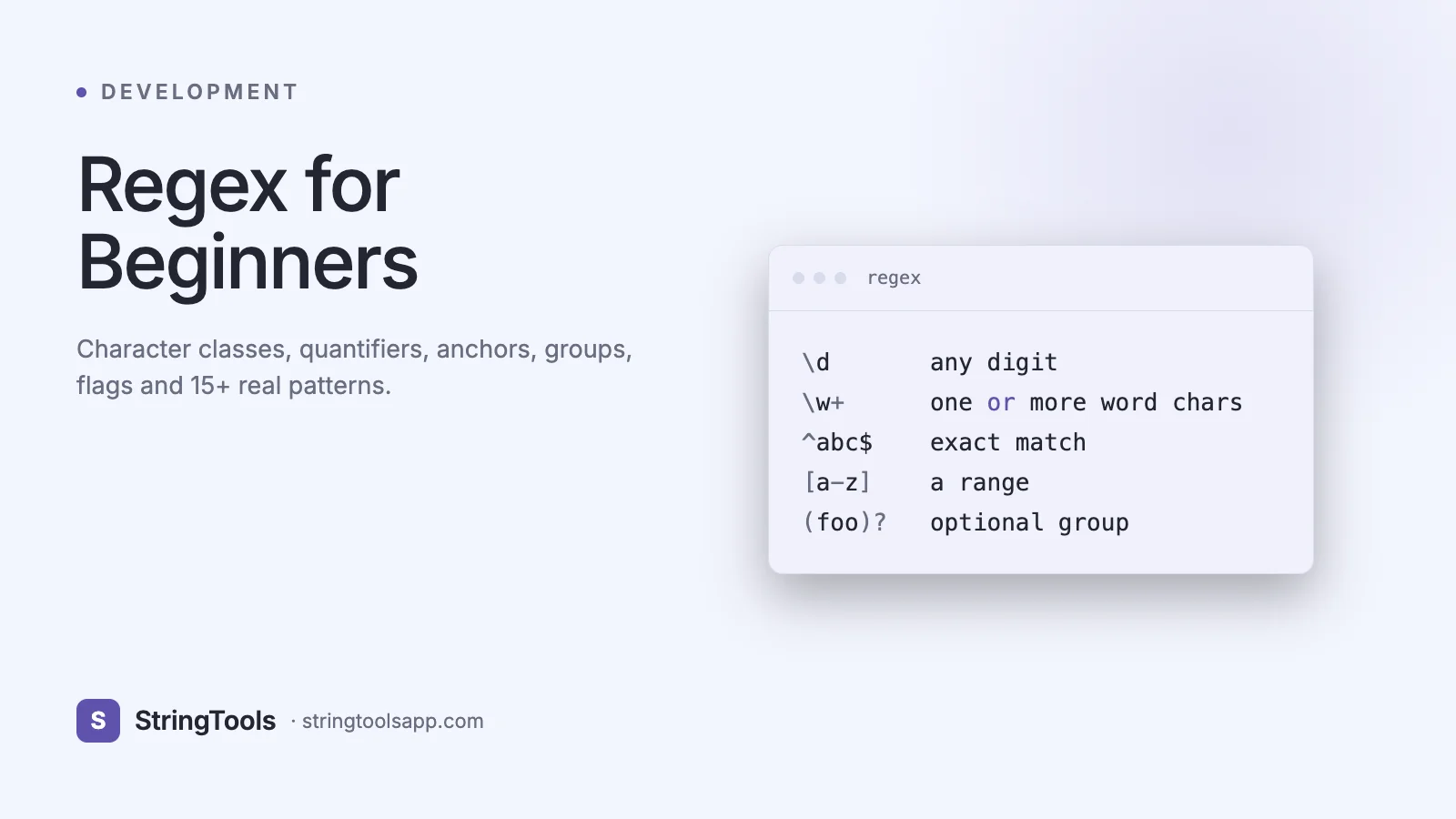
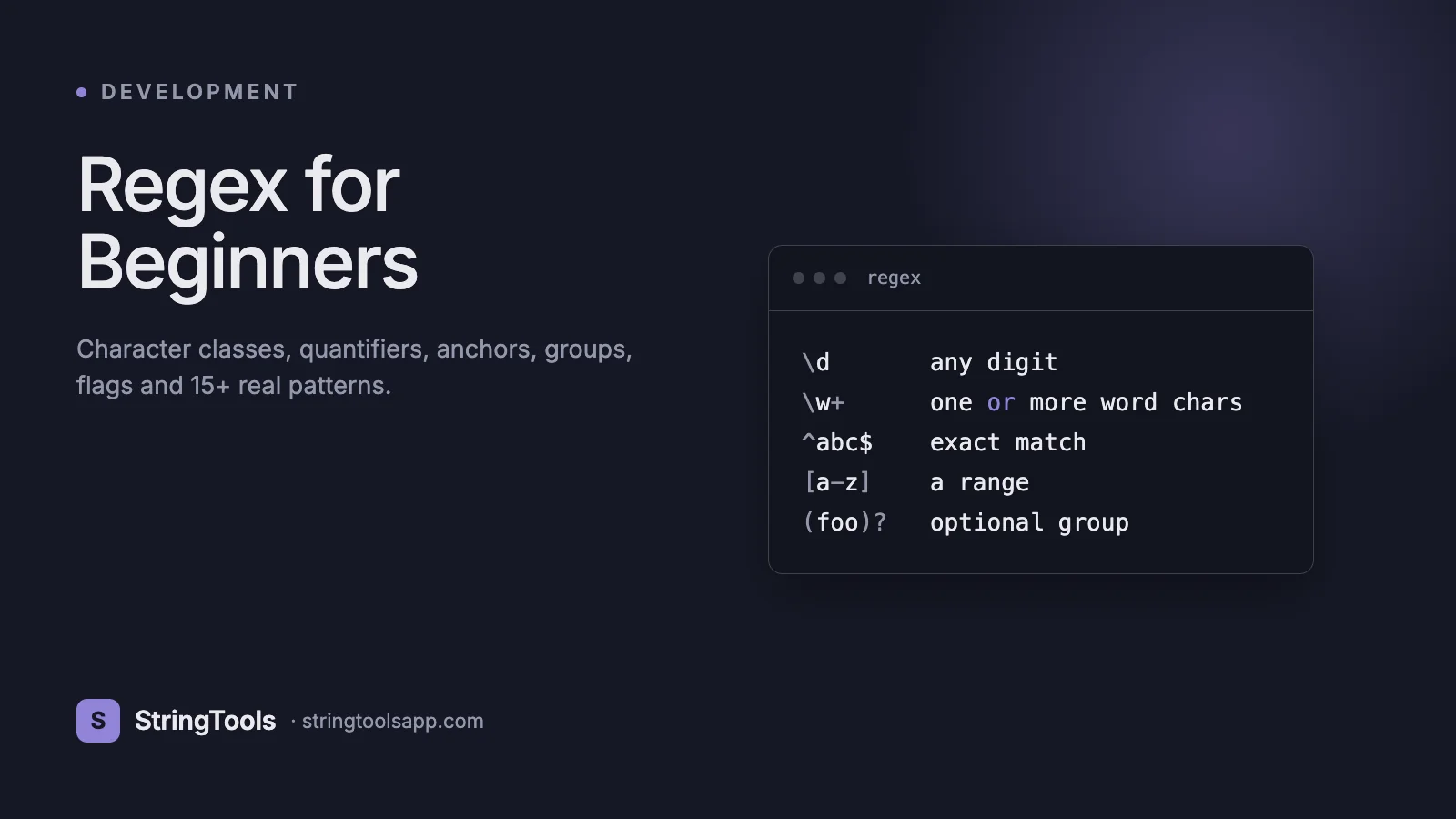
\d — any digit, equivalent to [0-9] \D — any non-digit \w — any word character [A-Za-z0-9_] \W — any non-word character \s — any whitespace (space, tab, newline) \S — any non-whitespace . — any character except newline (unless the dotall flag is set)
Putting it together, the pattern \w+@\w+\.\w+ roughly matches simple emails like alice@example.com. It says: one-or-more word chars, literal @, one-or-more word chars, literal dot, one-or-more word chars. We will refine it later.
Quantifiers, Anchors, and Groups: Controlling How Much to Match
Quantifiers say how many times the previous token should repeat:
* zero or more (greedy) + one or more (greedy) ? zero or one (optional) {n} exactly n times {n,} n or more times {n,m} between n and m times
By default, quantifiers are greedy — they grab as much as possible. Add a ? after them to make them lazy (match as little as possible). In the HTML snippet <b>hello</b> <b>world</b>, the greedy pattern <b>.</b> matches the entire string, while the lazy pattern <b>.?</b> matches just <b>hello</b>. This one distinction causes more bugs than any other regex feature.
Anchors match positions, not characters:
^ start of string (or start of line with multiline flag) $ end of string (or end of line with multiline flag) \b word boundary \B non-word boundary
The pattern ^hello$ matches a string that is exactly hello, nothing more. The pattern \bcat\b matches cat but not category or scatter.
Groups wrap parts of the pattern in parentheses so you can apply quantifiers to them or capture the matched text:
(ab)+ matches ab, abab, ababab (\d{4})-(\d{2})-(\d{2}) captures year, month, day from 2026-03-28 (?:abc) non-capturing group — matches but does not store (?<year>\d{4}) named capture group — retrieve by name
Lookarounds assert what comes before or after without consuming it. (?=foo) is a positive lookahead, (?!foo) is a negative lookahead, (?<=foo) is a positive lookbehind, (?<!foo) is a negative lookbehind. These power the classic password rule: (?=.*[A-Z]) means somewhere ahead there must be an uppercase letter.
Real-World Use Cases Where Regex Earns Its Keep
Regex shines in six scenarios most developers hit weekly.
1. Input validation. Before saving a user profile, check that the phone number, ZIP code, and email look right. A single regex replaces fifty lines of conditional code.
2. Log parsing and observability. When an incident hits production, you grep through gigabytes of logs for patterns like ERROR\s+\d{3}\s+from\s+\S+ to isolate which services failed. Companies like Datadog and Splunk are built on regex engines.
3. Data cleaning and ETL. Stripping HTML tags from scraped content, normalizing phone numbers, removing trailing whitespace, and extracting prices from text all become one-liners.
4. Search and replace across codebases. Renaming a function in 400 files with a pattern-based find-and-replace is instant with regex-aware editors such as VS Code, IntelliJ, and ripgrep.
5. URL routing. Frameworks like Express, Django, and Rails compile route patterns like /users/(\d+)/posts/(\d+) into regex so they can extract parameters at runtime.
6. Security scanning. Static analysis tools use regex to flag hard-coded secrets such as AWS access keys (AKIA[0-9A-Z]{16}) or JWT tokens that match eyJ[A-Za-z0-9_-]+\.eyJ[A-Za-z0-9_-]+\.[A-Za-z0-9_-]+.
In each case, regex lets you describe intent once and reuse it everywhere. That economy is why it has survived seventy years.
Step-by-Step: Writing Your First Regex From Scratch
Let's build a pattern to validate a US phone number in the form (415) 555-0198. Walk through this process for every regex you ever write.
Step 1. Write out the valid and invalid examples. Valid: (415) 555-0198. Invalid: 4155550198, (415)555-0198, (41) 555-0198. Clarity on examples prevents 90% of regex bugs.
Step 2. Break the target into segments. Open paren, three digits, close paren, space, three digits, dash, four digits.
Step 3. Translate each segment literally.
\( literal open paren \d{3} three digits \) literal close paren \s one whitespace character \d{3} three digits - literal dash \d{4} four digits
Step 4. Combine and anchor:
^\(\d{3}\) \d{3}-\d{4}$
Step 5. Test against both valid and invalid examples in a regex tester. If you skip this step, you will ship bugs.
Step 6. Refactor for readability and flexibility. Maybe the dash is optional, and the paren format is optional too:
^\(?\d{3}\)?[\s-]?\d{3}-?\d{4}$
Step 7. Decide if you need capture groups. If you want to extract the area code, wrap it: ^\(?(\d{3})\)?[\s-]?\d{3}-?\d{4}$ — now $1 gives you 415.
This seven-step loop — examples, segmentation, translation, composition, testing, refactoring, capturing — is how professional developers build regex patterns without getting lost.
Six Common Regex Mistakes and How to Fix Them
1. Unescaped dots. Writing example.com as a pattern silently matches examplezcom or example com. Fix: always escape literal dots as \..
2. Greedy quantifiers eating too much. The pattern "." against "alice","bob" matches the entire string including the comma. Fix: use the lazy quantifier ".?" or the negated class "[^"]*".
3. Forgetting anchors. A valid email pattern like \w+@\w+\.\w+ without ^ and $ will happily match the valid-looking fragment inside invalid strings. Fix: anchor with ^...$ for full-string validation.
4. Catastrophic backtracking. Patterns like (a+)+b against a long input of a's followed by no b can take seconds or even hang the engine. Fix: use atomic groups (?>...) in PCRE, possessive quantifiers a++, or rewrite to avoid nested quantifiers.
5. Assuming Unicode support. \w and \d in most engines are ASCII-only. The French name Renée will fail \w+. Fix: enable the Unicode flag (u in JavaScript, re.UNICODE in Python) or use explicit ranges like [\p{L}].
6. Over-engineering. The official email regex from RFC 5322 is over 6,000 characters long. You do not need it. For practical use, [^\s@]+@[^\s@]+\.[^\s@]+ catches 99% of real addresses. Fix: match your actual requirements, not theoretical edge cases.
Best Practices and Advanced Tips from Production Code
Name your capture groups. Instead of $1 and $2, write (?<year>\d{4})-(?<month>\d{2})-(?<day>\d{2}). Future-you will thank present-you during code review. Named groups are supported in JavaScript (ES2018+), Python, PHP, and .NET.
Use verbose mode when patterns get long. Python re.VERBOSE flag and PCRE x modifier let you add whitespace and comments inside the pattern. A 200-character regex becomes 20 readable lines.
Prefer non-capturing groups (?:...) when you only need grouping for alternation or quantifiers. Capturing groups have a small but measurable performance cost and pollute the match object.
Compile patterns once, reuse forever. In Python, re.compile() and in JavaScript const re = /pattern/g both cache the compiled automaton. Inside a hot loop this can be 2-5x faster than using the string form every iteration.
Benchmark before optimizing. Tools like regex101.com show you step counts, and Node.js --prof flag reveals regex hotspots. Most bottlenecks are not where you expect.
Write tests for every production regex. A regex is code. Add unit tests covering valid inputs, invalid inputs, and edge cases. When someone tweaks the pattern in six months, the tests will catch regressions.
Regex Flavors Compared: PCRE vs POSIX vs JavaScript
Not every regex is portable. The three major families differ in small but important ways.
Flavor — PCRE • POSIX BRE • JavaScript Lookbehind — Yes, variable-length • No • Yes (ES2018+) Named groups — (?<name>...) • No • (?<name>...) Unicode property \p{L} — Yes • No • Yes (with u flag) Atomic groups (?>...) — Yes • No • Stage 3 proposal Possessive quantifiers a++ — Yes • No • No Default greediness — Greedy • Greedy • Greedy Case-insensitive flag — i • -i • i
PCRE (used in PHP, Apache, Nginx, grep -P) is the most powerful. POSIX BRE and ERE (used in classic grep, sed) are simpler and lack lookarounds. JavaScript has caught up significantly since ES2018 and now supports lookbehind, named groups, Unicode property escapes, and the s (dotall) flag.
As a rule: write patterns using the lowest-common-denominator features if you want portability, and always test in the exact engine you ship with. A regex that works in your editor JavaScript-based search may silently fail in your shell grep.
Frequently Asked Questions
Is regex hard to learn?
The syntax is small — about 20 symbols — but mastery comes from practice. Most developers reach working proficiency in a week of daily use. The harder part is learning to recognize when not to use regex, which comes with experience reading other people's patterns.
Is regex slow?
No, not inherently. A well-written pattern runs in linear time relative to input length. However, patterns with nested quantifiers and ambiguity can trigger catastrophic backtracking and run in exponential time. Rule of thumb: if your regex has (something+)+ structures, rewrite it.
What is the difference between match and test?
In JavaScript, test() returns a boolean — useful for validation. match() and matchAll() return the captured strings — useful for extraction. Python re.match(), re.search(), and re.findall() make the same distinction more explicitly.
Can regex parse HTML or JSON?
No. Those formats are context-free grammars and regex only handles regular grammars. Use a real parser — DOMParser, cheerio, JSON.parse. Using regex on HTML is the most famous anti-pattern on Stack Overflow.
What is the g flag really doing?
The g (global) flag tells the engine to find all matches instead of stopping after the first. It also makes JavaScript RegExp object stateful via the lastIndex property, which causes subtle bugs when the same regex is reused. Prefer matchAll() in modern code.
Should I use regex or string methods?
If you need plain substring checks, indexOf, includes, or startsWith are faster and clearer. Reach for regex when you need patterns — shapes, repetitions, alternatives. Rule of thumb: if you cannot describe what you are matching in one English sentence, do not use regex.
What is the best way to test my regex?
Use a live regex tester with real-time highlighting. It shows which parts match, which groups captured what, and how many backtracking steps the engine took. This feedback loop cuts debugging time by an order of magnitude.
Key Takeaways and Where to Go Next
Regex has three layers: literal characters that match themselves, metacharacters that define shape, and quantifiers, anchors, and groups that control repetition and capture. Master those three and you can read any pattern.
The path from beginner to confident: memorize the 12 metacharacters and 6 shorthand classes, practice on real validation problems, always test in a live environment, and read other people's regex in open source PRs. Within a month you will stop fearing patterns and start writing them.
Ready to practice? Paste any pattern from this guide into the StringToolsApp Regex Tester at https://stringtoolsapp.com/regex-tester. It runs entirely in your browser, highlights every match in real time, and never sends your data anywhere. Try it with your own validation rules — that is the fastest way to internalize what you just read.