
The Number Every Computer Agrees On
Ask two servers in different time zones what time it is and you will get two different strings. Ask them for the Unix timestamp and you will get the same integer, every time, to the second. That is why every database, log aggregator, message bus, and JWT on the planet stores time as a Unix timestamp. It is the closest thing computing has to a universal clock.
And yet Unix time confuses developers constantly. Is it in seconds or milliseconds? Is it UTC or local? What does 1713801600 mean? Why does my timestamp suddenly look like it is from 1970? What happens in 2038? How do I convert it in JavaScript versus Python versus SQL? Why does MySQL's UNIX_TIMESTAMP() disagree with Postgres's EXTRACT(EPOCH)?
This guide answers all of it. By the end you will know exactly what the epoch is, how to convert in every major language, what the Year 2038 problem is and whether you need to worry, why you should never store local time, and the exact database types to use for timestamps. If you are tired of timezone bugs, this is the reference you have been missing.
What is a Unix Timestamp?
A Unix timestamp is the number of seconds elapsed since 1970-01-01 00:00:00 UTC, not counting leap seconds. That exact instant is called the Unix epoch. Every moment in time after the epoch is a positive integer; every moment before is negative.
For example, 2024-01-01 00:00:00 UTC is 1704067200. Right now, as you read this, the number is somewhere around 1.75 billion and growing by one every second.
The epoch was chosen in the early 1970s by Ken Thompson and Dennis Ritchie, the creators of Unix. January 1, 1970 was simply a convenient, recent round date when they needed a baseline for time_t in Version 1 Unix. There is no deeper meaning, and contrary to some myths it has nothing to do with the birth of Unix itself (which was 1969). The convention stuck because Unix spread and so did its time representation.
Key properties worth memorizing:
- Always UTC. The epoch is a specific instant, not a local time.
- Monotonic and linear. One second of wall clock equals one unit (leap seconds excluded).
- Timezone-free. The same instant has one Unix timestamp everywhere on Earth.
- Human-unreadable. You need a conversion step to see it as a date.
If you remember only one rule: Unix timestamps are UTC. Everything that goes wrong with timestamps ultimately comes from violating that rule.
Seconds, Milliseconds, Microseconds, Nanoseconds
The original Unix timestamp is in seconds, but different systems use different precisions. This is the single biggest source of bugs.
- Seconds (10 digits today): 1713801600. Used by Unix time_t, JWT exp/iat, Postgres EXTRACT(EPOCH), most APIs.
- Milliseconds (13 digits): 1713801600000. Used by JavaScript Date.now(), Java System.currentTimeMillis(), MongoDB ISODate internals, Kafka.
- Microseconds (16 digits): 1713801600000000. Used by Python time.time_ns() divided by 1000, some databases.
- Nanoseconds (19 digits): 1713801600000000000. Used by Go time.Now().UnixNano(), high-frequency trading systems, Linux CLOCK_REALTIME.
A quick sanity check: if your number has 10 digits, it is seconds (until November 2286 when it becomes 11). If it has 13, it is milliseconds. If 16 or 19, microseconds or nanoseconds. A value like 1713801600 interpreted as milliseconds would be January 20, 1970, which is how you sometimes see data suddenly appear from the early Unix era. Always know the unit.
Converting: seconds = milliseconds / 1000, milliseconds = seconds * 1000. Never round-trip through floating point if you care about exact milliseconds.
Conversions in Every Language You Use
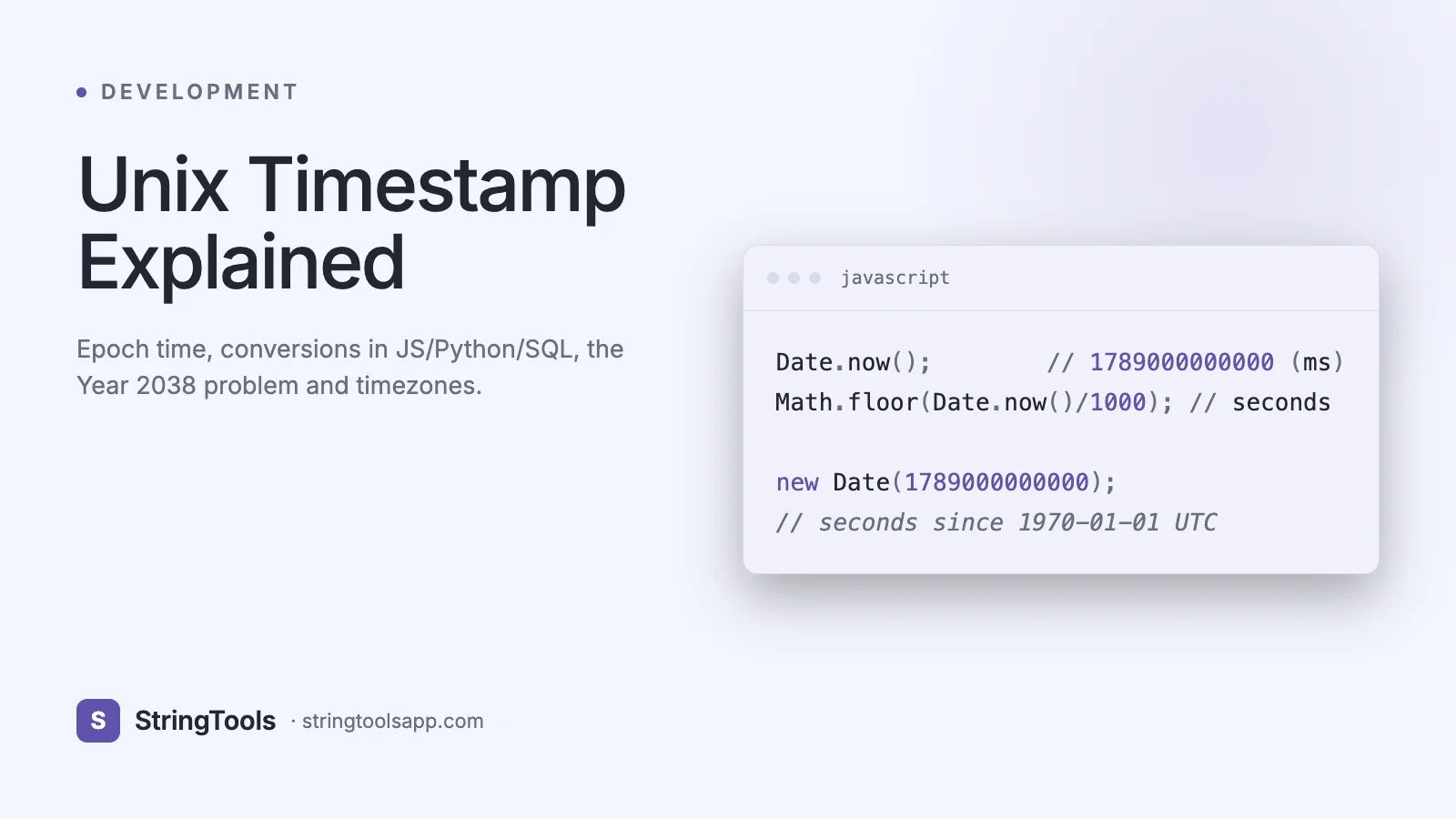
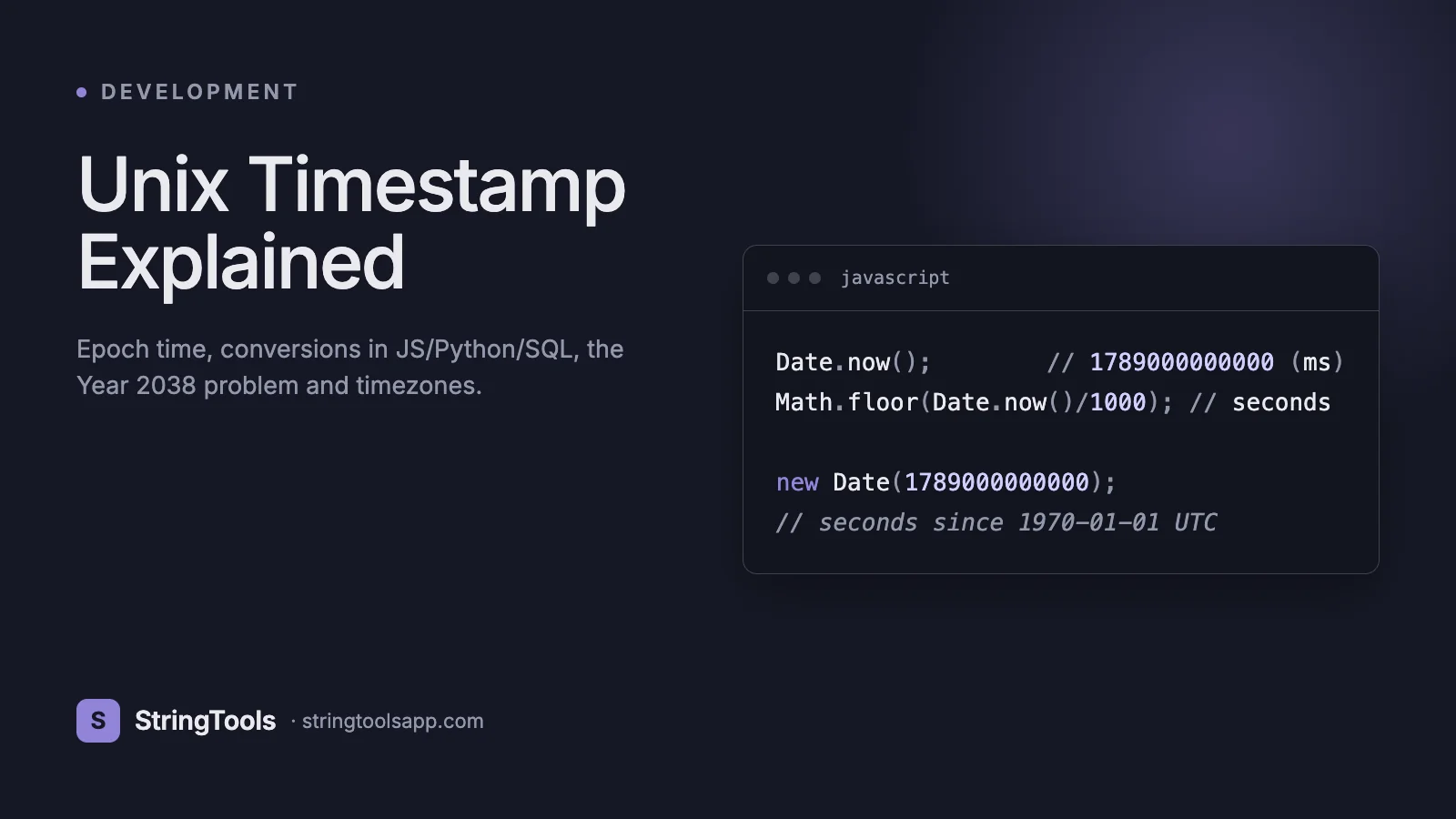
JavaScript. Date.now() returns milliseconds since epoch. Convert to seconds for APIs that expect Unix seconds.
// JavaScript const ms = Date.now(); // 1713801600000 const seconds = Math.floor(Date.now() / 1000); // 1713801600 const date = new Date(1713801600 * 1000); // Date object date.toISOString(); // "2024-04-22T16:00:00.000Z" // From ISO string const ts = Math.floor(new Date("2024-04-22T16:00:00Z").getTime() / 1000);
Python. time.time() returns seconds as a float. datetime.now(timezone.utc).timestamp() is the same.
# Python 3 import time from datetime import datetime, timezone
seconds = int(time.time()) # 1713801600 dt = datetime.fromtimestamp(seconds, tz=timezone.utc) dt.isoformat() # '2024-04-22T16:00:00+00:00' # From ISO ts = int(datetime.fromisoformat("2024-04-22T16:00:00+00:00").timestamp())
Bash and shell. The date command is your friend.
# Linux (GNU date) date +%s # current unix time date -d @1713801600 -u # human-readable from epoch date -u -d "2024-04-22 16:00" +%s # epoch from date string # macOS (BSD date) date -r 1713801600 -u # different flag!
SQL. Every database has its own function.
-- Postgres SELECT EXTRACT(EPOCH FROM NOW())::bigint; SELECT TO_TIMESTAMP(1713801600) AT TIME ZONE 'UTC';
-- MySQL SELECT UNIX_TIMESTAMP(); SELECT FROM_UNIXTIME(1713801600);
-- SQLite SELECT strftime('%s', 'now'); SELECT datetime(1713801600, 'unixepoch');
Go. Native support via time package.
t := time.Now().Unix() // seconds t2 := time.Now().UnixMilli() // milliseconds t3 := time.Unix(1713801600, 0).UTC()
When in doubt, use our Time Converter to paste any value and see it decoded in every common format.
The Year 2038 Problem
Unix time_t was historically a signed 32-bit integer. Signed 32-bit maxes out at 2^31 - 1 = 2,147,483,647. That value is 2038-01-19 03:14:07 UTC. One second later, a 32-bit signed timestamp wraps around to -2,147,483,648, which is 1901-12-13 20:45:52 UTC. This is the Year 2038 problem, the Unix millennium bug.
It is real. Embedded systems, older C programs, some filesystems (ext3 timestamps), and industrial control systems built before 2010 often still use 32-bit time_t. On January 19, 2038, those systems will treat the current time as 1901 unless patched.
The fix is 64-bit time_t, which gives you until approximately the year 292,277,026,596. Every mainstream modern OS has moved to 64-bit time: 64-bit Linux since day one, 32-bit Linux since kernel 5.6 (March 2020), Android since 2021, Windows since NT. Most languages use 64-bit integers or floats for time by default.
Where to worry:
- Legacy C code with long time_t on a 32-bit build.
- Old MySQL TIMESTAMP columns (still 32-bit signed in MySQL through 8.0, with a max of 2038-01-19). Use DATETIME or BIGINT for future dates.
- Embedded hardware that has not been updated in 10+ years.
- File formats that hard-code 32-bit epoch fields (ZIP, some tar variants, OpenSSL certificates through version 1).
Audit your stack once, move anything suspicious to 64-bit or DATETIME, and you are done. Do not wait until 2037.
Timezone Pitfalls and the One Rule That Saves You
The rule: store every timestamp in UTC. Convert to local time only at the display edge.
Storing local time is the root cause of almost every timezone bug in existence. Users travel. Servers move regions. Daylight saving time adds and removes an hour twice a year. A time like "2024-03-10 02:30 America/New_York" literally does not exist because DST skipped 2-3 AM that night. Unix timestamps have none of these problems because they are just an integer count of seconds in UTC.
Common antipatterns:
- Storing a DATETIME in MySQL without TIMESTAMP semantics and hoping the application converts correctly. Half the time it does not.
- Using JavaScript's new Date("2024-04-22") which parses as UTC, but new Date("2024-04-22 10:00") which parses as local. Subtle and evil.
- Writing toISOString() and then dropping the Z, producing an ambiguous string.
- Comparing Date.now() with a server timestamp without agreeing on unit.
The right pattern:
1. Store UTC timestamp (bigint seconds or ms, or TIMESTAMPTZ in Postgres). 2. Pass UTC through APIs, always with an explicit ISO 8601 string ending in Z (or a bare integer). 3. Convert to user's timezone only when rendering, using Intl.DateTimeFormat or a library like date-fns-tz or Luxon.
If you need to represent wall-clock time independent of location ("every Monday at 9 AM user time"), store the time of day plus the IANA timezone name ("America/Los_Angeles"), not the offset. Offsets change with DST; names do not.
Leap Seconds and Why Unix Ignores Them
Earth's rotation is slowing down. To keep UTC aligned with astronomical time, the International Earth Rotation Service occasionally inserts a leap second, usually on June 30 or December 31. That creates an actual 23:59:60 on those days.
Unix time deliberately ignores leap seconds. A Unix day is exactly 86,400 seconds, always. When a leap second occurs, Unix time either repeats a second (POSIX's original behavior) or smears the extra second across the day (Google's NTP smearing, now common). This means Unix time is not a perfectly accurate count of SI seconds since 1970; it is an accurate count of UTC days times 86,400.
Why does this matter? Almost never. The difference is 37 seconds accumulated over 50 years. If you are building GPS software, high-frequency trading, or astronomical calculations, use TAI (International Atomic Time) or GPS time. For literally every web application, Unix time is correct enough.
The ITU plans to abolish leap seconds by 2035, after which UTC itself may slowly drift from astronomical time. Unix time will not notice.
Database Types: What to Actually Use
Postgres TIMESTAMPTZ. The correct default. Stores UTC internally, converts to the session timezone on read. Handles DST and arithmetic correctly. Never use TIMESTAMP WITHOUT TIME ZONE unless you are specifically storing local wall-clock times.
MySQL TIMESTAMP vs DATETIME. TIMESTAMP is 32-bit, auto-converts to UTC on write and back on read using the session timezone, and maxes out at 2038. DATETIME is 5-8 bytes, no timezone conversion, range 1000 to 9999. Use DATETIME for most cases, or BIGINT if you want raw Unix ms. Always set explicit session time_zone to '+00:00' for API backends.
MongoDB. Use ISODate (which stores as 64-bit ms since epoch internally). Never store timestamps as strings; you cannot sort or range-query them efficiently.
SQLite. Has no dedicated datetime type. Store as INTEGER (Unix seconds) or TEXT (ISO 8601). Integer is smaller and faster for sorting.
BigQuery TIMESTAMP. Stores microsecond-precision UTC. Use it, not DATETIME (which is wall-clock without zone).
Comparison:
Type — Storage • Range • Timezone-aware • Use when
Postgres TIMESTAMPTZ — 8 bytes • 4713 BC to 294276 AD • Yes • default for almost everything
MySQL TIMESTAMP — 4 bytes • 1970 to 2038 • Yes (session TZ) • small tables with near-term dates only
MySQL DATETIME — 8 bytes • 1000 to 9999 • No • safer default than TIMESTAMP for future dates
BIGINT (Unix ms) — 8 bytes • effectively unlimited • No (assume UTC) • portable, simple, fast
ISO 8601 TEXT — ~25 bytes • unlimited • Yes (if Z) • human-readable logs
The BIGINT-with-UTC-convention approach is the simplest across polyglot stacks: every language and every database speaks integers.
Common Mistakes That Cause Real Bugs
Mixing seconds and milliseconds. A server returns 1713801600 and the client calls new Date(1713801600) which interprets it as milliseconds since epoch: January 20, 1970. Always know the unit in your contract and stick to one. Most APIs document "Unix time in seconds" or "Unix time in milliseconds" explicitly.
Using floating point for timestamps. Python's time.time() returns a float with microsecond precision. After a few additions you can lose a millisecond. Use time.time_ns() and integer math if precision matters.
Forgetting the Z. "2024-04-22T16:00:00" without a Z or offset is ambiguous. Half of parsers treat it as local, half as UTC. Always include the Z or a numeric offset.
Comparing a Date with a number. In JavaScript, new Date() > 1713801600 is a valid comparison but almost certainly wrong because one side is a Date and the other is a number of seconds. Coerce explicitly: date.getTime() > seconds * 1000.
DST-naive arithmetic. Adding 86400 seconds does not always move you forward one calendar day if there is a DST transition. For calendar math use a library (Luxon, date-fns, Java Time API, Python zoneinfo) in the user's timezone, not raw epoch arithmetic.
Relying on the server clock. Servers drift. Use NTP (chrony, systemd-timesyncd) or AWS Time Sync Service. Log timestamps from an authoritative source for audit trails.
Frequently Asked Questions
Why does Unix time start on January 1, 1970?
It is an arbitrary convenient date chosen by the creators of Unix in the early 1970s. No deeper reason. It has become the de facto standard because Unix and its descendants won.
Is Unix time always in UTC?
Yes. The epoch is defined as 1970-01-01 00:00:00 UTC. A Unix timestamp is a count of elapsed seconds from that specific instant, regardless of where you are. Local time only enters the picture when you format the number for display.
How do I know if a timestamp is in seconds or milliseconds?
Count the digits. A timestamp in seconds today has 10 digits. In milliseconds, 13 digits. In microseconds, 16 digits. A value like 1713801600 is seconds; 1713801600000 is milliseconds. The gap will not narrow noticeably for another 250 years.
What is the Year 2038 problem and do I need to fix it?
It is the overflow of signed 32-bit Unix time on 2038-01-19 03:14:07 UTC. Modern 64-bit systems are unaffected. Audit legacy C code, old MySQL TIMESTAMP columns, and embedded firmware. Everything else is fine.
Does Unix time count leap seconds?
No. Unix time pretends every day is exactly 86,400 seconds. When a leap second is inserted, Unix time either repeats a second or smears it. The difference with SI time is about 37 seconds accumulated over 55 years.
Should I store timestamps as strings or integers?
Integers (Unix seconds or milliseconds) are smaller, sort lexicographically, and unambiguous. Strings (ISO 8601) are human-readable. Pick one and stay consistent. For APIs, ISO 8601 with Z is most interoperable.
How do I convert a Unix timestamp in the browser?
const d = new Date(ts * 1000); d.toISOString(). Remember that JavaScript uses milliseconds, so multiply seconds by 1000. For formatted output use Intl.DateTimeFormat or our Time Converter.
What timezone should I store in a database?
UTC. Always. Convert only at the display edge. Use TIMESTAMPTZ in Postgres, DATETIME with session_time_zone='+00:00' in MySQL, or BIGINT milliseconds for language-agnostic simplicity.
Closing Thoughts
Unix time is one of the great pieces of durable engineering. Fifty-five years after Thompson and Ritchie picked 1970-01-01, every server, mobile phone, and satellite uses the same integer to agree on when something happened. Learn the three rules - always UTC, pick a unit and stick to it, convert only at display - and timestamp bugs disappear from your life.
Next time you see a mysterious 10-digit or 13-digit number in a log, you will know exactly what to do with it. And when you need a quick conversion or sanity check, our Time Converter handles seconds, milliseconds, ISO 8601, and every common format in one place.