
Why You Can’t Ignore Character Encoding
You paste a customer’s name into your database — José — and it comes back as José. You tweet a rocket emoji and your logs show \ud83d\ude80. A CSV from a vendor opens as gibberish in Excel. Every one of these is the same underlying bug: somebody treated bytes as characters without agreeing on an encoding.
In 2026, 98.2% of websites use UTF-8 (W3Techs), yet encoding bugs still dominate support queues. JVM-based apps internally use UTF-16. Windows APIs historically use UTF-16. Embedded systems and old COBOL pipelines still lean on ASCII and EBCDIC. The moment a byte stream crosses a system boundary, someone has to decide: what encoding is this?
This guide breaks down ASCII (1963), Unicode (1991), and the three encodings that matter today — UTF-8, UTF-16, and UTF-32 — with byte-level examples, emoji encoding, BOM handling, and real JavaScript and Python code. By the end you’ll know exactly why é is one byte in Latin-1, two bytes in UTF-8, and why Rocket is four bytes in UTF-8 but four bytes as a surrogate pair in UTF-16.
Character Set vs Encoding: Two Different Things
This is the most important distinction in the whole topic. A character set (or coded character set) is a mapping from characters to integers called code points. Unicode assigns U+0041 to A and U+1F680 to Rocket. That’s the character set.
An encoding is a scheme for turning those code point integers into bytes on the wire or on disk. UTF-8, UTF-16, and UTF-32 are three different encodings of the same Unicode character set. They disagree on bytes but agree on code points.
ASCII is both: a 128-character set plus a 7-bit encoding (one byte per character, high bit unused). Latin-1 (ISO-8859-1) extended it to 256 characters with a single byte. Unicode blew past 256 in 1991 and now defines over 149,000 characters across 17 planes of 65,536 code points each. No single byte could hold them all, so multiple encodings emerged.
ASCII: The 1963 Foundation
ASCII (American Standard Code for Information Interchange) was standardized in 1963. It defines 128 characters using a 7-bit code: 33 control characters (NUL, LF, CR, ESC), 26 uppercase and 26 lowercase Latin letters, 10 digits, and common punctuation. A is 0x41 (65), a is 0x61 (97), space is 0x20 (32), LF is 0x0A (10).
In memory, each ASCII character occupies one byte with the high bit zero. "Hi" is the two bytes 0x48 0x69. This is why ASCII text is the universal lowest common denominator — every modern encoding is designed to either include ASCII as a subset or map cleanly to it.
ASCII’s limitations showed immediately outside American English: no é, no ñ, no ß, no Cyrillic, no CJK. The 1980s answer was code pages — Windows-1252, ISO-8859-1 (Latin-1), Shift_JIS, GB2312, Big5 — each repurposing the 128–255 byte range for a different alphabet. The result was chaos: the same byte sequence meant different things depending on which code page the reader assumed. This is the source of classic mojibake.
Unicode: One Catalog to Rule Them All
Unicode began in 1987 at Xerox and Apple, first published in 1991. Its goal: assign a unique code point to every character in every living script — and many dead ones. Code points are written U+ followed by four to six hex digits: U+0041 (A), U+00E9 (é), U+4E2D (中), U+1F600 (ὠ0).
The code point space spans U+0000 to U+10FFFF, organized into 17 planes of 65,536 code points:
Plane 0 (U+0000–U+FFFF) — the Basic Multilingual Plane (BMP), covering most living scripts, common CJK, and the core symbols. Plane 1 (U+10000–U+1FFFF) — the Supplementary Multilingual Plane (SMP), home to emoji, historic scripts, and musical symbols. Planes 2–16 — additional CJK, private use, and specialized characters.
As of Unicode 16 (2024), 154,998 code points are assigned. The catalog is the character set. The question is how to encode those code points into bytes — that’s UTF-8, UTF-16, and UTF-32.
UTF-8: Variable-Width, ASCII-Compatible, the Web’s Default
UTF-8 was designed by Ken Thompson and Rob Pike in 1992. It encodes each code point in 1 to 4 bytes using a self-synchronizing prefix scheme:
U+0000–U+007F — 1 byte, 0xxxxxxx (pure ASCII) U+0080–U+07FF — 2 bytes, 110xxxxx 10xxxxxx U+0800–U+FFFF — 3 bytes, 1110xxxx 10xxxxxx 10xxxxxx U+10000–U+10FFFF — 4 bytes, 11110xxx 10xxxxxx 10xxxxxx 10xxxxxx
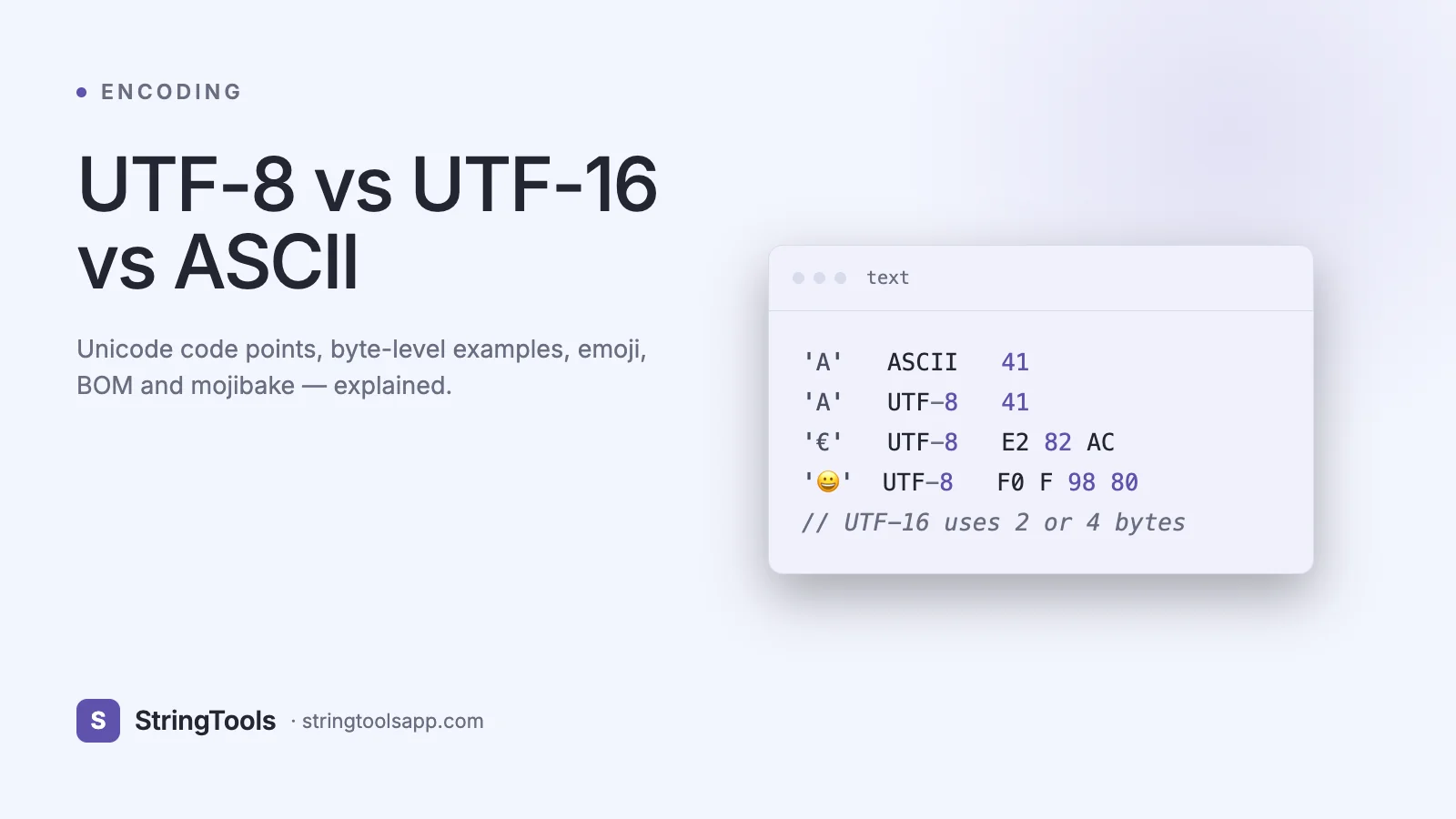
Worked example: A (U+0041) is 0x41 — one byte, same as ASCII. é (U+00E9) is 0xC3 0xA9 — two bytes. 中 (U+4E2D) is 0xE4 0xB8 0xAD — three bytes. Ὠ0 (U+1F680) is 0xF0 0x9F 0x9A 0x80 — four bytes.
UTF-8’s killer features: it’s ASCII-compatible (any ASCII file is already valid UTF-8), self-synchronizing (you can start decoding from any byte by scanning for the next non-10xxxxxx lead byte), and byte-order independent (no BOM needed). These properties made it the default for the web, Linux filesystems, Go, Rust, and modern Python 3 source files.
UTF-16: Variable-Width, 2 or 4 Bytes, Surrogate Pairs
UTF-16 encodes BMP code points (U+0000–U+FFFF) in a single 16-bit code unit (2 bytes) and supplementary code points (U+10000–U+10FFFF) as a surrogate pair — two 16-bit code units totaling 4 bytes. The high surrogate range is U+D800–U+DBFF; the low surrogate range is U+DC00–U+DFFF.
The pairing formula: subtract 0x10000 from the code point, take the high 10 bits and add 0xD800 (high surrogate), take the low 10 bits and add 0xDC00 (low surrogate). Ὠ0 (U+1F680): 0x1F680 - 0x10000 = 0xF680 = 0b1111_1001_1010_0000. High = 0xD83D, low = 0xDE80. So the UTF-16 bytes are 0xD83D 0xDE80 (four bytes in big-endian).
UTF-16 has a byte order problem: is 0xD8 0x3D the same as 0x3D 0xD8? This is why UTF-16 files often start with a BOM (Byte Order Mark) U+FEFF, which appears as 0xFE 0xFF (big-endian) or 0xFF 0xFE (little-endian).
UTF-16 is used internally by Java Strings, C# and .NET Strings, JavaScript Strings ("hi".length counts UTF-16 code units, not characters), Windows APIs, and the QT framework. For ASCII-heavy text, UTF-16 is exactly twice the size of UTF-8.
UTF-32 and the BOM
UTF-32 encodes every code point in exactly 4 bytes — fixed width. This makes random access O(1) (the Nth character is at byte offset 4N) but wastes 3 bytes per ASCII character. It’s rarely used for storage or wire transfer; it’s an internal representation in a few text-processing libraries where fixed-width arithmetic matters more than memory.
The BOM (Byte Order Mark, U+FEFF) is a zero-width non-breaking space that, when placed at the start of a file, indicates both the encoding and (for UTF-16/32) the byte order:
UTF-8 BOM — 0xEF 0xBB 0xBF (optional; many tools dislike it in JSON, source code, and CSV headers) UTF-16 BE BOM — 0xFE 0xFF UTF-16 LE BOM — 0xFF 0xFE UTF-32 BE BOM — 0x00 0x00 0xFE 0xFF UTF-32 LE BOM — 0xFF 0xFE 0x00 0x00
Excel on Windows adds a UTF-8 BOM to CSVs to avoid mojibake; many Unix tools choke on it. The rule of thumb: write UTF-8 without BOM for interchange, tolerate it on read.
Encoding Emoji: Rocket in Every Format
The rocket emoji (code point U+1F680) makes a great stress test because it’s beyond the BMP and forces surrogate pairs.
ASCII — not representable at all; will throw UnicodeEncodeError. Latin-1 — not representable; will throw. UTF-8 — 0xF0 0x9F 0x9A 0x80 (4 bytes). UTF-16 LE — 0x3D 0xD8 0x80 0xDE (4 bytes, two code units, a surrogate pair). UTF-32 LE — 0x80 0xF6 0x01 0x00 (4 bytes, fixed width).
In JavaScript, "Ὠ0".length is 2 (it counts UTF-16 code units). To count real characters, use [...str].length or Array.from(str).length, which use the string iterator that yields code points. String.fromCodePoint(0x1F680) gives you Ὠ0; String.fromCharCode(0x1F680) does not (it truncates to 16 bits and gives you a broken surrogate).
This is why naive str[i] indexing is dangerous with emoji — you may slice a surrogate pair in half and produce invalid text. Always iterate with for..of or Array.from when characters matter.
Encoding in JavaScript with TextEncoder / TextDecoder
Modern browsers and Node ship TextEncoder / TextDecoder for byte-level encoding work:
const enc = new TextEncoder(); // always UTF-8 const bytes = enc.encode("Jos\u00e9 \u1f680"); // Uint8Array [74, 111, 115, 195, 169, 32, 240, 159, 154, 128]
const dec = new TextDecoder("utf-8"); console.log(dec.decode(bytes)); // "Jos\u00e9 \u1f680"
const dec16 = new TextDecoder("utf-16le"); const buf16 = new Uint8Array([0x3D, 0xD8, 0x80, 0xDE]); console.log(dec16.decode(buf16)); // "\u1f680"
For Base64 transport of arbitrary bytes, use btoa / atob carefully — they operate on Latin-1 strings. For UTF-8 data, encode to bytes first with TextEncoder, then Base64-encode the bytes. Our /base64 tool handles this round-trip for you, and /blog/base64-encoding-explained covers the mechanics end to end.
Hashing text (SHA-256, MD5) similarly requires picking an encoding first — try /hash-generator to see how the hash of "Jos\u00e9" differs between UTF-8 and Latin-1 byte streams.
Encoding in Python: str vs bytes
Python 3 draws a hard line between str (Unicode text) and bytes (raw bytes). You convert with encode and decode:
s = "Jos\u00e9 \u1f680" b = s.encode("utf-8") # b = b'Jos\xc3\xa9 \xf0\x9f\x9a\x80'
s2 = b.decode("utf-8") # s2 == s
s.encode("ascii") # UnicodeEncodeError: 'ascii' codec can't encode character '\u00e9'
s.encode("ascii", errors="replace") # b'Jos? ?'
s.encode("ascii", errors="xmlcharrefreplace") # b'José 🚀'
Reading files always specifies encoding: open("data.txt", encoding="utf-8"). Don’t rely on locale defaults — they differ between macOS (UTF-8), Linux (usually UTF-8), and Windows (historically cp1252, now UTF-8 on 3.15+ with PEP 686). Always be explicit.
Mojibake, Surrogates, and Other Real Bugs
Mojibake is what happens when bytes encoded in one scheme are decoded as another. José encoded UTF-8 (0x4A 0x6F 0x73 0xC3 0xA9) and read back as Latin-1 appears as José — two garbage characters for the single é. The fix is never to re-encode the garbage; fix the reader to use UTF-8.
Double-encoding is worse: if the UTF-8 bytes are themselves UTF-8-encoded a second time, é becomes é at the byte level (0xC3 0x83 0xC2 0xA9 — four bytes). Two rounds of correct decoding are required, and corrupt bytes are often irrecoverable.
Lone surrogates: a UTF-16 code unit in the 0xD800–0xDFFF range without its pair is invalid Unicode. Some APIs (older JavaScript) tolerate them; strict encoders (Rust, Go) reject them. You’ll see this when splitting UTF-16 strings by code-unit index instead of code point.
Detection: chardet and cchardet (Python), jschardet (JS) make educated guesses based on byte frequency, but the only reliable signal is either a BOM, an HTTP Content-Type header, a <meta charset> tag, or out-of-band knowledge. Guessing is fragile; document and assert.
Head-to-Head Comparison Table
Year — ASCII: 1963 • UTF-8: 1992 • UTF-16: 1996 Bytes per char — ASCII: 1 • UTF-8: 1–4 • UTF-16: 2 or 4 Characters covered — ASCII: 128 • UTF-8: 154,998+ • UTF-16: 154,998+ ASCII compatible — ASCII: native • UTF-8: yes • UTF-16: no Byte order dependent — ASCII: no • UTF-8: no • UTF-16: yes (needs BOM) Size of “Hello” — ASCII: 5 B • UTF-8: 5 B • UTF-16: 10 B (+BOM) Size of 你好 — ASCII: impossible • UTF-8: 6 B • UTF-16: 4 B Size of Ὠ0 — ASCII: impossible • UTF-8: 4 B • UTF-16: 4 B Random access by char — ASCII: O(1) • UTF-8: O(n) • UTF-16: O(n) (surrogate pairs) Default on the web — ASCII: no • UTF-8: yes (98%) • UTF-16: no Used internally by — ASCII: legacy • UTF-8: Rust, Go, Python 3 src, Linux • UTF-16: Java, C#, JS, Windows Best for — ASCII: legacy protocols • UTF-8: storage, wire, web • UTF-16: in-memory for CJK-heavy apps
Common Mistakes and Best Practices
Always specify the encoding on read and write — never rely on locale defaults. Prefer UTF-8 everywhere it’s safe (it is, almost always). Store text as UTF-8 in databases (utf8mb4 in MySQL; the default in Postgres); avoid legacy utf8 which is actually a broken 3-byte subset that can’t store emoji. Set Content-Type: text/html; charset=utf-8 on HTTP responses. Set <meta charset="utf-8"> as the first tag inside <head>. Strip BOMs from JSON before parsing (standard library JSON parsers reject them). Never use str.length in JavaScript as a character count — it’s a code-unit count. Normalize Unicode with .normalize("NFC") before equality comparisons; é can be one code point (U+00E9) or two (e + combining acute U+0301) and the two are not == but look identical. In URLs and filenames, percent-encode the UTF-8 bytes.
Frequently Asked Questions
Is UTF-8 always larger than ASCII? Only when the text contains non-ASCII characters. Pure ASCII text is exactly the same number of bytes in UTF-8 as in ASCII because UTF-8 encodes ASCII code points as single bytes with identical values — that’s the whole point of backward compatibility.
Is UTF-16 better for Chinese or Japanese? For in-memory storage of pure CJK text, UTF-16 uses 2 bytes per character versus 3 bytes in UTF-8 — about 33% smaller. On the wire after gzip the gap largely disappears, and UTF-8’s ASCII efficiency for markup (HTML tags, JSON keys) usually wins overall. Most Chinese websites use UTF-8.
What encoding does JSON use? RFC 8259 mandates UTF-8 for JSON on the wire. Strictly, parsers may accept UTF-16 and UTF-32 with a BOM, but UTF-8 is required for modern interoperability. Never send JSON in any other encoding.
Why does "Ὠ0".length equal 2 in JavaScript? JavaScript strings are sequences of UTF-16 code units. Ὠ0 is outside the BMP, so it’s encoded as a surrogate pair of two code units — hence length 2. Use [..."\u1f680"].length for the code-point count, which returns 1.
Should I add a BOM to my UTF-8 files? Generally no. JSON, source code, and many Unix tools reject or mishandle the UTF-8 BOM. The exceptions are CSV files destined for Excel on Windows and some Microsoft toolchains, where the BOM triggers correct Unicode interpretation.
How do I convert between encodings at the command line? iconv is the canonical tool: iconv -f latin1 -t utf-8 input.txt > output.txt. On Windows PowerShell 7+, use Get-Content -Encoding. Avoid half-conversions — always know the source encoding before running iconv.
What happened to UCS-2? UCS-2 was a fixed 16-bit encoding used before surrogate pairs existed. It cannot represent code points above U+FFFF. Windows and Java originally used UCS-2 and transitioned to UTF-16 when Unicode expanded beyond the BMP in 1996. You’ll still see "UCS-2" in legacy docs — treat it as UTF-16 without surrogate-pair support.
Conclusion: UTF-8 Unless Proven Otherwise
In 2026 the answer to "what encoding should I use?" is almost always UTF-8. It’s ASCII-compatible, byte-order independent, web-standard, space-efficient for Latin text, and universally supported. Keep UTF-16 in mind for in-memory string manipulation in JavaScript, Java, and .NET — especially when emoji and surrogate pairs show up in user input. Understand ASCII as the foundation both other encodings extend.
Next time you see a rogue ã or � in your logs, you’ll know exactly which boundary to check — and how to fix it.
Encode and decode text quickly with /base64 or see how different byte streams hash with /hash-generator.