
The API That Calls You
Imagine you run an online store. A customer pays, and you need to send them a receipt, update inventory, kick off shipping, and notify your analytics pipeline. The payment processor knows the charge succeeded the instant it happens. The question is: how does your system find out? You could poll Stripe every few seconds asking "any new charges? any new charges?" That wastes requests, adds latency, and costs money at scale. Or Stripe could just call you the moment a charge completes. That is a webhook.
Webhooks power everything from GitHub pull request notifications to Slack bot integrations to Twilio SMS callbacks to Shopify order events. They are the backbone of the event-driven web. And yet, the first time most engineers build one they get at least three things wrong: they forget signature verification, they return 200 OK before doing the work, and they have no idea what to do when the same event arrives twice.
This guide fixes that. We will cover what a webhook actually is, how it differs from polling, how to secure it with HMAC signatures the way Stripe and GitHub do, how to handle retries and idempotency, and how to test webhooks locally with ngrok before you deploy. You will finish with production-ready patterns and a Node.js implementation you can adapt to any provider.
What is a Webhook?
A webhook is an HTTP callback. Instead of your client asking a server for new data (a normal API call), the server sends data to a URL you own whenever something interesting happens. The flow is reversed, which is why webhooks are sometimes called "reverse APIs."
The mechanics are trivially simple: you register a URL with a provider, the provider stores it, and when an event fires the provider makes an HTTP POST to that URL with a JSON body describing the event. Your server reads the body, does whatever work is needed, and responds with a 2xx status code to acknowledge receipt. If you respond with anything else (or time out), the provider retries.
Webhooks are event-driven, asynchronous, and push-based. Every major SaaS product uses them: Stripe emits events like charge.succeeded and invoice.paid; GitHub emits push, pull_request, and issues events; Slack emits message and app_mention events; Shopify emits orders/create and inventory_levels/update; Twilio posts delivery status for every SMS. The pattern is always the same: register URL, receive POST, verify signature, process, return 200.
Webhooks vs Polling: Why Webhooks Win
Polling is the naive alternative. Your client asks "any updates?" on a fixed interval. Here is what that looks like versus webhooks:
Polling timeline:
client -> server: GET /events?since=T1 (empty) client -> server: GET /events?since=T1 (empty) client -> server: GET /events?since=T1 (event!) ...waste 100 requests to find 1 event
Webhook timeline:
server -> client: POST /webhook { event } (immediate) ...one request per event, zero wasted
The cost difference is dramatic. At Stripe's scale, polling charge status every 30 seconds for 10,000 merchants would mean 28.8 million requests per day just to find a handful of state changes. Webhooks turn that into roughly one request per real event.
Latency is better too. Polling gives you at best interval/2 average delay; webhooks fire within milliseconds of the triggering event. And webhooks scale naturally on the provider side: they fan out events from a queue instead of serving a stampede of pollers.
Polling has one real advantage: it works behind firewalls where inbound HTTP is blocked. For that case, use long polling (HTTP/2 server-sent events) or WebSockets. For everything else, webhooks are the right default.
The Webhook Lifecycle
Every webhook integration follows the same six steps.
1. Register a URL. In the provider dashboard (Stripe, GitHub, Shopify) or via API, you tell the provider the URL to hit and which events to subscribe to. For GitHub: repo Settings > Webhooks > Add webhook, with a URL like https://api.example.com/hooks/github and a secret.
2. Event occurs. A user pushes a commit, a charge succeeds, a form is submitted.
3. Provider sends POST. The provider serializes the event as JSON and POSTs it to your URL. Headers include a signature (Stripe-Signature, X-Hub-Signature-256 for GitHub) and usually an event ID and timestamp.
4. Verify and process. Your server verifies the signature, checks idempotency, and does the work. Ideally it enqueues the work and returns 200 immediately.
5. Respond 2xx. Any 2xx signals success. 4xx (except 410 Gone) means the provider will retry. 5xx always triggers retries.
6. Retry with backoff. If you do not return 2xx within a timeout (typically 10-30 seconds), the provider retries with exponential backoff. Stripe retries for up to 3 days with increasing intervals. GitHub retries 8 times over 8 hours. After max retries most providers disable the endpoint and notify you.
The shape of the payload varies by provider, but the skeleton is consistent: an event ID, an event type, a timestamp, and a data object:
{ "id": "evt_1NG8Y92eZvKYlo2C", "type": "charge.succeeded", "created": 1713600000, "data": { "object": { "id": "ch_3NG8Y9...", "amount": 2000 } } }
Receiving Webhooks in Node.js with HMAC Verification
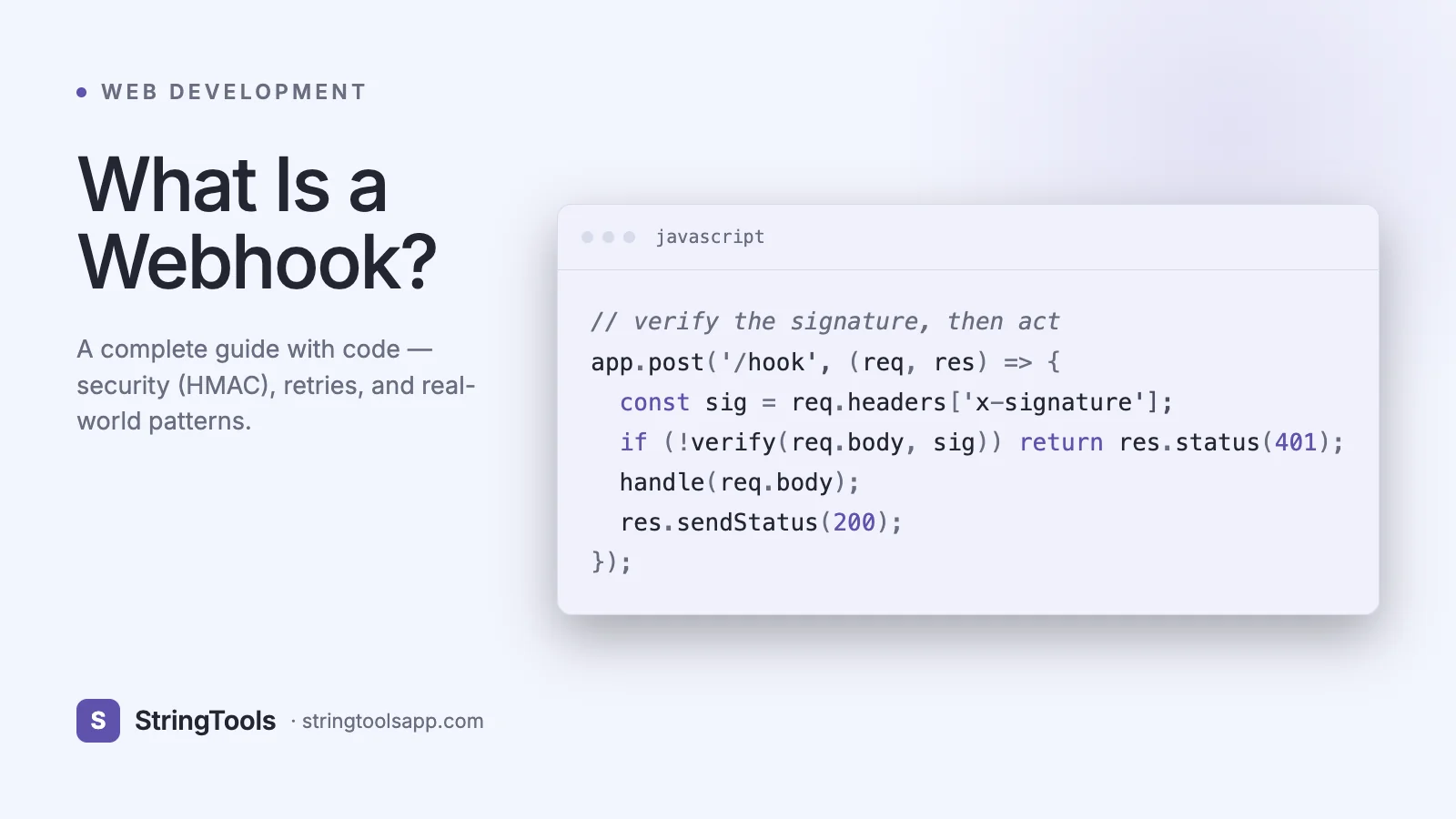
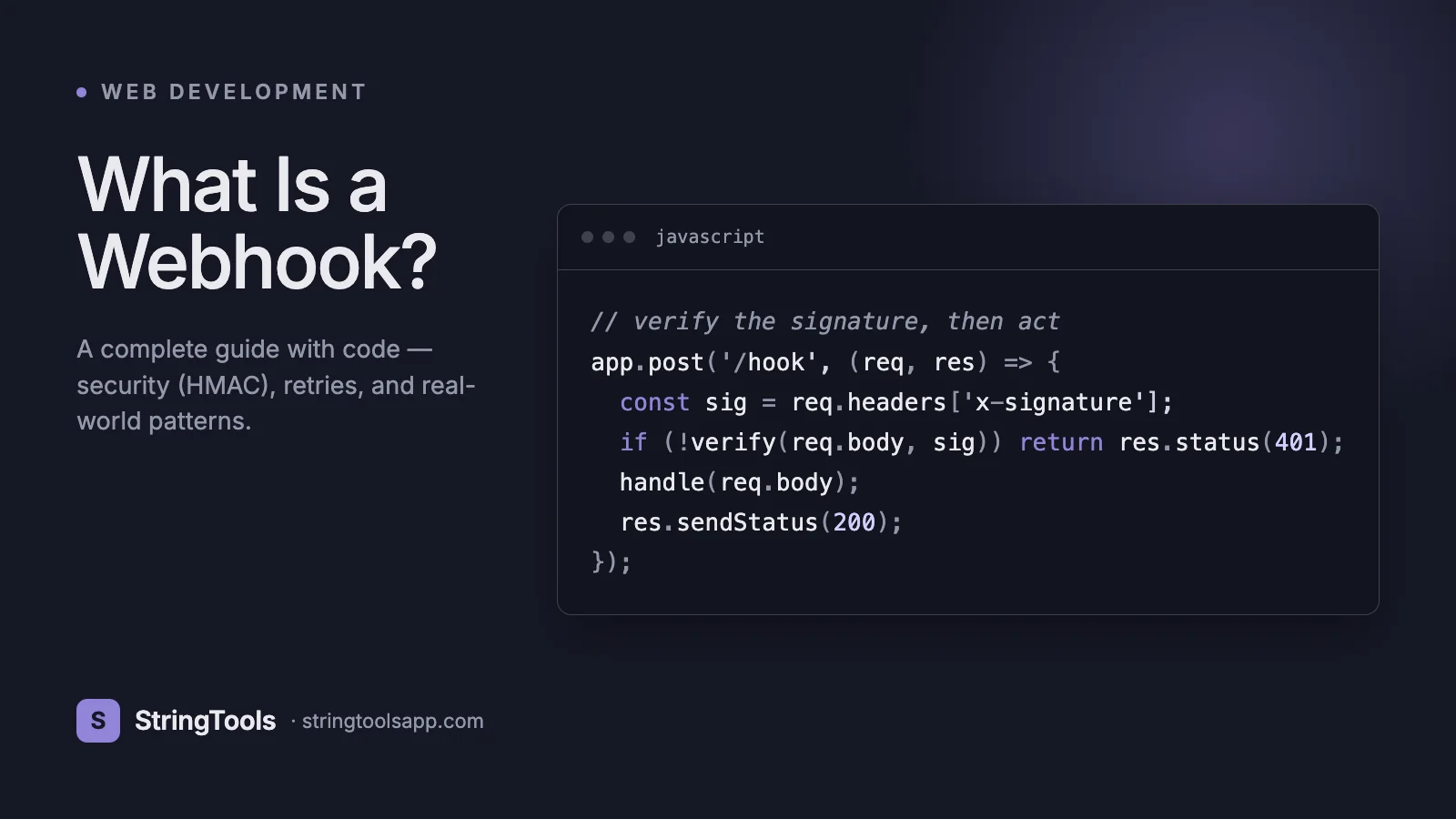
Here is a production-quality Express handler for Stripe-style webhooks. The same pattern applies to GitHub, Shopify, Slack, and most others with minor header name changes.
// server.js const express = require("express"); const crypto = require("crypto"); const app = express();
// IMPORTANT: use raw body for signature verification app.post( "/hooks/stripe", express.raw({ type: "application/json" }), async (req, res) => { const signature = req.headers["stripe-signature"]; const secret = process.env.STRIPE_WEBHOOK_SECRET;
if (!verifySignature(req.body, signature, secret)) { return res.status(400).send("invalid signature"); }
const event = JSON.parse(req.body.toString("utf8"));
// Idempotency: skip if we've seen this event id if (await seenEvent(event.id)) return res.status(200).send("ok"); await markEvent(event.id);
// Do fast work, enqueue slow work await jobQueue.publish(event);
return res.status(200).send("ok"); } );
function verifySignature(rawBody, header, secret) { // Stripe sends "t=TIMESTAMP,v1=SIG" const parts = Object.fromEntries( header.split(",").map((p) => p.split("=")) ); const signedPayload = parts.t + "." + rawBody.toString("utf8"); const expected = crypto .createHmac("sha256", secret) .update(signedPayload) .digest("hex"); // Constant-time compare to prevent timing attacks return crypto.timingSafeEqual( Buffer.from(expected), Buffer.from(parts.v1) ); }
Four details matter enormously:
- Raw body. Parsing the JSON before verifying the signature breaks verification. Use express.raw for the webhook route and express.json for everything else.
- Constant-time compare. crypto.timingSafeEqual defeats timing attacks that would leak the signature byte by byte.
- Timestamp check. Reject events older than five minutes to prevent replay attacks. Stripe encodes the timestamp in the signature header for this reason.
- Enqueue, do not process inline. Return 200 fast. Let a worker pick up the event from a queue so a slow downstream does not cause retries.
Real-World Providers and Their Quirks
Stripe. Header: Stripe-Signature. Format: t=TIMESTAMP,v1=HEX. Secret: whsec_... from the dashboard. Retries for 3 days. Requires 2xx within 30 seconds. Stripe CLI (stripe listen) forwards events to localhost for testing.
GitHub. Header: X-Hub-Signature-256. Format: sha256=HEX. Secret set per webhook. Retries 8 times over 8 hours. Sends a ping event on creation so you can verify your endpoint. Every event includes X-GitHub-Delivery (UUID) which is perfect for idempotency.
Shopify. Header: X-Shopify-Hmac-Sha256. Format: base64(HMAC-SHA256(body, secret)). Requires 2xx within 5 seconds (strict!). Retries 19 times over 48 hours. Sends X-Shopify-Topic and X-Shopify-Shop-Domain.
Slack Events API. Signed with X-Slack-Signature (v0=HEX of version:timestamp:body). First request is a URL verification challenge that you must echo back within 3 seconds. Retry-Num and Retry-Reason headers tell you which retry you are on.
Twilio. Signed with X-Twilio-Signature using a URL+form-encoded-body scheme. Uses application/x-www-form-urlencoded, not JSON. Retries up to 3 times by default.
Shopify and Slack have the strictest timeouts. If you have any slow operation to do (database write across regions, third-party call, image processing), enqueue and acknowledge immediately.
Testing Webhooks Locally
Webhook providers cannot reach localhost. You need a public URL forwarded to your laptop. Three tools dominate:
ngrok. The classic. Run ngrok http 3000 and you get a public https URL like https://abc123.ngrok.app that forwards to localhost:3000. Free tier works fine for development.
Cloudflare Tunnel. cloudflared tunnel --url http://localhost:3000 gives you a trycloudflare.com URL. Free and fast.
Webhook.site. For exploring payloads without writing a server. It gives you a unique URL and a web UI that captures every request with headers and body. Perfect for a first look at what a provider actually sends.
Provider CLIs are often better than tunnels. stripe listen --forward-to localhost:3000/hooks/stripe forwards real Stripe events. GitHub has smee.io. These do not require opening a port.
For staging environments use Hookdeck or Svix to capture, replay, and filter webhooks across multiple environments. Replay is the single best debugging feature: reprocess yesterday's event after fixing the bug.
Idempotency, Retries, and Duplicate Events
Providers retry. Networks glitch. Your database writes sometimes succeed just as your 200 response is lost. The result is duplicate deliveries of the same event. Stripe and GitHub both explicitly warn: assume duplicates will happen.
The fix is idempotency. Every provider includes a unique event ID. Store it, check it, skip if seen:
// Postgres example async function markEvent(id) { const r = await db.query( "INSERT INTO webhook_events (id, received_at) VALUES ($1, NOW()) ON CONFLICT DO NOTHING RETURNING id", [id] ); return r.rowCount === 1; // true if new }
If markEvent returns false, the event is a duplicate and you return 200 without processing. If true, process it.
Retry tuning on the provider side uses exponential backoff. Stripe's schedule: 1h, 2h, 4h, 8h, 16h, 24h. GitHub: immediate then exponential. Plan your operational dashboards around these windows, not minutes.
Ordering is not guaranteed. charge.succeeded and charge.refunded can arrive out of order. Always use the event created timestamp and your own state machine, not the arrival order, to decide actions.
Dead letter queues matter. If processing an event fails after you acknowledged it, you cannot ask the provider to retry. Put failed events in a DLQ with the original payload and a retry counter, alert on non-empty DLQ, and replay once the bug is fixed.
Security: The Only Three Things You Must Get Right
1. Signature verification on every request. Without it, anyone can POST fake events to your URL and drain your database or trigger refunds. HMAC-SHA256 is the industry standard. Never accept requests where the signature is missing or invalid. Always use constant-time comparison.
2. HTTPS only. Webhook URLs should be https://, full stop. Modern providers refuse to register plain HTTP endpoints, but verify this in your own configuration.
3. Replay protection. Include the timestamp in the signed payload and reject events older than 5 minutes. Otherwise an attacker who sniffs one valid request can replay it forever.
Secondary defenses include IP allowlists (Stripe publishes its webhook IP ranges), mutual TLS for high-value integrations, and rate limiting on the webhook endpoint to prevent a compromised secret from being used for denial of service.
Never use the secret in a URL query string; always in a header. Never log the full signature or raw body with PII; log event ID and type only. Rotate secrets periodically and support dual secrets during rotation windows (accept signatures from either the old or new secret for 24 hours).
For serverless deployments (Lambda, Vercel, Cloudflare Workers) watch out for request size limits and frameworks that parse the body before you can verify it. On Vercel use config.api.bodyParser = false; on Cloudflare Workers read request.text() once and verify before JSON.parse.
Serverless Webhook Patterns
AWS Lambda + API Gateway. Turn off body parsing, enable binary media types, and verify the signature against the raw bytes. Put an SQS queue between Lambda and slow consumers; the Lambda handler verifies, enqueues, and returns 200. This pattern easily handles 10,000 webhooks per second.
Vercel Functions. Use export const config = { api: { bodyParser: false } }, read the raw body with a small helper, verify, then enqueue to Upstash QStash or a separate API route. Pair with Vercel's cron jobs for DLQ retries.
Cloudflare Workers. The best option for low-latency webhook intake. Global network means sub-100ms acknowledgment to any provider. Enqueue to Cloudflare Queues or Durable Objects for processing.
Supabase Edge Functions + Database Functions. The database can react to incoming webhook rows using triggers, letting you keep event handling declarative.
Whatever stack you pick, the architecture stays the same: thin edge handler that verifies + enqueues, durable queue, worker that processes. Never do slow work in the webhook handler itself.
Common Issues and How to Debug Them
Webhook is firing but your server returns 500. Check that you are reading the raw body before JSON parsing. This is the most common mistake. In Express, the body parser middleware ordering matters.
Signature verification fails every time. Verify the secret is correct and copied without whitespace. Verify you are HMAC-ing the exact bytes the provider signed (Stripe signs timestamp + "." + body; GitHub signs just the body). Verify hex vs base64 encoding.
Events stop arriving. Providers automatically disable endpoints after consecutive failures. Check the provider dashboard for endpoint health. Re-enable and replay missed events.
Duplicates flooding your system. Add idempotency via event ID. Do not rely on content hashing; use the provider-supplied ID.
Timeouts. Move work to a queue. If you must do work inline, set strict sub-second timeouts on any database or third-party call inside the handler.
Provider says 200 but you never received the event. Check firewalls and WAFs. Cloudflare sometimes blocks webhooks as bot traffic; add a WAF exception. If your endpoint is behind VPC, ensure public ingress is configured.
For interactive exploration and manually replaying requests, use our API Client to craft POSTs with the exact headers and body your handler expects.
Frequently Asked Questions
What is the difference between a webhook and an API?
An API is a general term for an interface between systems. Webhooks are a specific pattern where the server pushes data to your URL. Traditional REST APIs are pull-based (you request); webhooks are push-based (the server delivers).
Do webhooks use REST?
Webhooks use HTTP, typically POST with a JSON body. Whether that counts as REST is pedantic. Practically, you can treat them as HTTP callbacks with provider-specific payload shapes.
How do I test a webhook without a public server?
Use ngrok, Cloudflare Tunnel, or provider CLIs (stripe listen, smee.io) to forward public traffic to localhost. Use webhook.site to inspect raw payloads without any code.
What happens if my server is down?
The provider retries according to its schedule (hours to days). If you exhaust retries, events are either discarded or stored in the provider's dead letter log, depending on the provider. Always plan for catch-up: pull missed events via the provider's API after downtime.
Are webhooks secure?
Only if you implement HMAC signature verification, HTTPS, and replay protection. Without verification, anyone can POST fake data to your endpoint. This is the single most important thing to get right.
Can webhooks replace message queues?
No. Webhooks are the delivery mechanism from a provider to you. Internally you should still use a message queue (SQS, RabbitMQ, Kafka) between your webhook intake and your processing workers for durability and scaling.
Why use exponential backoff?
Immediate retries pile requests on an already-struggling server. Exponential backoff gives transient failures time to resolve and prevents retry storms.
How many webhooks should a URL subscribe to?
You can subscribe to many event types on one URL, or route each type to a dedicated URL. Single URL is simpler; dedicated URLs make scaling and observability cleaner. For anything beyond a handful of event types, split them.
Wrapping Up
Webhooks are the most productive piece of integration glue on the modern web. They are also the piece engineers most often ship with latent bugs: missing signatures, no idempotency, synchronous handlers that time out under load. Build the boring version correctly: raw body, HMAC verification, constant-time compare, timestamp replay protection, event-ID idempotency, fast 200 response, queue for slow work, DLQ for failures. Do those eight things and your webhook integrations will run for years with zero maintenance.
Ready to build yours? Use our API Client to craft test payloads, verify headers, and replay events while you develop. Then deploy with confidence.