
They Are Not Rivals — One Becomes the Other
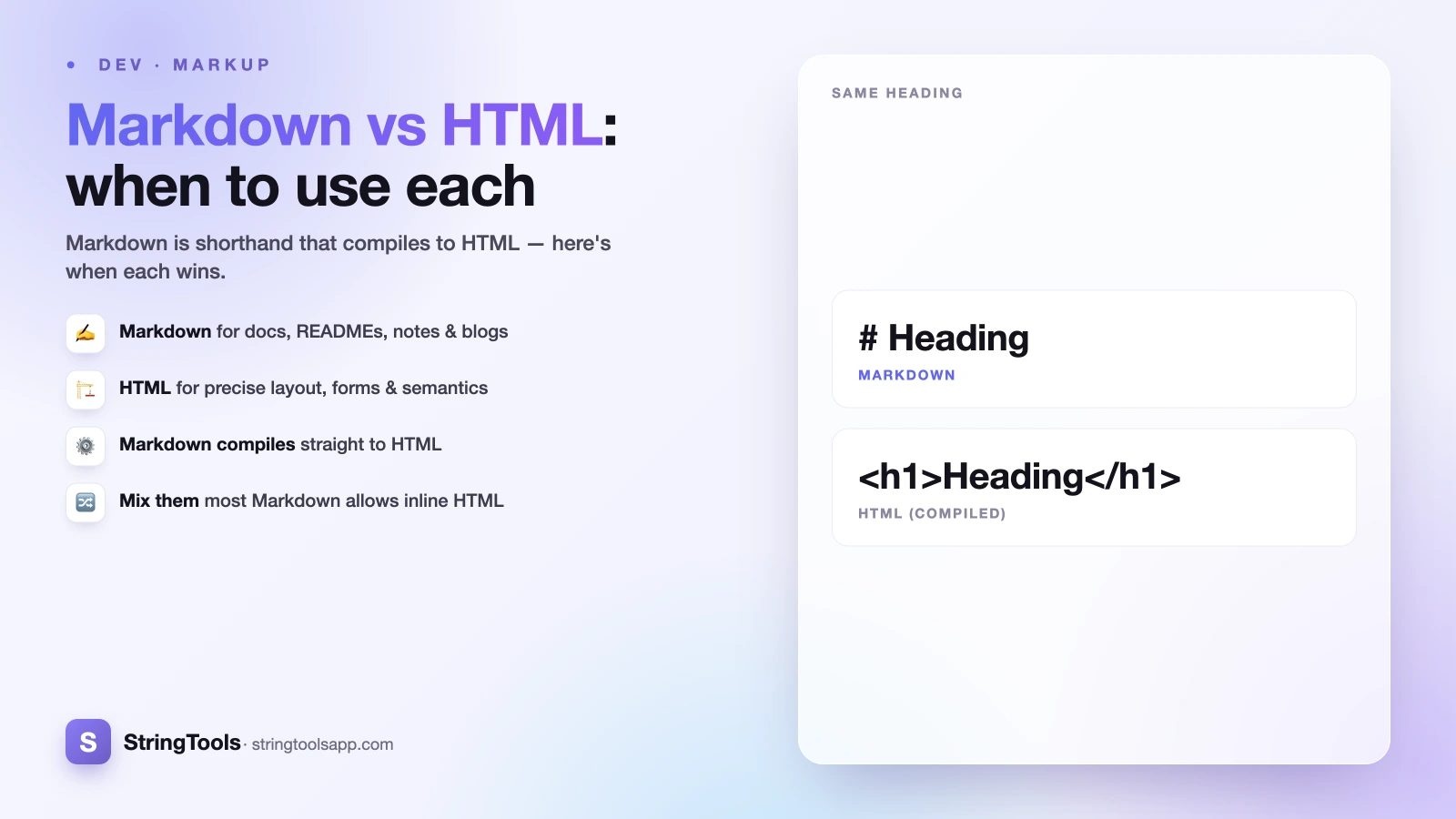
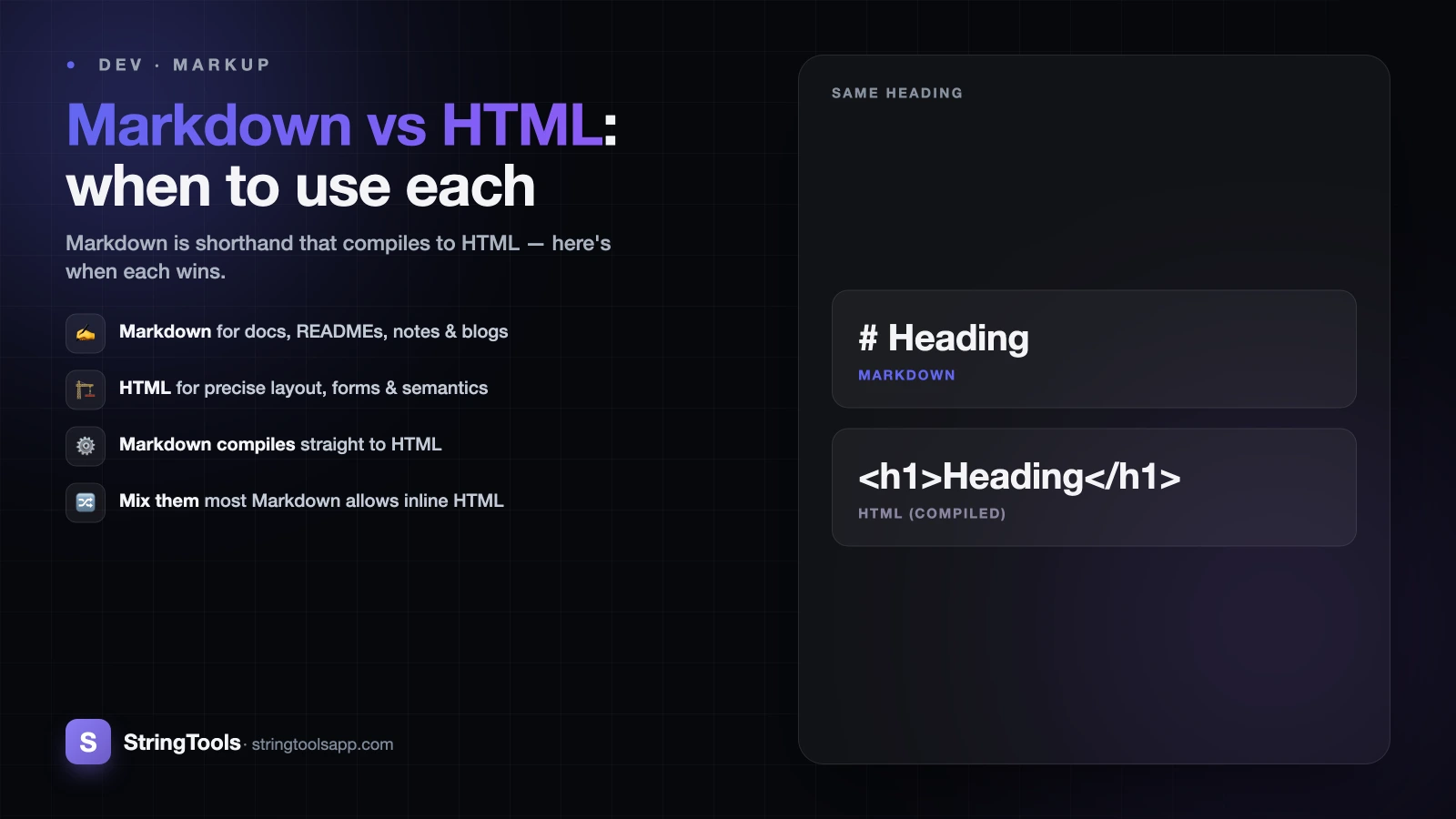
Here is the fact that settles most "Markdown vs HTML" arguments before they start: Markdown is not an alternative to HTML. It is HTML, written in shorthand. Every Markdown document you write gets run through a converter and comes out the other side as HTML that browsers actually render. When you type # Hello and save your README on GitHub, GitHub silently turns it into <h1>Hello</h1> before showing it to you.
So the real question is never "which one is better?" It is "do I want to write the shorthand, or do I want the full control of the long form?" Markdown trades expressive power for speed and readability. HTML trades speed for total control over structure, semantics, and layout. Once you see them as two ends of the same pipeline, choosing between them for any given task becomes obvious.
This guide walks through what each format is good at, shows the same snippet in both, and gives you a simple rule for picking the right one every time.
What Markdown Actually Is
Markdown is a lightweight plain-text syntax created by John Gruber in 2004. The whole idea is that the source should be readable as-is, before any conversion happens — a Markdown file looks like a tidy text note, not a tangle of angle brackets.
The core syntax is tiny and you can learn most of it in a few minutes. Headings use # (one per level, so ## is an H2). Bold is **text** and italic is *text*. Bulleted lists start each line with -, and numbered lists use 1.. Links are written [visible text](https://example.com), and images add a leading exclamation mark: . Inline code goes between backticks, and fenced code blocks between triple backticks.
That small vocabulary covers the overwhelming majority of everyday writing: notes, documentation, blog drafts, chat messages. Because the raw text stays clean, you can read, diff, and edit it anywhere — a terminal, a phone, a code review — without a rendering engine. That readability is the entire point, and it is why Markdown took over developer writing.
If you want the full symbol reference in one place, keep our Markdown cheat sheet open in a tab while you write.
What HTML Gives You That Markdown Can't
HTML is the full markup language of the web. Where Markdown offers a curated handful of shortcuts, HTML exposes every structural element a browser understands, plus attributes, classes, IDs, and inline styles to control them precisely.
That power matters when your content needs more than text and simple emphasis. HTML lets you build forms with <input>, <select>, and <button>. It lets you construct tables with merged cells using colspan and rowspan, which plain Markdown simply has no syntax for. It supports semantic and accessibility attributes — aria-label, role, <figure> with <figcaption>, lang — that assistive technology relies on. It embeds media through <video>, <audio>, and <iframe>, and it gives you <div> and <span> hooks for CSS layout.
None of that fits in Markdown's small vocabulary. The trade-off is verbosity: HTML source is harder to skim and slower to type. You are writing the long form because you need the control the long form provides — precise structure, styling, interactivity, and accessibility that shorthand cannot express.
The Same Snippet, Both Ways
Seeing the conversion makes the relationship concrete. Here is a small chunk of content in Markdown:
# Project Setup
Install the **CLI**, then run the [quickstart](/start).
- Clone the repo
- Copy the config
A Markdown processor turns that exact source into this HTML:
<h1>Project Setup</h1>
<p>Install the <strong>CLI</strong>, then run the <a href="/start">quickstart</a>.</p>
<ul><li>Clone the repo</li><li>Copy the config</li></ul>
Notice how much shorter the Markdown is, and how the source still reads like a normal note. The HTML output is more verbose but explicit — every element is spelled out with its tags. Both render identically in a browser because they are the same thing at the end of the pipeline. The Markdown version just saved you a lot of typing and stayed readable in its raw form.
You can watch this conversion happen live in our Markdown preview tool — type Markdown on one side and see the rendered result update instantly, entirely in your browser.
Flavours: CommonMark and GitHub Flavored Markdown
One catch worth knowing: "Markdown" is not a single frozen standard. Gruber's original description left some behaviour ambiguous, so different tools implemented the edges differently. Two flavours dominate today.
CommonMark is a strict, precise specification that pins down exactly how each construct should parse. It was created to end the inconsistency between implementations, and many modern editors and libraries build on it as a reliable baseline.
GitHub Flavored Markdown (GFM) is a superset of CommonMark that adds features developers wanted: pipe-delimited tables, task list checkboxes (- [ ] and - [x]), strikethrough with ~~text~~, and automatic linking of bare URLs. It is what you get in GitHub issues, pull requests, and READMEs.
The practical takeaway: basic syntax — headings, bold, lists, links — works everywhere. But before you rely on tables or checkboxes, confirm the platform you are publishing to supports GFM. A GitHub README and a strict CommonMark renderer will not treat a pipe table the same way, and that mismatch is a common source of "why is my table showing as raw text" confusion.
Mix Them: Inline HTML Fills the Gaps
You rarely have to choose all-or-nothing, because most Markdown processors let you drop raw HTML directly into a Markdown document. This is the escape hatch that makes Markdown practical for real work: write the 95% that is plain prose in comfortable Markdown, then reach for HTML only where Markdown falls short.
Need a table with a merged header cell? Write that one table in HTML inside your otherwise-Markdown file. Need a centered image with a caption, a collapsible <details> section, or a specific id for anchor linking? Drop in the HTML tag and keep writing Markdown around it. The processor passes the raw HTML through untouched and converts the Markdown around it as normal.
Two cautions. First, this depends on the platform — many sites, comment systems, and chat apps sanitize or strip HTML for security, so inline HTML that works in your local editor may vanish when published. Test before you rely on it. Second, indentation matters: some parsers stop processing Markdown inside an HTML block, so nested Markdown may not render. When in doubt, preview the output rather than assuming.
A Simple Rule for Choosing
Reach for Markdown by default whenever the content is mostly text and speed plus readability matter. That covers READMEs, technical documentation, blog and CMS posts, personal notes, changelogs, and chat or comment messages. If you can express what you need with headings, emphasis, lists, links, and code blocks, Markdown is the right tool — you write faster and the source stays clean and diff-friendly.
Reach for HTML when you hit something Markdown can't express: interactive forms, tables with complex spanning cells, embedded video or audio, precise layout and styling, iframes, or accessibility attributes like aria-* and role. Also choose HTML when a machine or template needs exact, predictable structure — email templates and component libraries, for instance.
And remember the third option, which is usually the best one: mix them. Write Markdown for the bulk of your document and inline HTML for the few spots that need it. You get Markdown's writing speed almost everywhere and HTML's control exactly where it counts.
The fastest way to internalize all of this is to watch the conversion happen as you type. Open the free, privacy-first Markdown preview — it runs entirely in your browser, sends nothing to a server, and shows you the rendered HTML the instant you write the Markdown. Paste in a README, experiment with inline HTML, and you will develop an instinct for which format fits which job.
Frequently Asked Questions
Is Markdown a replacement for HTML?
No. Markdown is a shorthand that converts into HTML — it is not a competing language. When you write Markdown, a processor turns it into HTML tags that the browser actually renders. Markdown trades HTML's full control for speed and readability, so think of it as a faster way to produce common HTML, not an alternative to it.
Can I use HTML inside a Markdown file?
Usually yes. Most Markdown processors pass raw HTML straight through, so you can write plain prose in Markdown and drop in HTML tags where Markdown falls short — such as complex tables or a collapsible section. Be aware that many platforms sanitize or strip HTML for security, so always preview the output before relying on inline HTML.
What is the difference between CommonMark and GitHub Flavored Markdown?
CommonMark is a strict specification that defines exactly how Markdown should parse, ending inconsistency between tools. GitHub Flavored Markdown (GFM) is a superset that adds tables, task-list checkboxes, strikethrough, and automatic URL linking. Basic syntax works in both, but features like tables need a GFM-compatible renderer to display correctly.
When should I choose HTML over Markdown?
Choose HTML when you need something Markdown cannot express: interactive forms, tables with merged cells, embedded video or audio, precise layout and CSS styling, iframes, or accessibility attributes like aria-label and role. Also prefer HTML when a template or machine needs exact, predictable structure, such as email templates or reusable components.
How can I see the HTML that my Markdown produces?
Use a live Markdown preview tool that renders as you type. Our free Markdown preview runs entirely in your browser, converts your Markdown to HTML instantly, and sends nothing to a server. It is the fastest way to learn the mapping between the two formats and to test how inline HTML behaves before you publish.
Sources and references
visible text (example.com). Content was reviewed against these sources as of the last-updated date above; external figures and rules may change after publication.