
That red error message is more helpful than it looks
You paste a chunk of JSON into your code, hit run, and get slapped with Unexpected token } in JSON at position 42. Or Unexpected token < in JSON at position 0. It feels random, but it almost never is. JSON has a small, strict grammar, and every one of these errors comes from breaking one specific rule.
The good news: there are maybe ten common causes, and once you can recognize them on sight, most "invalid JSON" bugs take under a minute to fix. This guide walks through each one, shows the broken input next to the fix, and explains how to read the line-and-column pointer your parser or validator hands you.
The fastest way to work through a stubborn file is to paste it into a validator that highlights the exact failure. Our JSON formatter does this in your browser, so the data never leaves your machine, then keep this page open as a lookup table for whatever it flags.
First, understand why JSON is so strict
JSON is defined by RFC 8259, and the spec is deliberately narrow. That strictness is a feature: it means any conforming parser, in any language, reads your data the same way. But it also means JSON forbids a lot of things that look perfectly reasonable if you're used to writing JavaScript or Python.
Here's what standard JSON allows, and nothing more: objects {}, arrays [], strings in double quotes, numbers, and the three literals true, false, and null. Keys must be double-quoted strings. There are no comments, no trailing commas, no single quotes, and no functions or dates as values.
When JSON.parse() (or Python's json.loads, or a server's request parser) hits anything outside that grammar, it stops at the first offending character and reports it. Almost every error below is really the parser saying: "I expected one of the legal things here, and I found something else."
"Unexpected token < in JSON" — you got HTML, not JSON
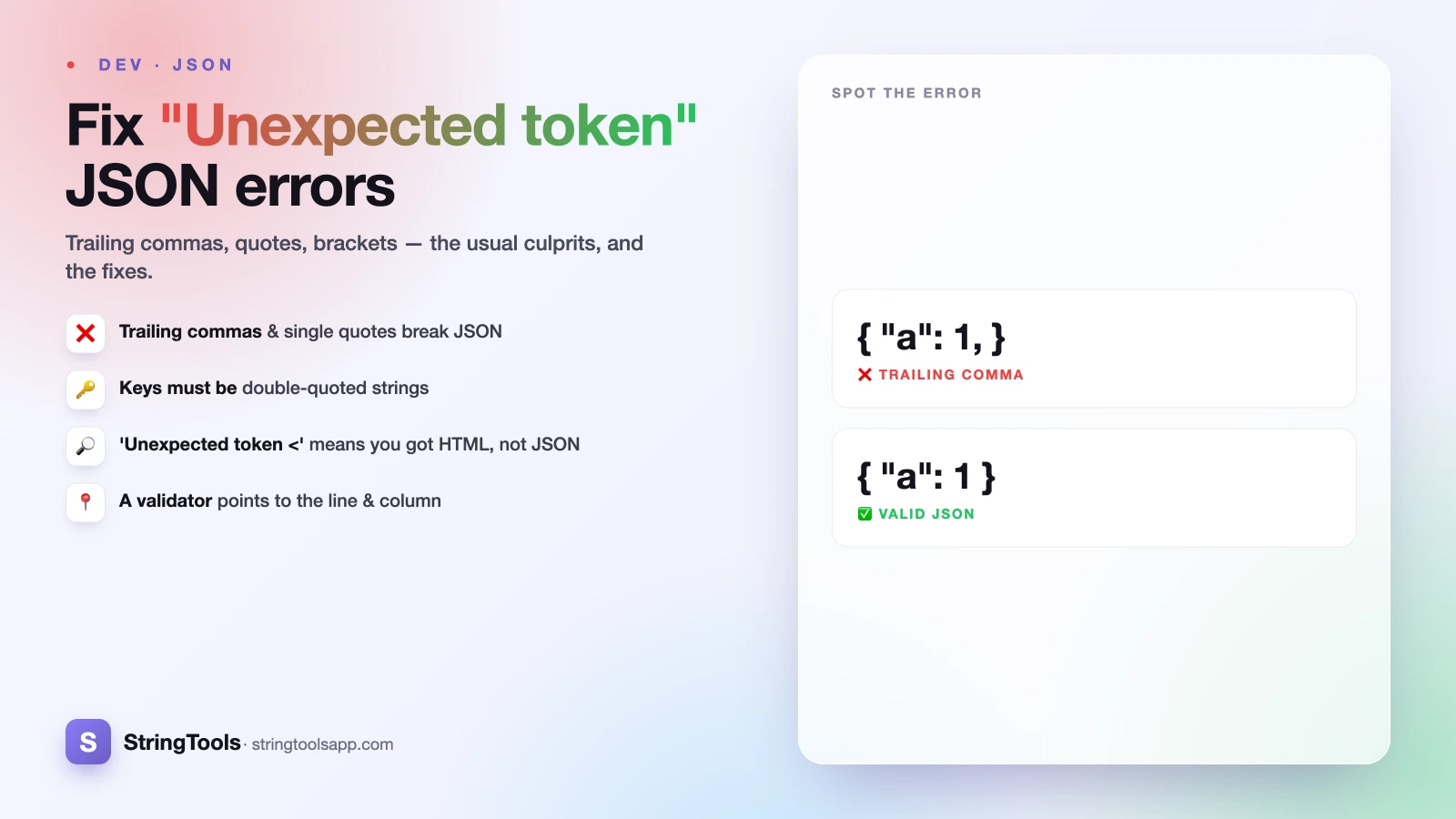
This is the single most common one in real applications, and the fix has nothing to do with your JSON. If you see Unexpected token < in JSON at position 0, that leading < is almost always the start of an HTML page — <!DOCTYPE html> or <html>.
What happened: you called fetch() or an HTTP client expecting JSON, but the server returned an HTML error page instead — a 404 Not Found, a 500 Internal Server Error, a login redirect, or a proxy/timeout page. Your code then tried to JSON.parse that HTML, and choked on the very first character.
Don't touch your JSON parsing. Instead, log the raw response body and the HTTP status code before parsing. You'll usually find a wrong URL, an expired auth token, or a server-side crash. Check response.ok and the Content-Type header first, and only parse when the server actually says it sent application/json. Similarly, Unexpected token o in JSON often means you passed an already-parsed object (which stringifies to [object Object]) back into JSON.parse a second time.
Trailing commas, single quotes, and unquoted keys
These three are the everyday offenders when you're hand-writing or hand-editing JSON.
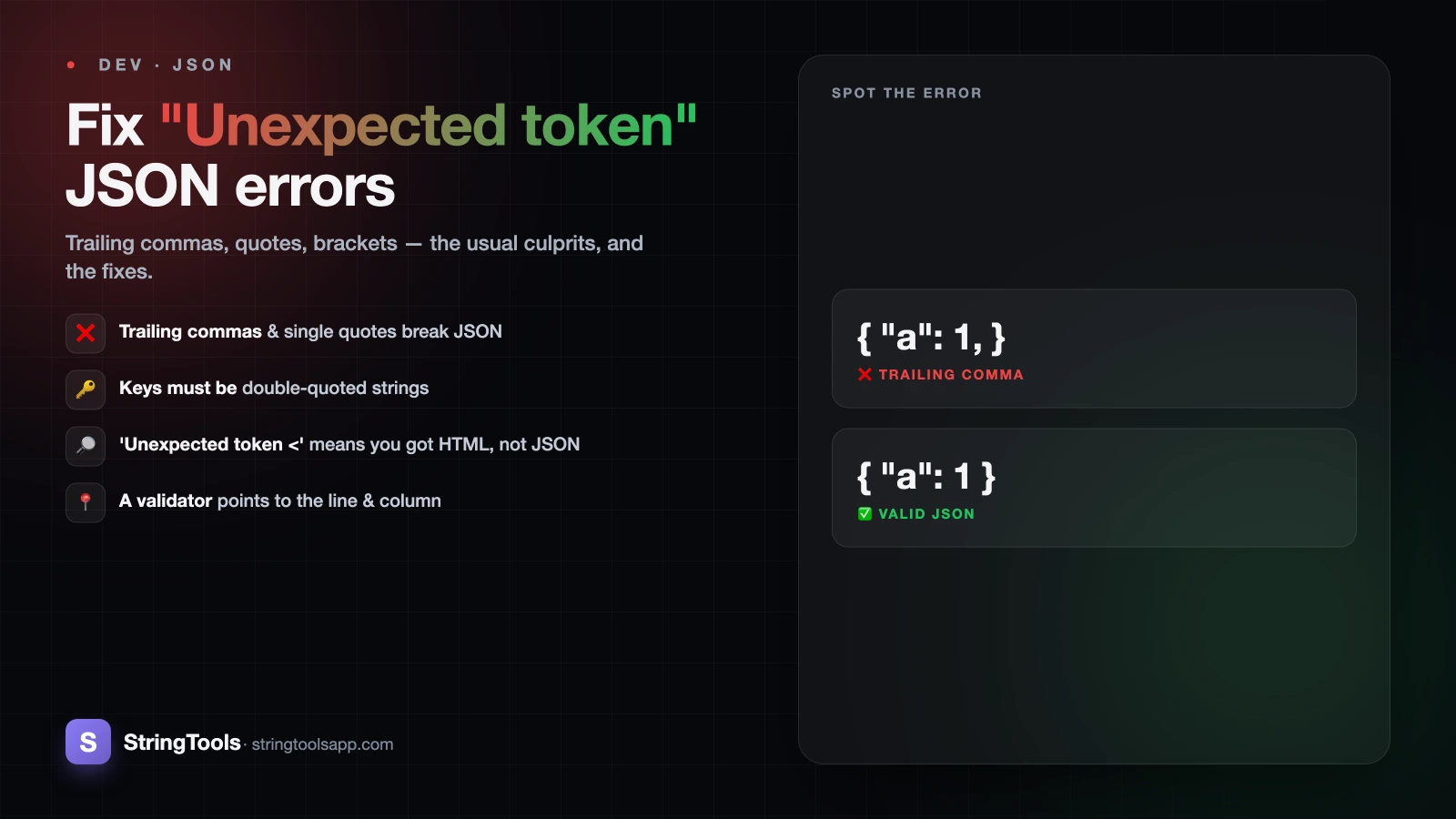
Trailing comma. {"a": 1, "b": 2,} is valid in JavaScript and Python but illegal in JSON. The parser reads the comma, expects another key/value pair, and hits } instead — reported as Unexpected token }. Fix: delete the comma after the last item. The same applies to arrays: [1, 2, 3,] must become [1, 2, 3].
Single quotes. {'name': 'Mitul'} looks fine but JSON requires double quotes on both keys and string values. Fix: {"name": "Mitul"}. A find-and-replace of ' with " works only when you have no apostrophes inside your strings — otherwise do it carefully.
Unquoted keys. {name: "Mitul"} is a valid JavaScript object literal but invalid JSON, because keys must be quoted strings. Fix: {"name": "Mitul"}. If you're copying an object out of your browser console or a config file, this catches almost everyone.
Missing commas, mismatched brackets, and comments
Missing comma between items. {"a": 1 "b": 2} fails because the parser finishes reading the value 1 and expects either a comma or a closing brace — instead it finds "b", so you get Unexpected string. Fix: {"a": 1, "b": 2}. This one is easy to miss inside long arrays of objects; the error usually points right at the item that's missing its leading comma.
Mismatched or missing brackets and braces. Every { needs a } and every [ needs a ], correctly nested. Miss one and the parser often runs to the very end of the file before failing, reporting Unexpected end of JSON input. That end-of-input error almost always means an unclosed bracket, brace, or string somewhere above. Indentation makes these obvious — which is exactly what formatting the document does for you.
Comments. // this is a note and /* block comments */ are core to JavaScript but flatly illegal in JSON. There's no comment syntax in the spec at all. If your config file has comments, either strip them or switch the file to a format that officially allows them (see the JSON5 note below).
The sneaky ones: NaN, Infinity, BOMs, and smart quotes
These errors are frustrating because the file often looks perfect on screen.
NaN, Infinity, undefined. These are valid JavaScript values but not valid JSON — the only allowed literals are true, false, and null. If a number came out as NaN or Infinity during serialization, fix it at the source (JavaScript's JSON.stringify turns these into null, but other tools may emit the bare word, which then won't parse back).
UTF-8 BOM. Some editors save files with an invisible byte-order-mark at the very start. Your JSON looks like it begins with {, but there are three hidden bytes before it, so the parser reports a failure at position 0 that makes no sense. Fix: save the file as "UTF-8 without BOM."
Smart / curly quotes. Paste text from Word, Google Docs, or a chat app and your straight " quotes may silently become curly “ ”. JSON only accepts straight double quotes. On screen they're nearly identical, which is what makes this so maddening. Fix: retype the quotes in a code editor, or run a find-and-replace for “, ”, ‘, and ’.
How to read the line and column a validator gives you
Every good validator tells you where it gave up, and learning to read that pointer turns a mystery into a two-second fix.
Browsers report a character offset: Unexpected token } in JSON at position 42. That's the 42nd character from the start of the string. Many editors and online tools instead report line 3, column 12, which is easier for humans. Either way, the rule is the same: look at that spot and just before it. The parser fails at the first character it can't accept, so the real mistake is usually the token immediately preceding the pointer — a missing comma, an unclosed quote, or an illegal value.
One caveat: Unexpected end of JSON input points at the very end of the file, but the actual cause (an unclosed brace or string) is somewhere above. When that happens, format the whole document and scan the indentation — a block that never dedents back is your missing closing bracket.
Paste the file into the JSON formatter, read the flagged line, match it to the cause on this page, fix it, and re-validate. Repeat until it's clean. For a deeper walkthrough of pretty-printing and cleaning up messy payloads, see how to format JSON online.
When the rules relax: JSON5, JSONC, and standard APIs
If you've been thinking "but my config file has comments and trailing commas and works fine," you're probably using a relaxed variant. JSONC (JSON with Comments) is what VS Code uses for its settings and allows // and /* */ comments plus trailing commas. JSON5 goes further: single quotes, unquoted keys, comments, trailing commas, and even Infinity and NaN.
Those formats are great for human-edited config files. But here's the trap: they are not interchangeable with standard JSON. A REST API, a webhook payload, JSON.parse(), and most language standard libraries expect strict RFC 8259 JSON. Feed them JSON5 and they'll reject it with exactly the errors above.
The safe rule: use JSON5/JSONC only where a tool explicitly documents support for it, and send strict JSON everywhere else — especially over the wire. If you're deciding between formats for a data exchange, JSON vs XML covers the tradeoffs. And whenever you need to check that a payload is genuinely valid, strict JSON, drop it into the free, private, in-browser JSON formatter — it validates and pretty-prints without ever uploading your data.
Frequently Asked Questions
What does "Unexpected token < in JSON at position 0" mean?
It means the response you tried to parse starts with a <, which is the beginning of an HTML page, not JSON. Your request usually returned a 404, 500, or login-redirect page instead of the JSON you expected. Check the HTTP status code and the raw response body before parsing, and confirm the URL and auth token are correct.
Why is my trailing comma causing a JSON error?
JSON follows RFC 8259, which does not allow a comma after the last item in an object or array. So {"a":1,} is invalid even though JavaScript and Python accept it. The parser reads the comma, expects another value, and fails on the closing brace. Delete the final comma and it will parse.
Can JSON have comments?
Standard JSON has no comment syntax at all, so // and /* */ will cause a parse error. Some tools use relaxed variants — JSONC (used by VS Code settings) and JSON5 both allow comments — but a normal REST API or JSON.parse() will reject them. Strip comments before sending JSON over the wire.
Why does my valid-looking JSON still fail to parse?
Usually an invisible character. A UTF-8 byte-order-mark at the start of the file, or smart/curly quotes (“ ”) pasted from Word or Google Docs instead of straight double quotes, both look fine on screen but break parsing. Save the file as UTF-8 without BOM and replace any curly quotes with straight ones.
How do I find where the JSON error is?
Validators report either a character position ("at position 42") or a line and column. Look at that spot and the token just before it, since the parser stops at the first illegal character. For "Unexpected end of JSON input," the real cause is an unclosed bracket or quote higher up — format the document and scan the indentation.