
Why CSV and JSON don't speak the same language
You export a spreadsheet, get a CSV file, and now an API wants JSON. On the surface the switch looks trivial, hence the flood of one-line snippets that split on commas. Those snippets quietly corrupt real-world data the moment a customer is named "Doe, John" or a European colleague hands you a semicolon-delimited file.
The two formats come from different worlds. CSV (comma-separated values) is a flat, tabular text format: rows and columns, like a page from a ledger. Every value is plain text, and the structure is implied by position. JSON (JavaScript Object Notation) is nested and typed: it has objects, arrays, strings, numbers, booleans, and null, and it names every value with a key.
Converting well means bridging that gap deliberately, not just reshaping punctuation. This guide walks through the standard conversion, a worked example, and the handful of pitfalls that separate a clean result from silent data loss. If you just want the answer now, our CSV to JSON converter does all of this in your browser.
The standard conversion, in one rule
There is a widely used convention for turning a CSV into JSON, and almost every tool follows it:
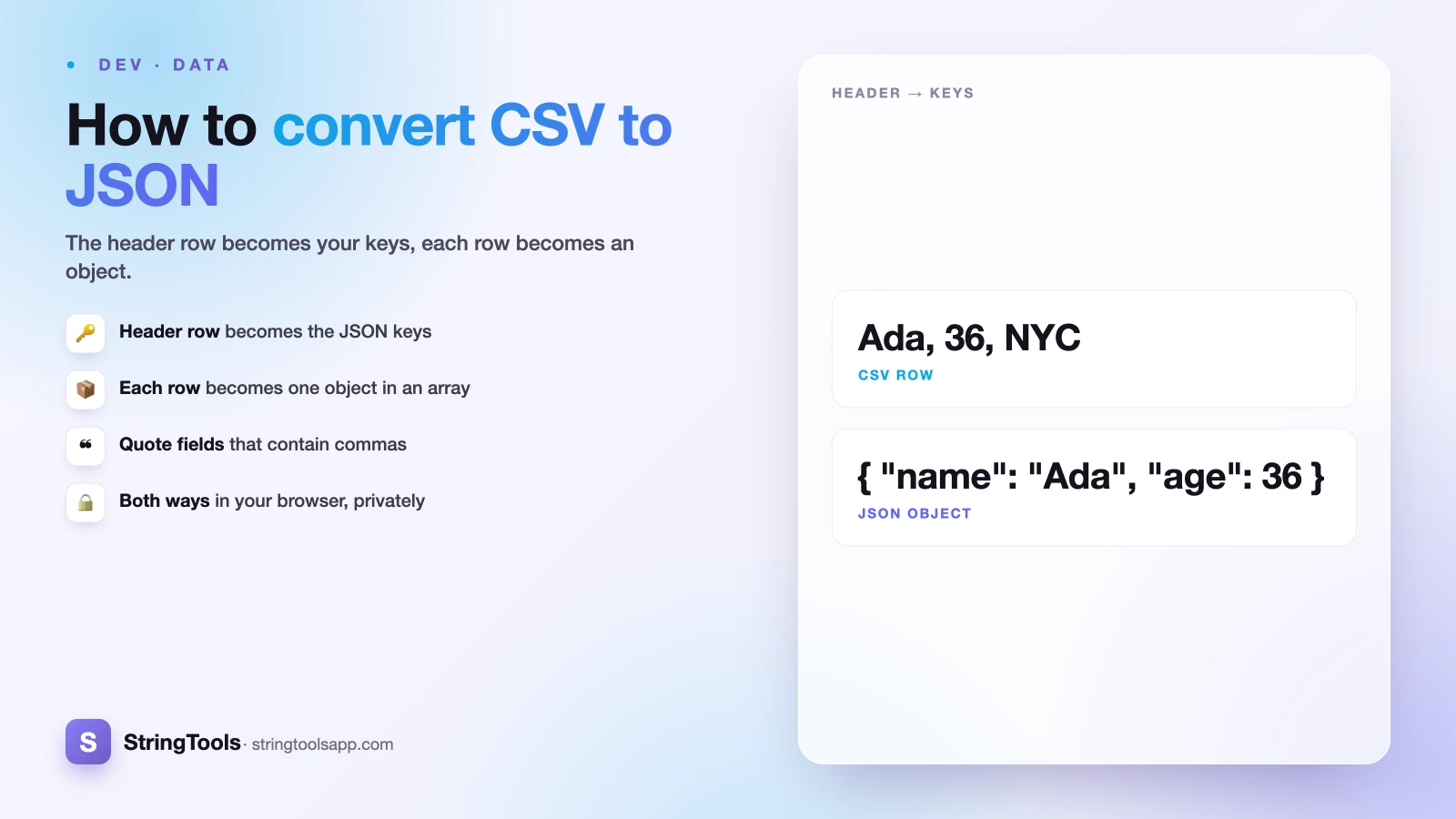
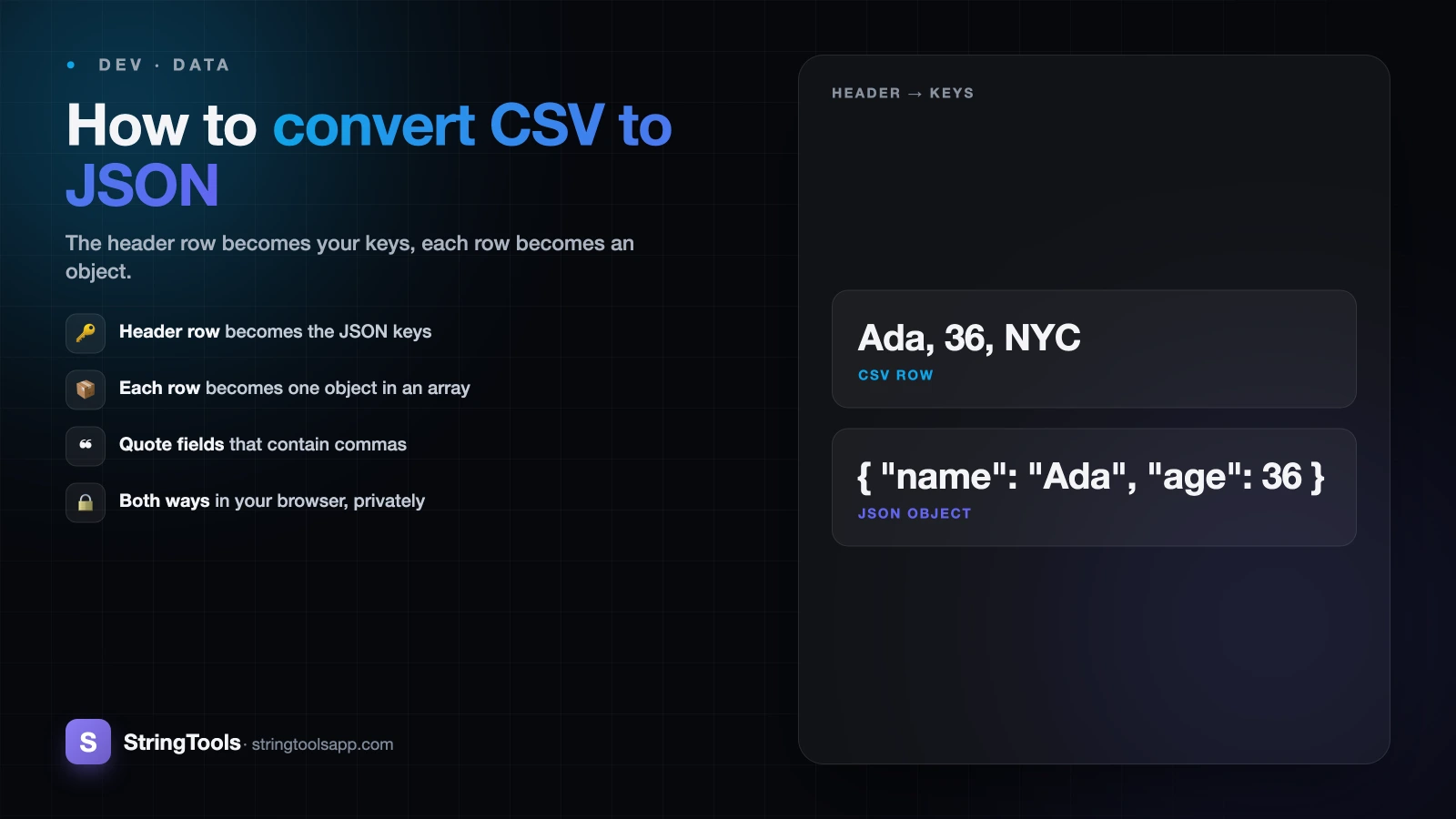
The first row (the header) becomes the object keys. Each subsequent row becomes one object in an array, where each cell is matched to its column's key by position.
So a CSV with a header and three data rows produces a JSON array of three objects. Each object has the same set of keys, drawn from the header, and the values come from that row. This "array of objects" shape is what most APIs, databases, and JavaScript loops expect, because you can iterate over the array and read each record by name (row.email) instead of by fragile column index (row[2]).
There are other shapes you could produce, such as an object keyed by a unique ID, or a columnar layout, but the array of row objects is the sensible default and the one you should reach for unless a downstream system demands otherwise.
A worked example
Say you have this CSV of three employees:
name,age,department,active Ada Lovelace,36,Engineering,true Alan Turing,41,Research,true Grace Hopper,45,Engineering,false
The header row gives us four keys: name, age, department, active. Each of the three data rows becomes one object. The result is a JSON array:
[ { "name": "Ada Lovelace", "age": 36, "department": "Engineering", "active": true }, { "name": "Alan Turing", "age": 41, "department": "Research", "active": true }, { "name": "Grace Hopper", "age": 45, "department": "Engineering", "active": false } ]
Notice two decisions already baked in: age became a number, not the string "36", and active became a real boolean. CSV had no way to express that difference. Whether you want that typing, or prefer everything to stay a string, is a choice you make on purpose, covered below.
Pitfall 1: commas and quotes inside fields
This is where naive split-on-comma code falls apart. CSV allows a field to contain a comma, as long as the whole field is wrapped in double quotes. So a value like Doe, John is written "Doe, John" in the file. A parser that just splits on every comma will read that as two columns and shift every field after it out of alignment.
Quotes inside a quoted field are escaped by doubling them. If a company name is literally Acme "Rocket" Co, the CSV cell looks like "Acme ""Rocket"" Co": the outer quotes mark the field, and each inner quote is written twice. A correct parser collapses the doubled quotes back to one.
The takeaway: you cannot reliably parse CSV by splitting text. You need a parser that tracks whether it is currently inside a quoted field. This is the single most common reason home-grown converters produce garbage, and the reason using a tested converter is worth it.
Pitfall 2: the delimiter isn't always a comma
The "C" in CSV promises commas, but reality is messier. In locales where the comma is the decimal separator (much of Europe), spreadsheets often export with semicolons instead, so 1,50 stays a single number and ; separates fields. Open such a file expecting commas and every row collapses into one column.
Tab-separated values (TSV) are common too, especially when pasting from spreadsheets or exporting scientific data, because tabs rarely appear inside fields. Some systems use pipes (|). The parsing logic is identical; only the delimiter character changes.
Before converting, look at the raw file and confirm the delimiter. A good converter lets you pick it, or detects it from the first line. If your output has one giant key with the whole row jammed into it, a wrong delimiter is almost always the cause.
Pitfall 3: everything is text, so decide on types
In a CSV file there is no such thing as a number or a boolean. The characters 42, true, and 007 are all just text. JSON, by contrast, distinguishes 42 (number) from "42" (string). The converter has to decide, and the right answer depends on your data.
Type inference is convenient: 42 becomes a number, true becomes a boolean, blanks might become null. But it can bite you. A ZIP code like 07030 becomes 7030 if coerced to a number, losing the leading zero. A phone number, an order ID, or a version string like 1.10 can all be silently mangled. For identifiers, keeping values as strings is usually safer.
Blank cells raise the same question: should an empty field become an empty string "" or null? Both are defensible. null signals "no value"; "" signals "a value that happens to be empty." Pick one and apply it consistently, because downstream code will branch on the difference. The best tools let you toggle typing on or off so you stay in control.
Pitfall 4: encoding and the invisible BOM
Files exported from Excel are a frequent source of mystery bugs. Excel often saves CSV as UTF-8 with a byte order mark (BOM), a few invisible bytes at the very start of the file. When a parser doesn't strip the BOM, those bytes get glued onto your first header. So the key that should be name silently becomes something like \ufeffname, and row.name returns undefined even though the data looks perfect.
Encoding causes the other classic symptom: accented names and non-Latin characters (José, Zürich, 北京) turning into mojibake because the file was read as the wrong encoding. Standardizing on UTF-8 without a BOM avoids most of this.
Because these bytes are invisible in a text editor, they are maddening to debug by eye. A converter that strips the BOM and reads UTF-8 by default saves you the guessing game entirely.
When you want the reverse, and keeping it private
Conversion runs both ways. You will often need JSON to CSV when a teammate wants to open API output in Excel or Google Sheets, build a pivot table, or hand data to someone who lives in spreadsheets. The catch is that CSV is flat, so nested JSON has to be flattened first (an address object might become address.city, address.zip columns), and arrays don't map cleanly onto a grid. For a deeper comparison of when each format fits, see CSV vs JSON vs XML and JSON vs XML.
Whichever direction you go, consider where the conversion happens. Uploading a customer list or export to a random web service means handing your data to someone else's server. Our CSV to JSON converter runs entirely in your browser, both directions, so the file never leaves your machine and nothing is uploaded. Paste your CSV, pick your delimiter and typing options, and copy the clean JSON out, with your data staying private the whole time.
Frequently Asked Questions
How do I convert CSV to JSON?
Take the CSV header row and use each column name as an object key. Then turn every following row into one object in an array, matching each cell to its column's key by position. The result is a JSON array of objects, one per row. Use a real CSV parser rather than splitting on commas, so quoted fields containing commas stay intact.
Why does splitting a CSV on commas break my data?
Because CSV lets fields contain commas as long as they are wrapped in double quotes, like "Doe, John". A plain comma split treats that inner comma as a column boundary, shifting every later field out of alignment. Quotes inside fields are also escaped by doubling. A proper parser tracks whether it is inside a quoted field, which naive splitting cannot do.
Should numbers in CSV become JSON numbers or strings?
It depends on the value. True quantities like age or price are usually better as JSON numbers for math and sorting. But identifiers such as ZIP codes, phone numbers, and order IDs should stay strings, since converting 07030 to a number drops the leading zero. Choose per column, and prefer strings whenever a leading zero or exact format matters.
My CSV uses semicolons instead of commas. What now?
That is common in European locales where the comma is a decimal separator, so spreadsheets export with semicolons. The conversion logic is identical; only the delimiter changes. Set your converter's delimiter to semicolon (or tab for TSV, pipe for others). If your output has one giant key containing the whole row, a wrong delimiter setting is almost always the reason.
Why is my first JSON key broken after exporting from Excel?
Excel often saves CSV as UTF-8 with a byte order mark (BOM): a few invisible bytes at the start of the file. If the parser doesn't strip them, they attach to your first header, so name becomes an unreadable key and lookups return undefined. Use a converter that strips the BOM and reads UTF-8, or re-save the file without a BOM.