
Three ways to write the exact same color
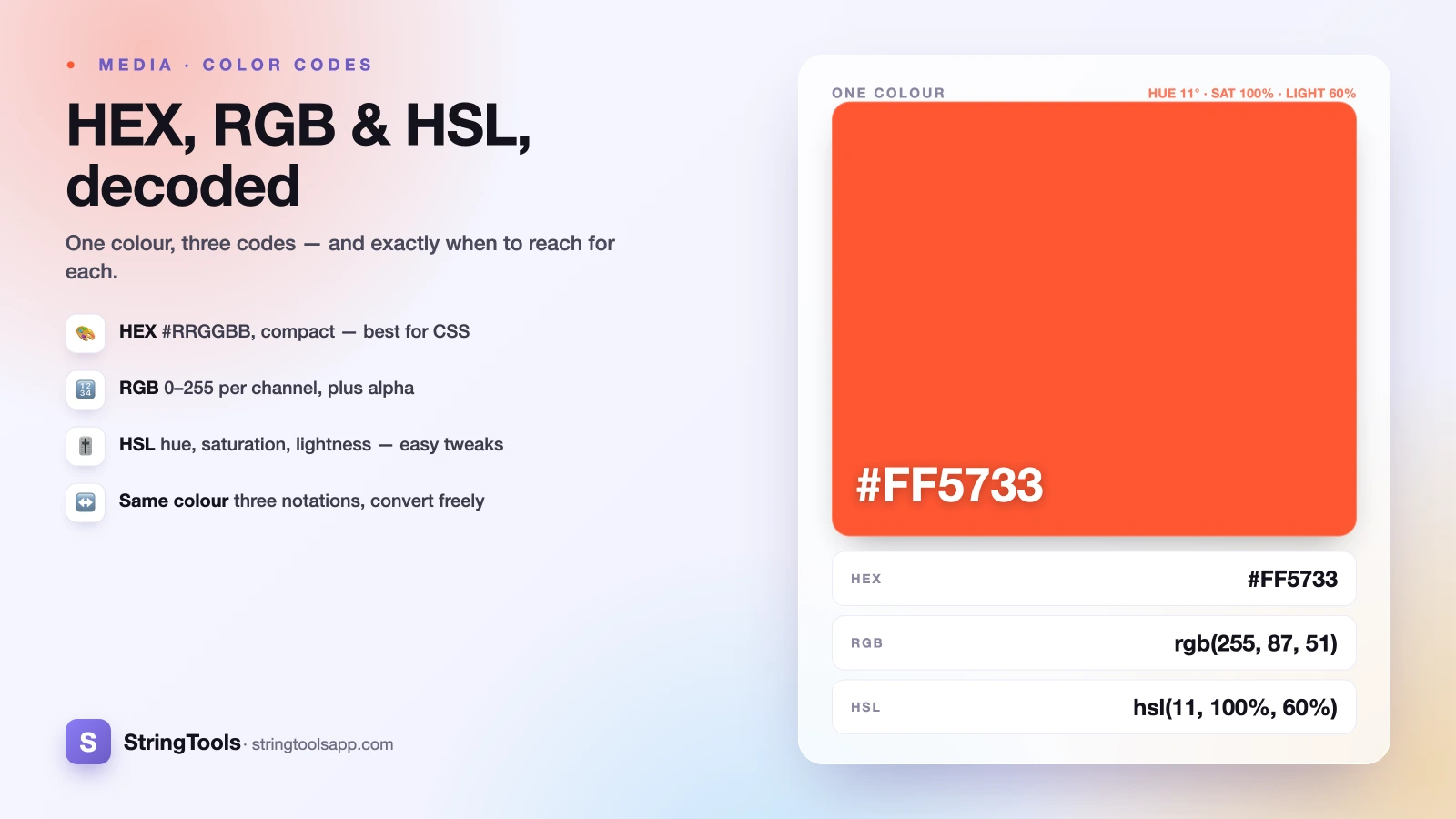
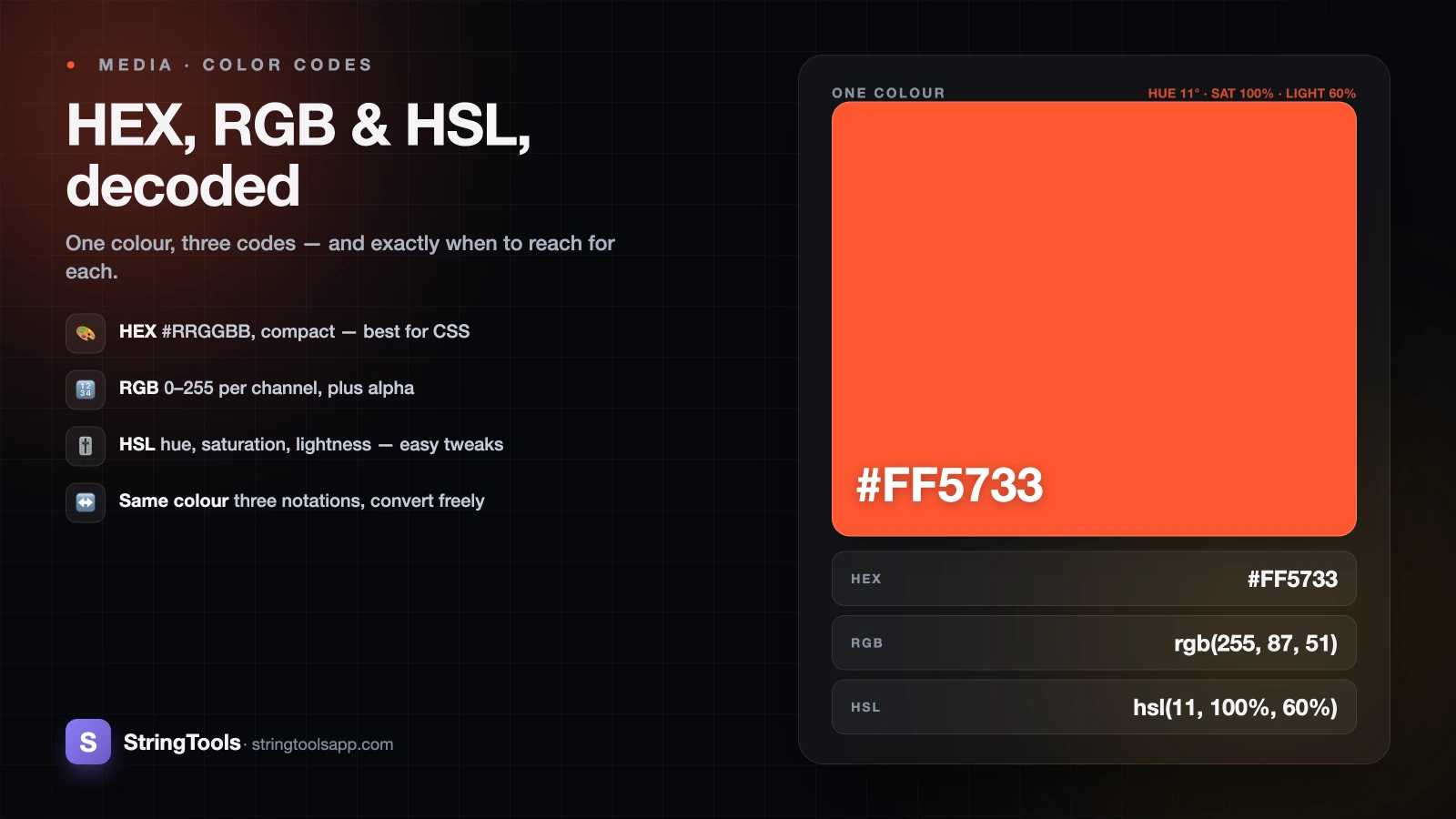
Open any design file or stylesheet and you will see colors written three different ways: #FF5733, rgb(255, 87, 51), and hsl(11, 100%, 60%). Here is the part that trips people up — those are all the same coral color. Not similar. Identical. Your browser renders them pixel-for-pixel the same.
So why do three formats exist, and does it matter which one you pick? It does, but not for the reason most people assume. The color that lands on screen is the same either way; what changes is how easy that code is to read, share, and adjust. HEX is compact and travels well. RGB speaks the language of code and screens. HSL is built for humans who want to tweak a color by eye.
This guide breaks down what each format actually says, walks one coral color through all three by hand, and gives you a plain rule for choosing. By the end, hsl(11, 100%, 60%) will read like a sentence instead of a riddle.
HEX: the compact one designers paste everywhere
A HEX code looks like #RRGGBB — a hash followed by six characters. Those six split into three pairs: red, green, and blue. Each pair is a hexadecimal (base-16) number running from 00 to FF, which is just 0 to 255 in everyday decimal. FF is the maximum, 00 is none at all.
So #FF5733 reads as: red FF (255, full strength), green 57 (87), blue 33 (51). Lots of red, a moderate amount of green, a little blue — a warm coral.
HEX has a shorthand too. When each pair is a doubled character, you can collapse #RRGGBB into #RGB. That is why #FFFFFF (white) is often written #FFF, and #FF0000 (red) as #F00. There is also an eight-digit form, #RRGGBBAA, where the final pair is alpha — opacity — from 00 (fully transparent) to FF (fully opaque). #FF573380 is that same coral at roughly 50% opacity.
HEX wins on portability. It is short, has no spaces or commas, and copies cleanly between Figma, a CSS file, and a Slack message without getting mangled. That is why it dominates design handoff.
RGB: the same numbers, in a language code understands
RGB describes a color with the exact same three channels as HEX — red, green, blue — but writes them in plain decimal: rgb(255, 87, 51). Each value runs 0 to 255. Compare that to #FF5733 and you will see they carry identical information; RGB just skips the base-16 translation.
That readability is the whole point in a programmatic setting. If your JavaScript needs to fade a color, mix two colors, or set a pixel on an HTML <canvas>, it works in numbers from 0 to 255 — not hex pairs. rgb(255, 87, 51) is already in the form the math wants.
RGB also handles transparency cleanly with rgba(), where a fourth value sets alpha from 0 (invisible) to 1 (solid): rgba(255, 87, 51, 0.5) is the coral at half opacity. Modern CSS even lets you write rgb(255 87 51 / 50%) with spaces and a slash. Reach for RGB when a program — canvas drawing, animation, data-driven theming — is generating or manipulating the color rather than a person typing it once.
HSL: the format built for human eyes
HSL takes a completely different angle. Instead of mixing light channels, it describes a color the way a person thinks about one: hsl(hue, saturation, lightness).
Hue is an angle from 0 to 360 degrees around a color wheel — 0 and 360 are red, 120 is green, 240 is blue, and everything in between. Saturation is 0% to 100%: 0% is a flat gray, 100% is fully vivid. Lightness is 0% to 100%: 0% is black, 100% is white, and 50% is the pure, undiluted hue.
Our coral is hsl(11, 100%, 60%) — hue 11 (just past red toward orange), fully saturated, a bit lighter than mid. The magic is what happens next. Want a darker shade of the exact same color? Drop the lightness: hsl(11, 100%, 45%). Want a soft pastel tint? Lower saturation and raise lightness: hsl(11, 60%, 85%). Want a matching palette? Keep saturation and lightness fixed and rotate the hue in even steps.
Try doing any of that by editing #FF5733 in your head. You can't — the digits have no intuitive relationship to "a little darker." That is exactly why HSL exists, and why it is the go-to for building tints, shades, and color schemes. Like the others, hsl() supports alpha via hsla() or the modern hsl(11 100% 60% / 50%) syntax.
One coral, converted across all three by hand
Let's trace a single color through every format so the relationships click. Start with RGB, since it is the middle ground: rgb(255, 87, 51).
RGB to HEX. Convert each channel to base-16. 255 is FF. For 87: 87 divided by 16 is 5 remainder 7, so 57. For 51: 51 divided by 16 is 3 remainder 3, so 33. Stitch them together: #FF5733.
RGB to HSL. First scale each channel to a 0–1 range: red 1.0, green 0.34, blue 0.20. The largest is 1.0 (red), the smallest 0.20 (blue). Lightness is the midpoint of those two: (1.0 + 0.20) / 2 = 0.60, so 60%. Since red is the max, the hue sits in the red–orange arc and works out to about 11 degrees. The spread between max and min is wide, giving full 100% saturation. Result: hsl(11, 100%, 60%).
Three codes — #FF5733, rgb(255, 87, 51), hsl(11, 100%, 60%) — one identical coral. The arithmetic is real but fiddly, which is the honest case for letting a tool do it. Our free color picker converts between all three instantly, in your browser, as you drag.
CSS accepts all three — so when do you use which?
Here is the reassuring part: CSS understands every one of these formats natively. color: #FF5733;, color: rgb(255, 87, 51);, and color: hsl(11, 100%, 60%); all produce the same result. There is no performance penalty and no "correct" format the browser prefers. The choice is about your workflow, not the machine's.
A practical rule of thumb:
- HEX — for compact, static values in CSS and for design handoff. When you just need to name a fixed brand color and paste it around, HEX is the least fussy.
- RGB / RGBA — for anything programmatic: canvas drawing, JavaScript that computes or blends colors, and cases where you want straightforward alpha control with
rgba(). - HSL / HSLA — for adjusting and generating. Building a set of tints and shades, or a themed palette where hues rotate evenly? HSL lets you change one number and get a predictable result.
Many teams mix them: HEX for the design tokens, HSL when they need to derive a hover or disabled state. None of it is locked in — because they are interchangeable, you can convert on demand and use whichever reads best for the task in front of you.
Quick answers to the questions people actually search
A few myths worth clearing up. First, no format shows "more colors" than another — HEX, RGB, and HSL all address the same roughly 16.7 million sRGB colors (256 x 256 x 256). They are three notations for one underlying space, not three different ranges.
Second, uppercase or lowercase in HEX makes zero difference: #ff5733 and #FF5733 are the same. Pick one for consistency and move on.
Third, HSL is not "less accurate" than HEX. A hand conversion may round to the nearest whole degree or percent, but the value itself is exact — any rounding is in the conversion, not the format.
Once colors are settled, image format is the next lever on load speed and quality — see JPEG vs PNG vs WebP vs AVIF for that side of the story.
Stop converting color codes in your head. The color picker shows HEX, RGB, and HSL side by side, converts the moment you change one, and lets you pick a shade visually — all client-side, so nothing you type ever leaves your browser. Try it the next time a code has you guessing.
Frequently Asked Questions
Are HEX, RGB, and HSL actually the same color?
Yes, when the values match. #FF5733, rgb(255, 87, 51), and hsl(11, 100%, 60%) all render as the exact same coral. They are three notations for one color in the same sRGB space, so the pixels on screen are identical. Only the readability and ease of editing differ between the formats.
How do I convert a HEX code to RGB by hand?
Split the six characters into three pairs and convert each from base-16 to decimal. In #FF5733, FF is 255, 57 is 87 (5x16+7), and 33 is 51 (3x16+3). That gives rgb(255, 87, 51). Reverse the process to go back, or use a color picker tool to skip the arithmetic entirely.
Why do designers keep recommending HSL?
Because HSL matches how humans think about color. You pick a hue, then adjust saturation and lightness independently. That makes creating a darker shade, a softer tint, or a matching palette as simple as changing one number — something that is nearly impossible to do intuitively by editing raw hex digits or RGB channels.
Does adding alpha slow down my page?
No. Alpha (opacity) is just an extra value — #RRGGBBAA in HEX, the fourth number in rgba(), or after the slash in modern hsl() syntax. It adds transparency, not overhead. The browser handles all formats equally, so there is no performance reason to prefer one alpha notation over another.
Which color format should I use in CSS?
Whichever fits the task, since CSS accepts all three equally. Use HEX for compact static values and design handoff, RGB for programmatic or canvas work needing alpha, and HSL when you are adjusting shades or generating palettes. They are interchangeable, so many projects mix them and convert on demand.