
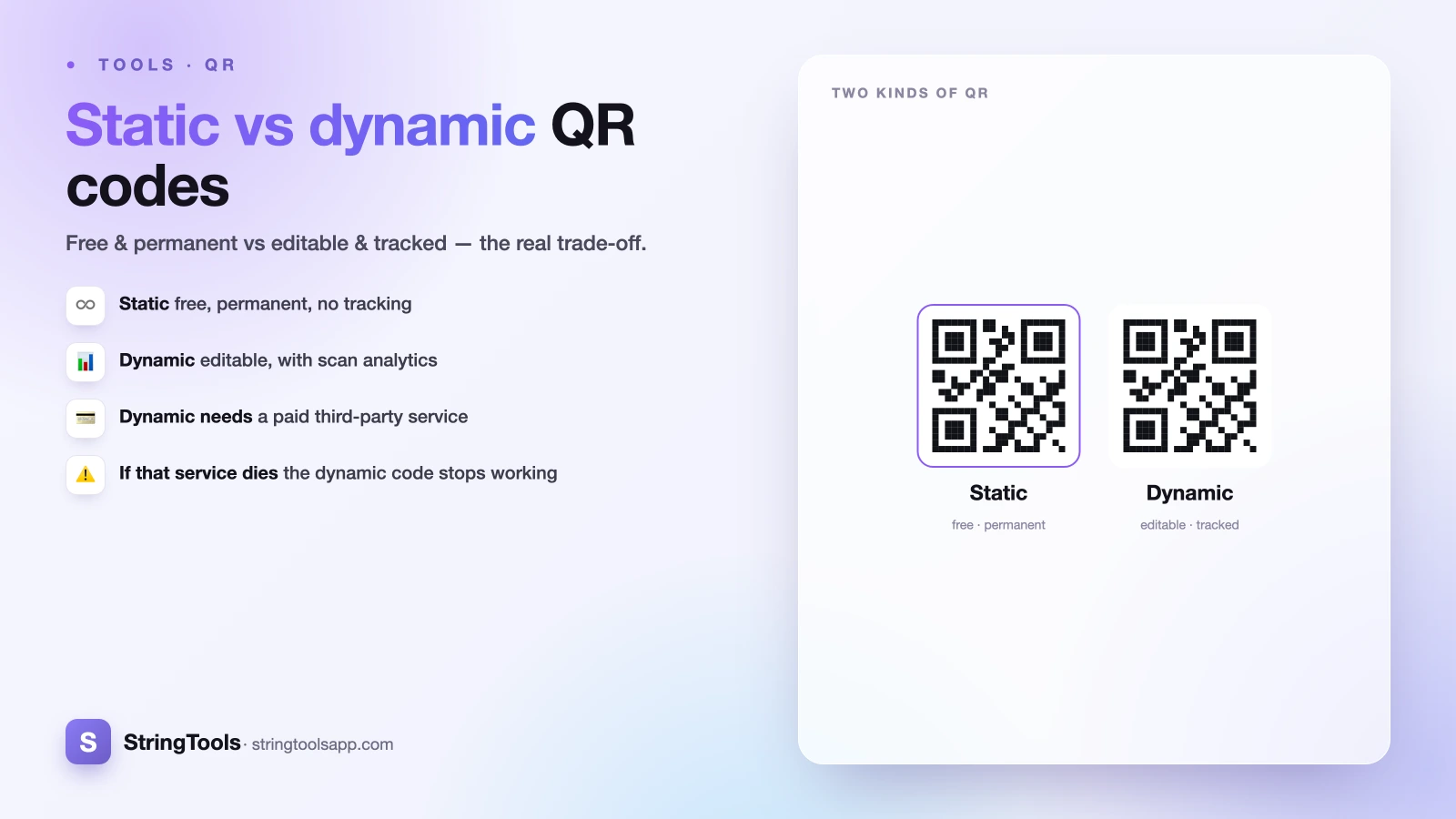
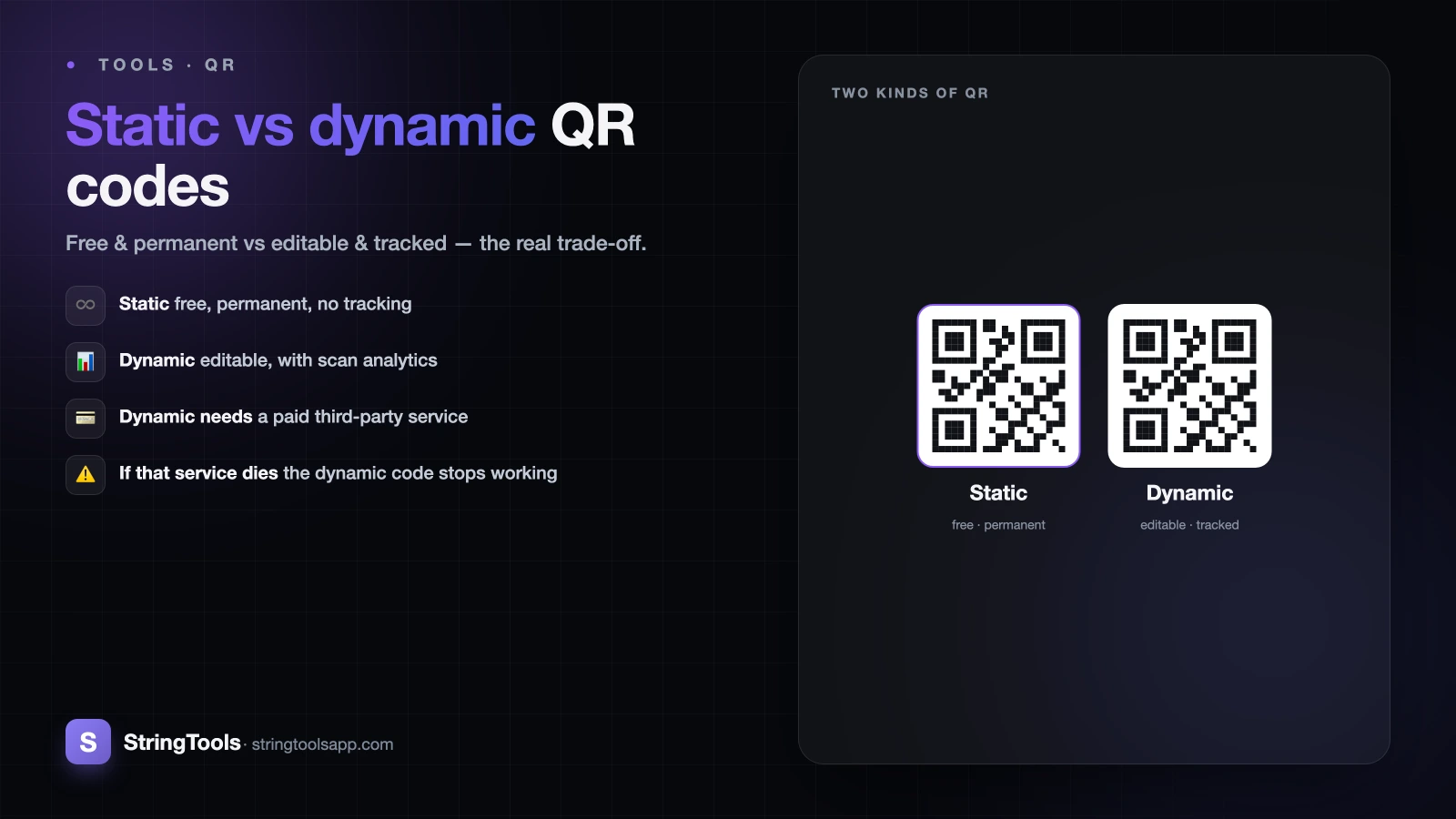
The one decision that trips everyone up
You need a QR code, so you open a generator and immediately hit a wall of options. "Static" or "dynamic"? One is free. The other wants your email, a subscription, and a monthly fee. It feels like a trick — surely the paid one is just better?
It isn't. Static and dynamic QR codes are different tools for different jobs, and picking the wrong one can cost you money you didn't need to spend — or, worse, leave you with a code that quietly stops working two years after you printed it on a thousand flyers.
This guide explains exactly how each type works under the hood, walks through real examples, and gives you a simple rule for choosing. Spoiler: for most personal and small-business uses, the free option is the correct one — not the compromise.
How a static QR code actually works
A static QR code stores your data directly inside the black-and-white pattern. The URL, the text, the WiFi password — the actual information is physically encoded in the squares. When someone scans it, their phone reads the data straight from the image. No server, no lookup, no middleman.
That design has three big consequences. First, it is free and needs no account — there is nothing to host, so there is nothing to charge for. Second, it works forever: because the data lives in the pattern itself, the code keeps functioning as long as the destination it points to still exists, with no company standing between the scan and the result. Third — and this is the trade-off — you cannot edit it after you create it. The data is baked in. If the URL changes, the old code now points somewhere dead, and your only fix is to generate a new code and reprint.
Static codes also cannot track scans. There is no server logging who scanned, when, or where, because the scan never touches a server you control. For a marketer that is a missing feature; for a privacy-conscious user, it is the entire point.
How a dynamic QR code actually works
A dynamic QR code does not encode your real destination. Instead, it encodes a short redirect URL owned by a QR service — something like qr.example.com/a1b2c3. When someone scans it, their phone hits that short link, and the service instantly forwards them to whatever destination you have currently set.
The magic is that the destination is stored on the provider's server, not in the pattern. So you can log into your dashboard and change where the code points without touching the printed code. The same physical QR on your poster can send scanners to a summer promo in June and a winter promo in December.
Because every scan passes through the provider's server, the service can also log analytics: total scan count, timestamps, rough location, and device type (iOS vs Android, phone vs tablet). This is genuinely useful for campaigns. But notice what you have signed up for — a permanent dependency on that third party, usually behind a paid subscription.
The honest catch: dynamic codes can die
Here is the trade-off the marketing pages rarely put in bold: a dynamic QR code only works as long as the redirect service keeps running and you keep paying.
Think through the failure modes. If you stop paying, most providers disable the redirect — every printed code goes dead overnight. If the company gets acquired, pivots, or simply shuts down, your links break and there is nothing you can do, because you never controlled the short domain. Even a temporary outage on their end means your code fails at the exact moment a customer is standing in front of it, phone raised.
A static code has none of these dependencies. As long as the page it points to is online, the code works — in five years, ten years, with no invoice and no vendor to trust. That durability is why static codes are the right call for anything you print once and expect to last: a business card, a product label, a plaque, a restaurant menu that won't change its link.
Dynamic codes are powerful, but you are renting that power. Go in clear-eyed.
A worked example: which would you pick?
Let's run three realistic scenarios.
Scenario 1 — Home WiFi for guests. You want a code on the fridge so visitors can join your network without you reciting the password. The data (network name and password) never changes. There is nothing to track and no reason to route your guests through a stranger's server. Static wins, easily — and it's free forever. (See our step-by-step guide on how to make a WiFi QR code.)
Scenario 2 — A vCard on your business card. Your name, phone, and email encoded so a new contact can save you in one tap. This is permanent, personal data you print in bulk. You do not want it to expire because a vendor folded. Static wins.
Scenario 3 — A poster for a 6-week product launch. You are printing 500 posters and you genuinely don't know the final landing page URL yet, plus your boss wants scan numbers by region to judge which locations performed. Editing and analytics are the whole job here. Dynamic wins — and the subscription is a reasonable cost of doing business for a real campaign.
Notice the pattern: the question isn't "which is better," it's "does this specific job need editing or tracking?"
A simple rule for choosing
Strip away the sales pitch and it comes down to one question: will the destination or the need for analytics ever change?
Choose static when the data is permanent and you value independence:
- WiFi credentials, a vCard, or fixed contact details
- A URL that won't change (your homepage, a permanent landing page)
- Anything printed once that you won't reissue — labels, cards, signage, packaging
- Cases where you want zero third-party tracking of who scans
Choose dynamic when the job is a managed campaign:
- Marketing pushes where the destination may change after printing
- Anything where scan counts, timing, or location data drive decisions
- A/B testing different landing pages behind one printed code
If you're weighing it and genuinely can't decide, default to static. You lose nothing but analytics you probably weren't going to act on, and you gain a code that never sends you an invoice or breaks when a startup runs out of runway. You can always print a fresh static code later if a URL truly changes — it costs nothing but the reprint.
Make a free static QR code in seconds
For the vast majority of personal and everyday small-business needs — WiFi, contact cards, a link to your site, a menu — a static QR code is not a downgrade. It is the more durable, more private, and more honest choice, and it costs nothing.
Our QR code generator creates free static QR codes entirely in your browser. Because the encoding happens client-side, your data — the URL, the WiFi password, the text — never leaves your device and is never uploaded to a server. You get a clean, permanent code you can download and print immediately, with no account, no email, and no subscription.
That covers what most people actually came here to do. If your project is a full marketing campaign that truly needs live editing and scan analytics, a paid dynamic provider is the right tool — just go in understanding the ongoing cost and the dependency. For everything else, head to the QR code generator, type in your data, and download a code that will still work long after you've forgotten you made it.
Frequently Asked Questions
Can I convert a static QR code into a dynamic one later?
No. The two types are structurally different — a static code has the data baked into its pattern, while a dynamic code encodes a redirect link. You can't upgrade one to the other. If you later need editing or analytics, you generate a brand-new dynamic code from a provider and reprint it. This is a good reason to think about your needs before printing in bulk.
Do static QR codes expire?
No. A static QR code has no expiry date because there is no server or subscription behind it — the data lives in the pattern itself. It keeps working as long as its destination exists. A static code pointing to a live web page works indefinitely, and one encoding WiFi or contact details works forever, since that data never depends on any third party.
Why would a dynamic QR code stop working?
Because it relies entirely on the provider's redirect server. If you stop paying your subscription, most services disable the code. If the company shuts down, gets acquired, or has an outage, the redirect breaks and every printed copy fails at once. You never control the short domain, so you can't fix it. This vendor dependency is the main risk to weigh against a dynamic code's convenience.
Can static QR codes track how many people scanned them?
No. Static codes send scanners straight to the destination without passing through a server you control, so there's nothing to log — no scan count, time, location, or device data. If tracking matters, you need a dynamic code or a URL with your own analytics parameters. For privacy-focused uses, this lack of tracking is a benefit, not a limitation.
Is a free static QR code lower quality than a paid one?
No. The scannability of a QR code depends on its size, contrast, and error correction, not on whether it's static or free. A free static code from a good generator scans exactly as reliably as a paid dynamic one. You pay for dynamic providers to get editing and analytics features, not better image quality or faster scanning.